30 Chapter 3 Setting Up CS 7200
Create Customized Look
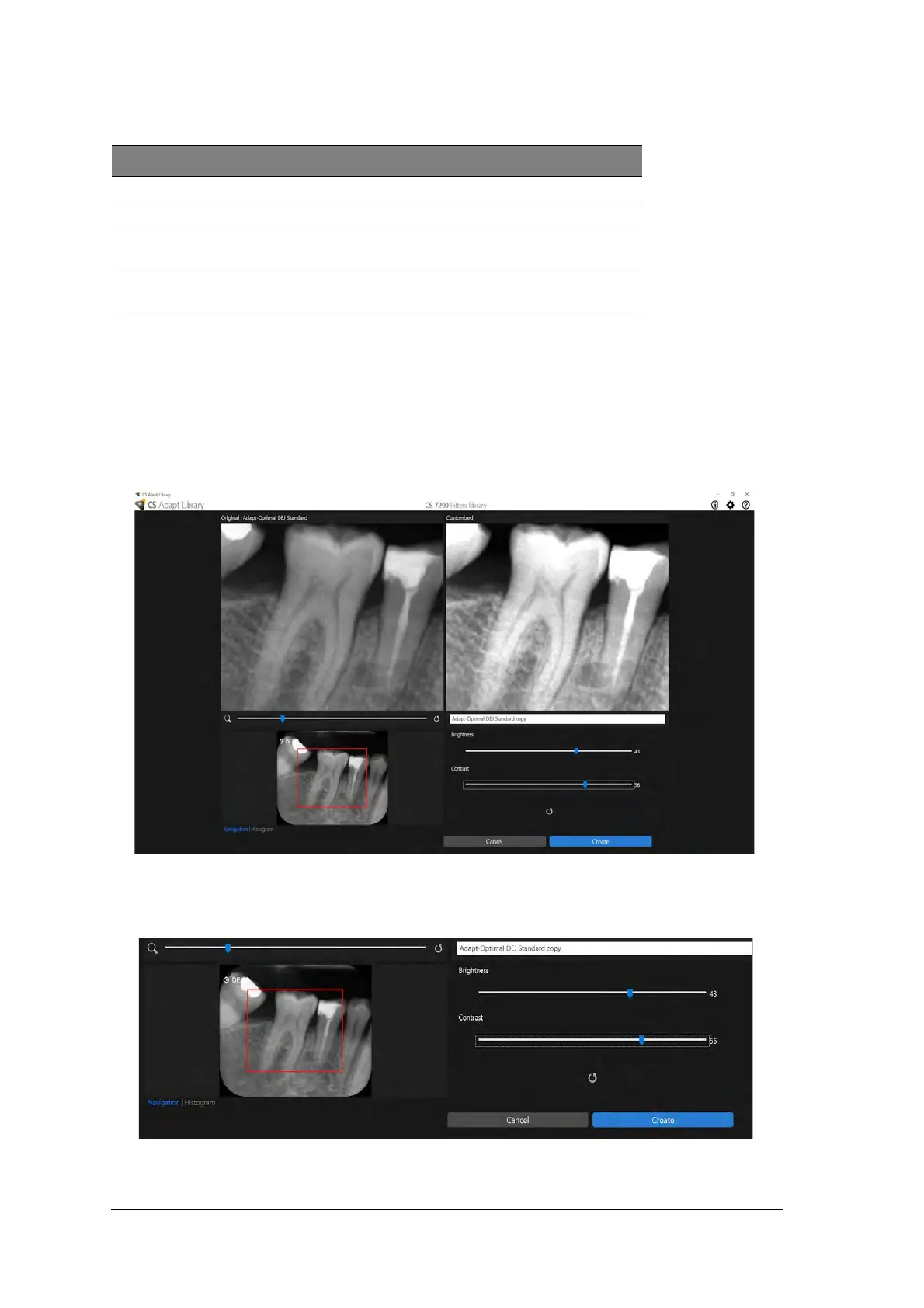
To create and add a customized look to the favorites gallery, perform the following steps:
1. Select the frame to be customized.
2. Hover with the mouse pointer over the selected frame.
3. Click Create.
4. Adjust brightness and contrast of the new look by using Brightness and Contrast sliders.
Use the zoom slider to zoom in or out certain areas of the image.
Action Description
Favorite Click to add the selected look to the favorites list.
Create Click to create a new look based on the selected look.
Modify Click to modify the selected look. The option is vailable
only for the looks created by user.
Delete Click to delete the selected look from the gallery. The
option is available only for the looks created by user.



 To Next Page