54 Chapter 5 Acquiring Images
Retaking Images
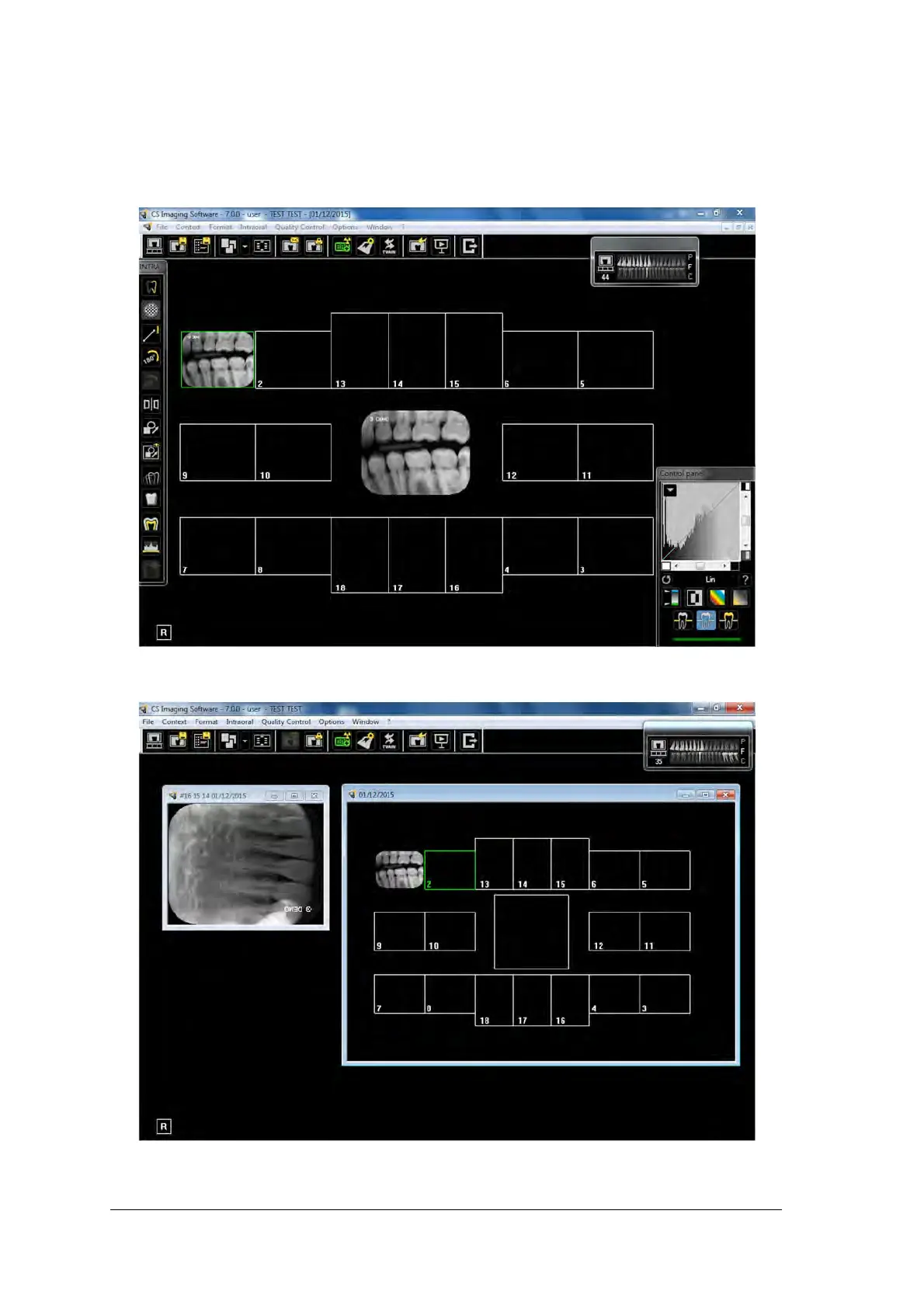
If you need to retake images, after the FMS template acquisition is complete, follow these steps:
1. Click the frame for which you want to retake images. The selected frame is highlighted in green.
2. Using the mouse cursor, drag the selected image outside the template window.



 To Next Page