24 Chapter 3 Setting Up CS 7200
License Activation
After completing the installation, a license activation for the purchased scanner should be performed.
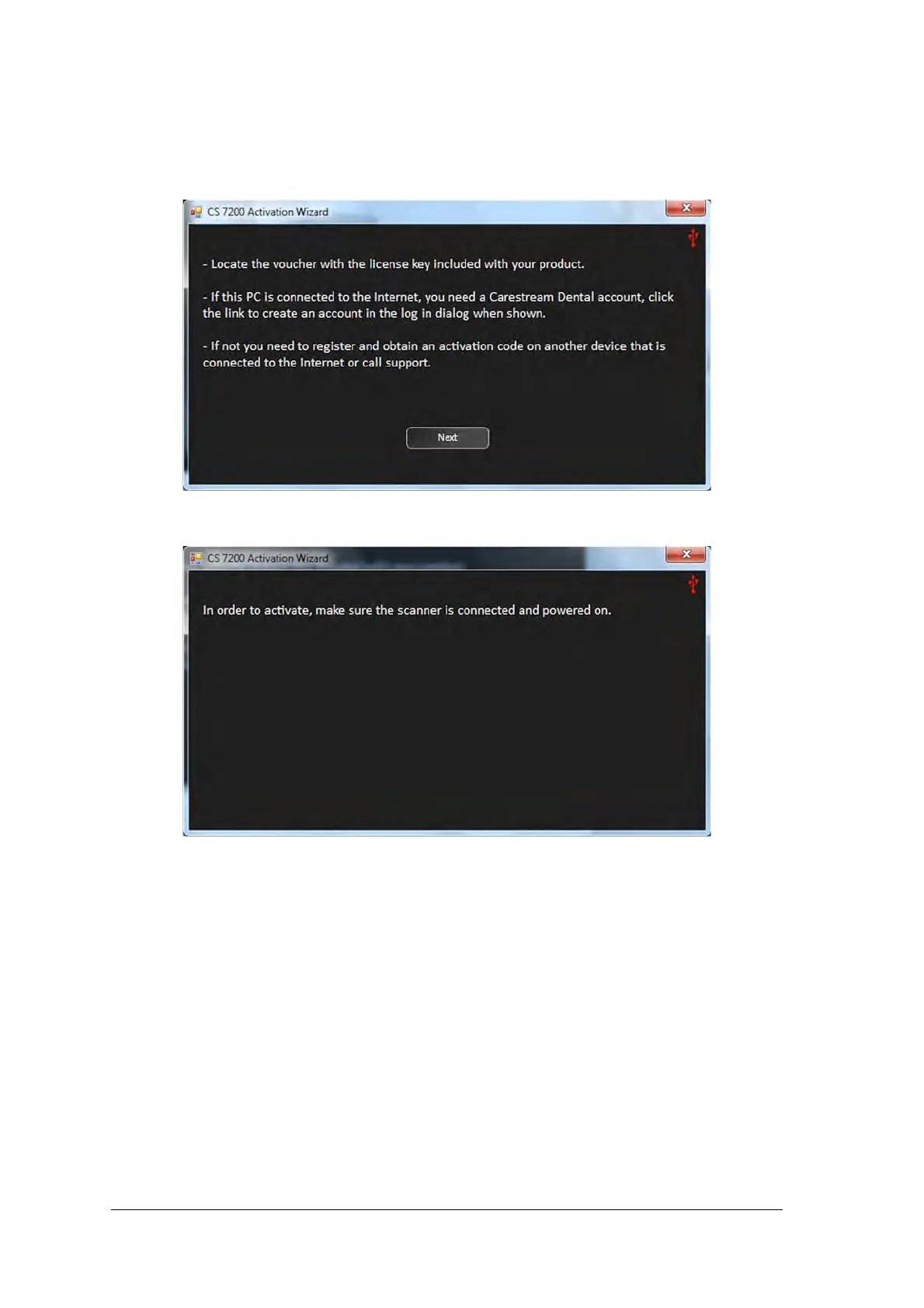
1. After the installation is complete, the license activation message appears:. Click Next to continue.
2. If the scanner is not connected and powered on, the following message appears:
3. Connect the scanner and turn it on.



 To Next Page