CS 7200 User & Installation Guide (6M0940)_Ed04 29
Adapt Filtering Options
The adapt filtering options enable user to choose the preferable look of the scanned image
Access Adapt Library
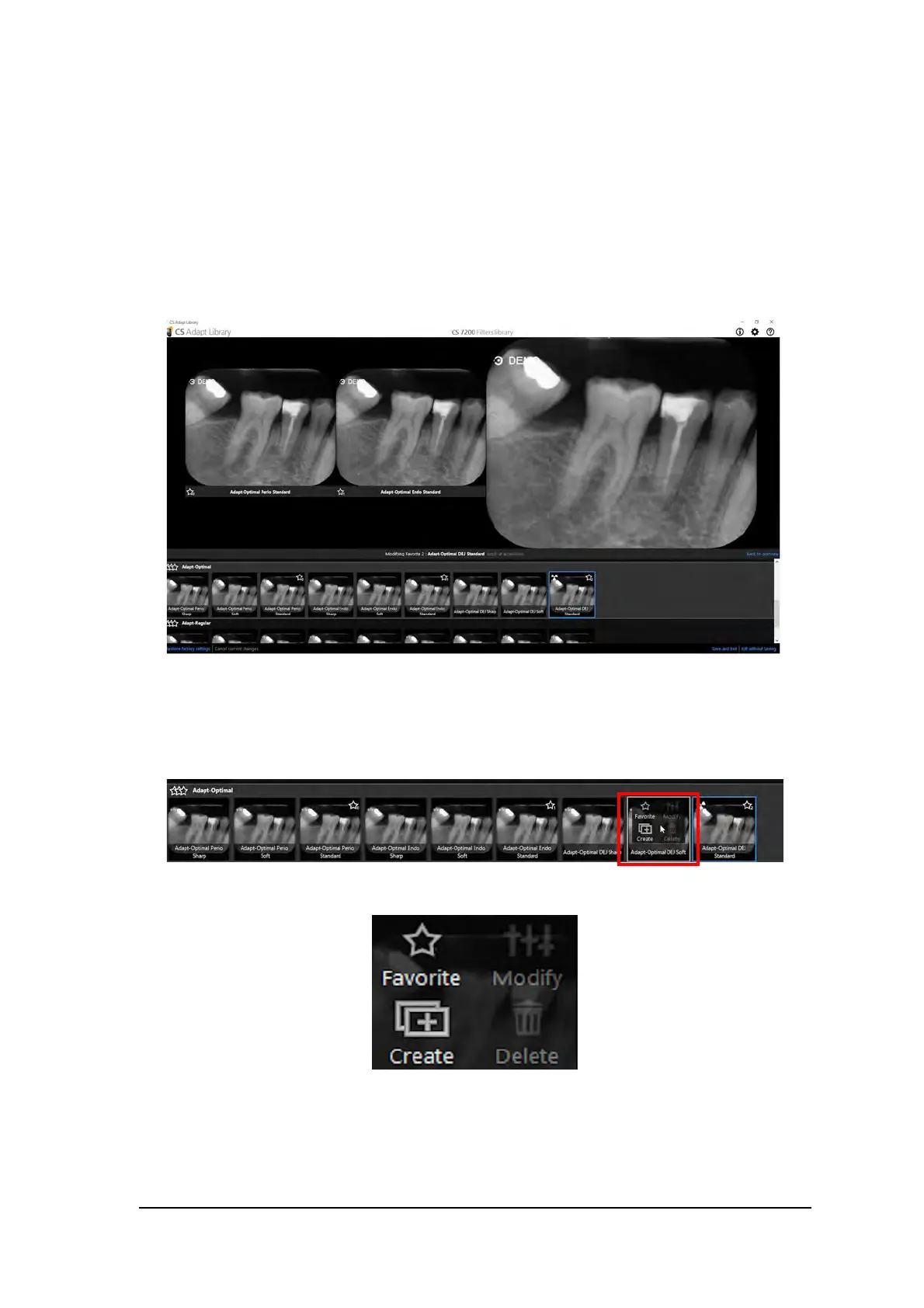
1. Click Modify favorite to change the preferable look that will be applied after the scan.
2. The gallery of the available looks is displayed at the bottom of the screen.
3. Click Apply at acquisition to apply this view during the image acquisition process.
4. Hover the mouse pointer over the selected frame in the gallery. The following options are available:



 To Next Page