CS 7200 User & Installation Guide (6M0940)_Ed04 31
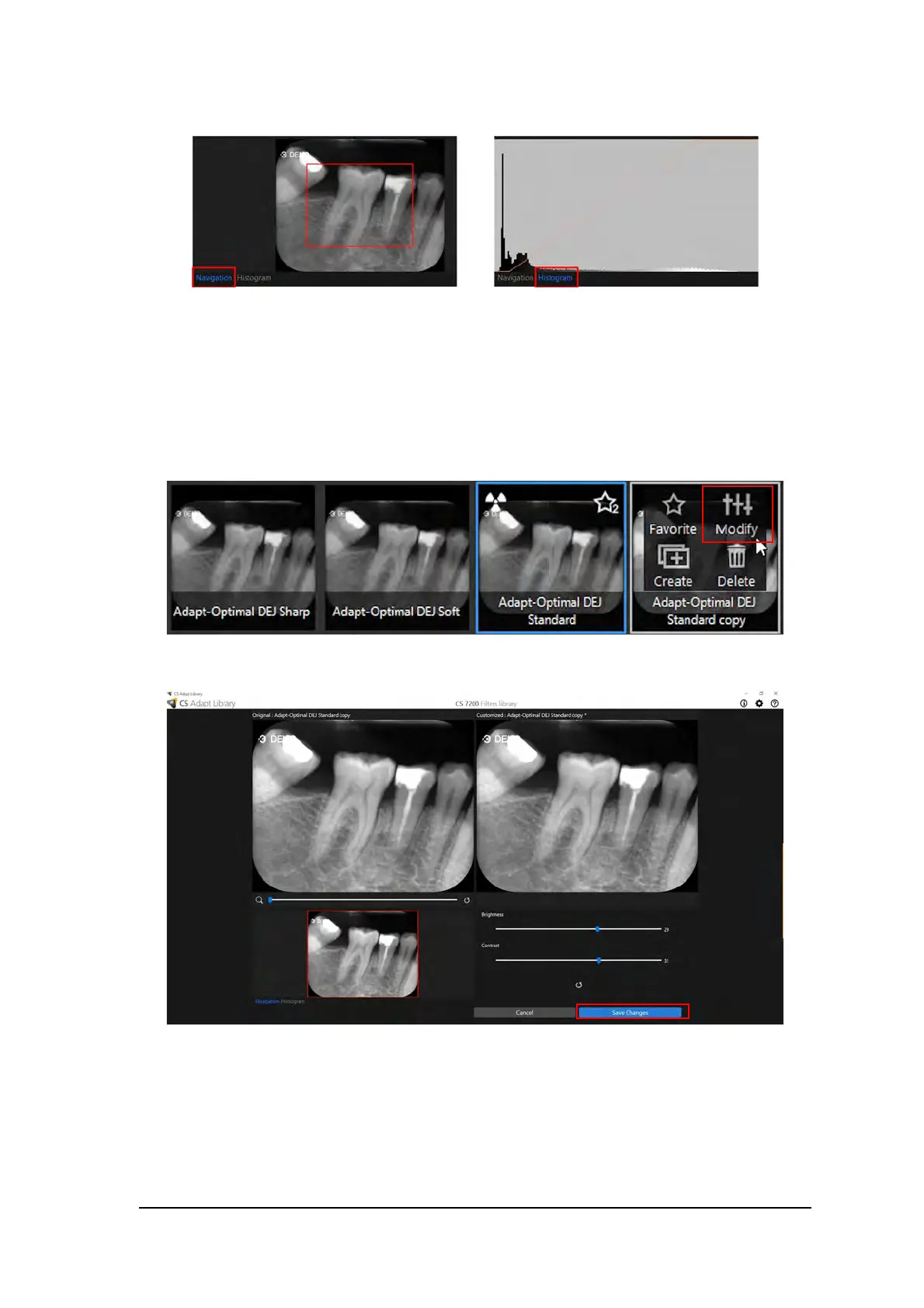
Choose either Navigation or Histogram view when adjusting the new look.
5. Click Create to create a new modified look and add it to the frames gallery.
Modify the Exisiting Customized Look
1. Select the frame to be customized.
2. Hover with the mouse pointer over the selelcted frame.
3. Click Modify.
4. Perform the required changes and click Save Changes.



 To Next Page