58 Chapter 5 Acquiring Images
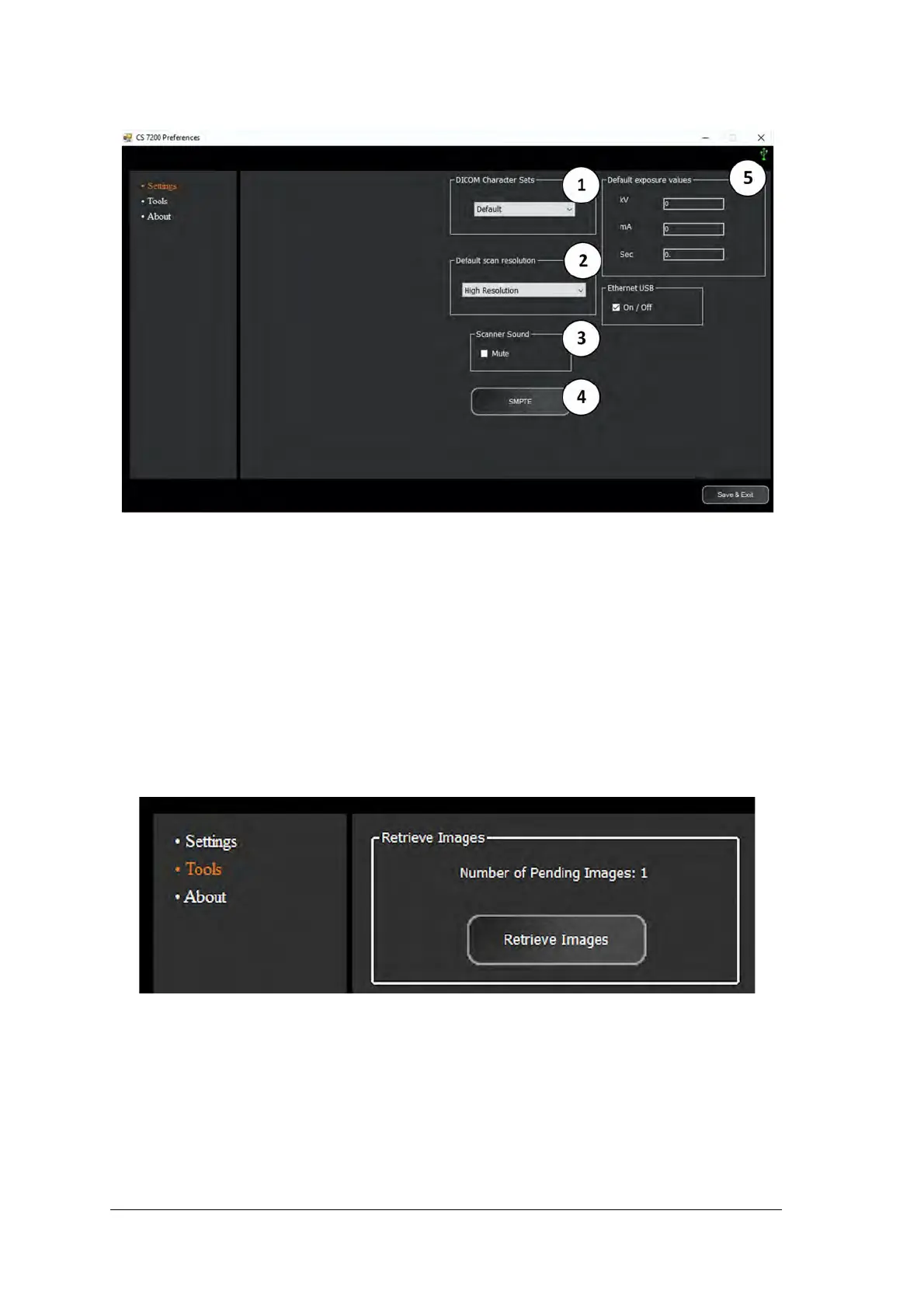
Tools Tab
The tools tab enables the user to retrieve a scanned image in case the Dental Imaging Software crashed
unexpectedly during the scan. To retrieve the images, perform the following steps:
1 Start the Dental Imaging Software.
2 Open the file of the patient whose images you want to retrieve.
3 On the Dental Imaging Software main tool bar, click the CS 7200 Configuration icon.
The CS 7200 window appears.
4 Click Preferences to open the CS 7200 Preferences window and select the Tools tab.
The Retrieve Images button is enabled and the number of pending images is diplayed.
5 Click Retrieve Images.



 To Next Page