18 Chapter 3 Setting Up CS 7200
CS 7200 Drivers Installation
1 Insert the Scanner Driver Software DVD-ROM into the DVD-ROM drive.
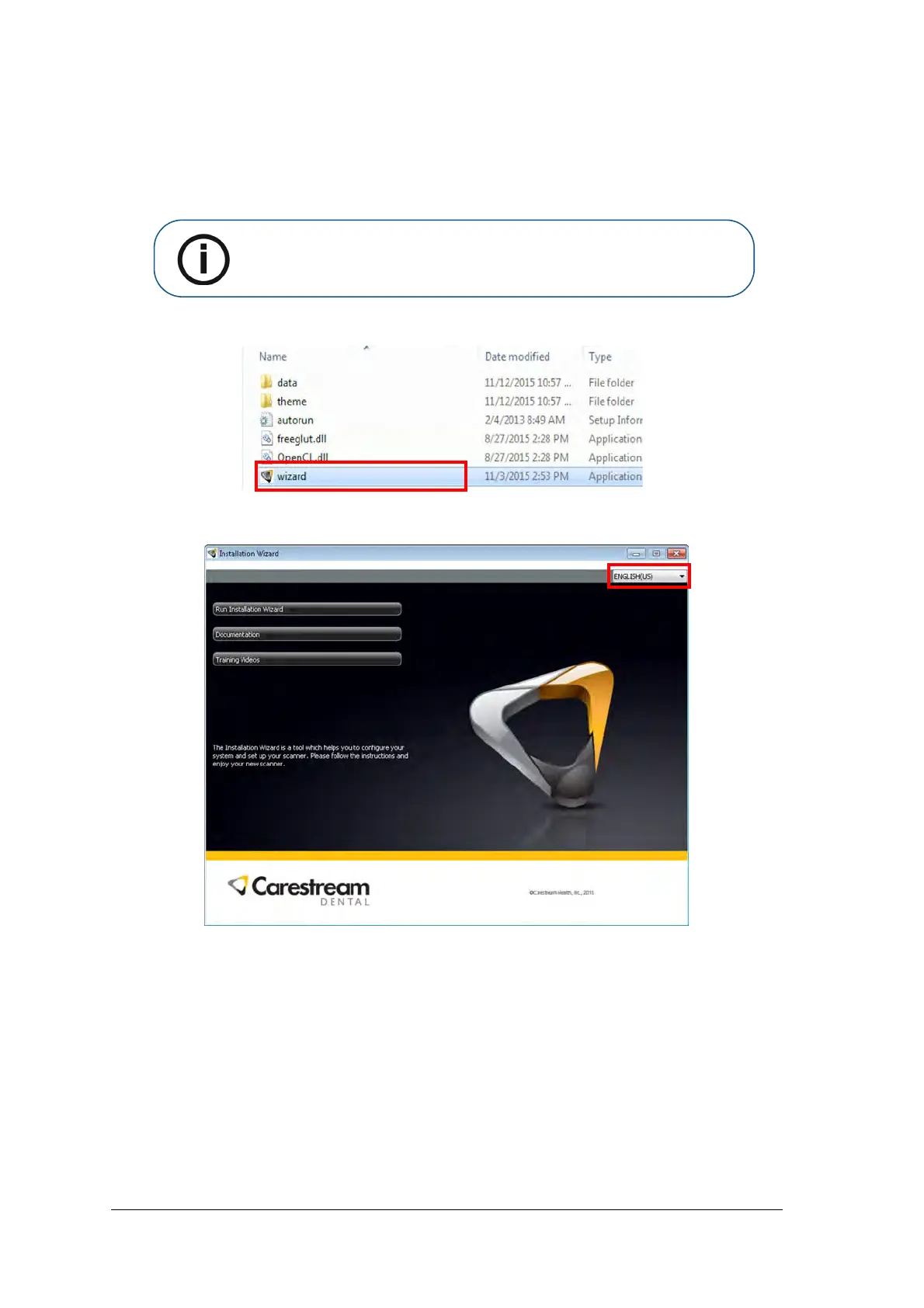
2 Wait for the installation program to start.
3. Select language from the list on the upper right side of the Installation Wizard window.
Note: If the installation wizard is not loaded, run the wizard file located on the
installation DVD-ROM.



 To Next Page