CS 7200 User and Installation Guide (6M0940)_Ed04 61
Changing Scan Resolution
To chnage scan resolution, perform the following steps:
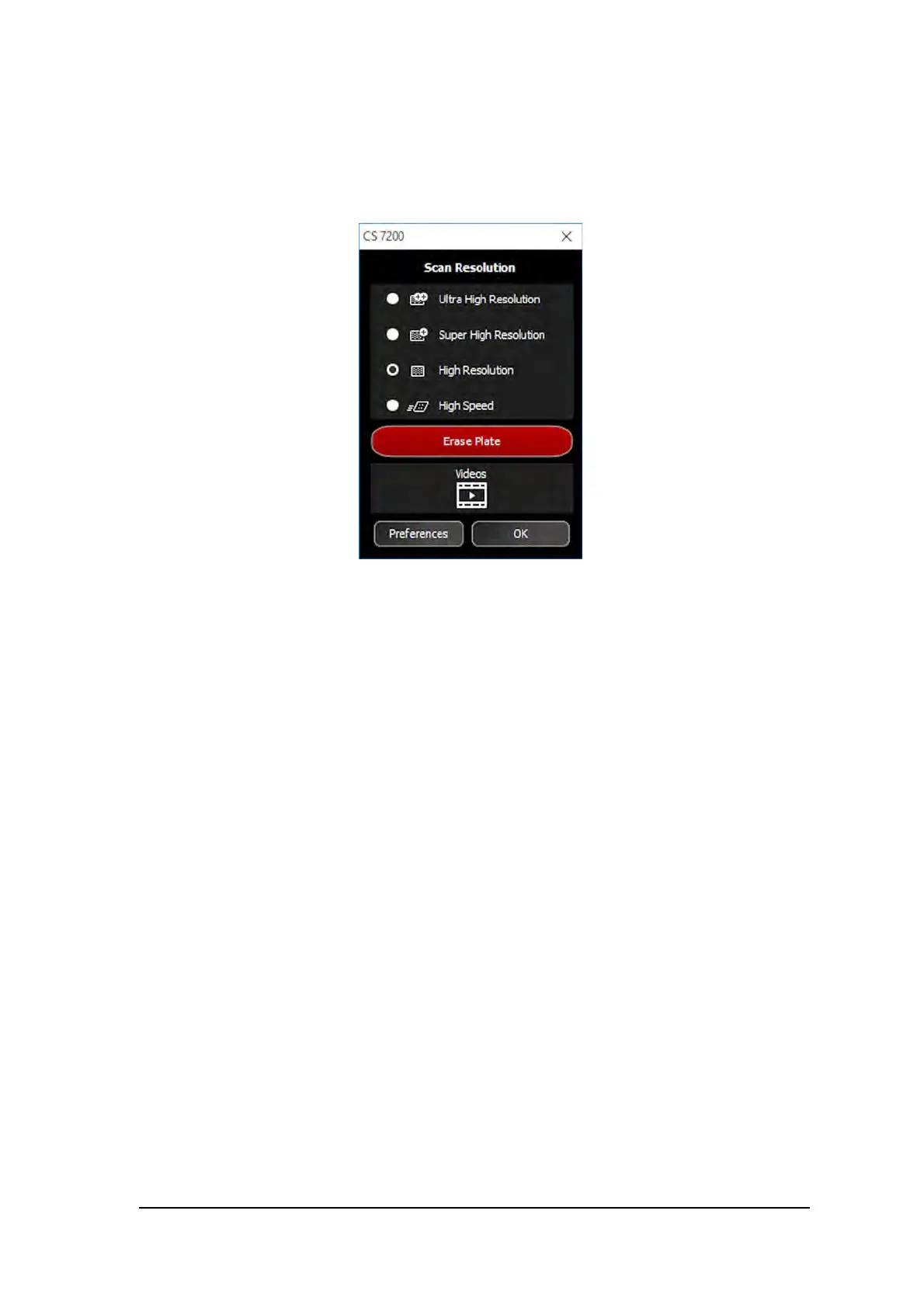
1 On the Dental Imaging Software main tool bar, click the CS 7200 Configuration icon.
The CS 7200 window appears:
2 Select the desired scan resolution and click OK to save the selection.



 To Next Page