CS 7200 User and Installation Guide (6M0940)_Ed04 53
Acquiring FMS Images
To acquire FMS images, follow these steps:
1. For each imaging plate you prepared, perform the X-ray. See “Performing the X-rays” on page 44.
2 Scan all X-rayed imaging plates in the required order displayed on the Dental Imaging screen. See
“Scanning Imaging Plate” on page 47.
The next frame to be scanned is always highlighted in green on the displayed FMS format.
3 Check the image quality.
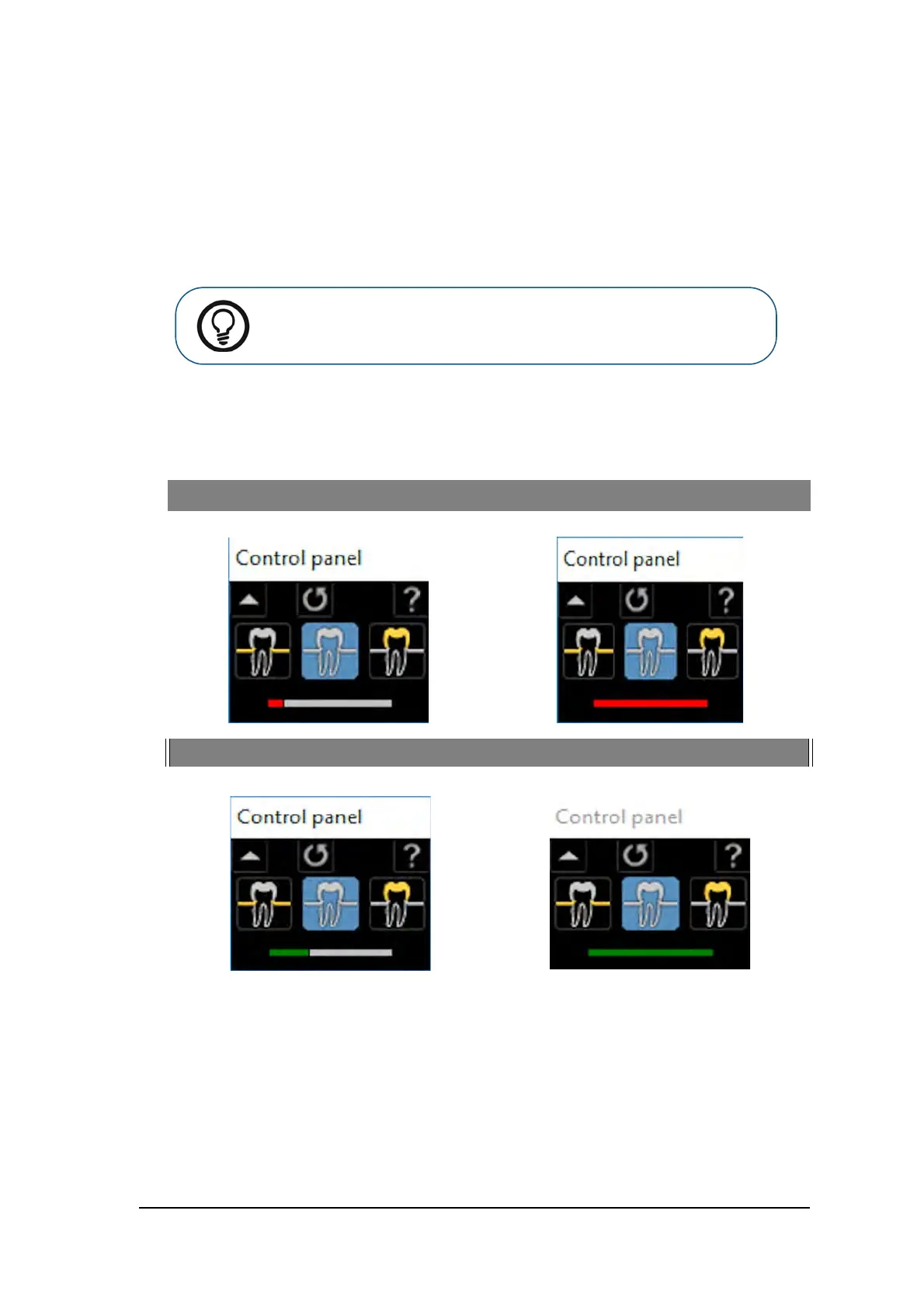
The ideal image quality is when the indicator of the quality of exposure is a full green bar in the Control
Panel. Avoid under-exposed or over-exposed images indicated by a partial or full red bar.
Under-exposed Image Overexposed Image
Ideal Image Quality Ideal Image Quality
Tip: For FMS, it is recommened to use the transportation box that helps to
sort the plates in the correct order.



 To Next Page