CS 7200 User & Installation Guide (6M0940)_Ed04 9
3 Setting Up CS 7200
Environmental Requirements
Check the following ambient operating condition requirements of the room, before installing the unit:
Temperature: 15–35 °C
Relative humidity: 30–85 % Non-condensing
Atmospheric pressure: 700–1060 hPa
For optimal results it is recommended that the light level in the room is approximately 500 lux (normal light
conditions) to minimize the imaging plates exposure to light.
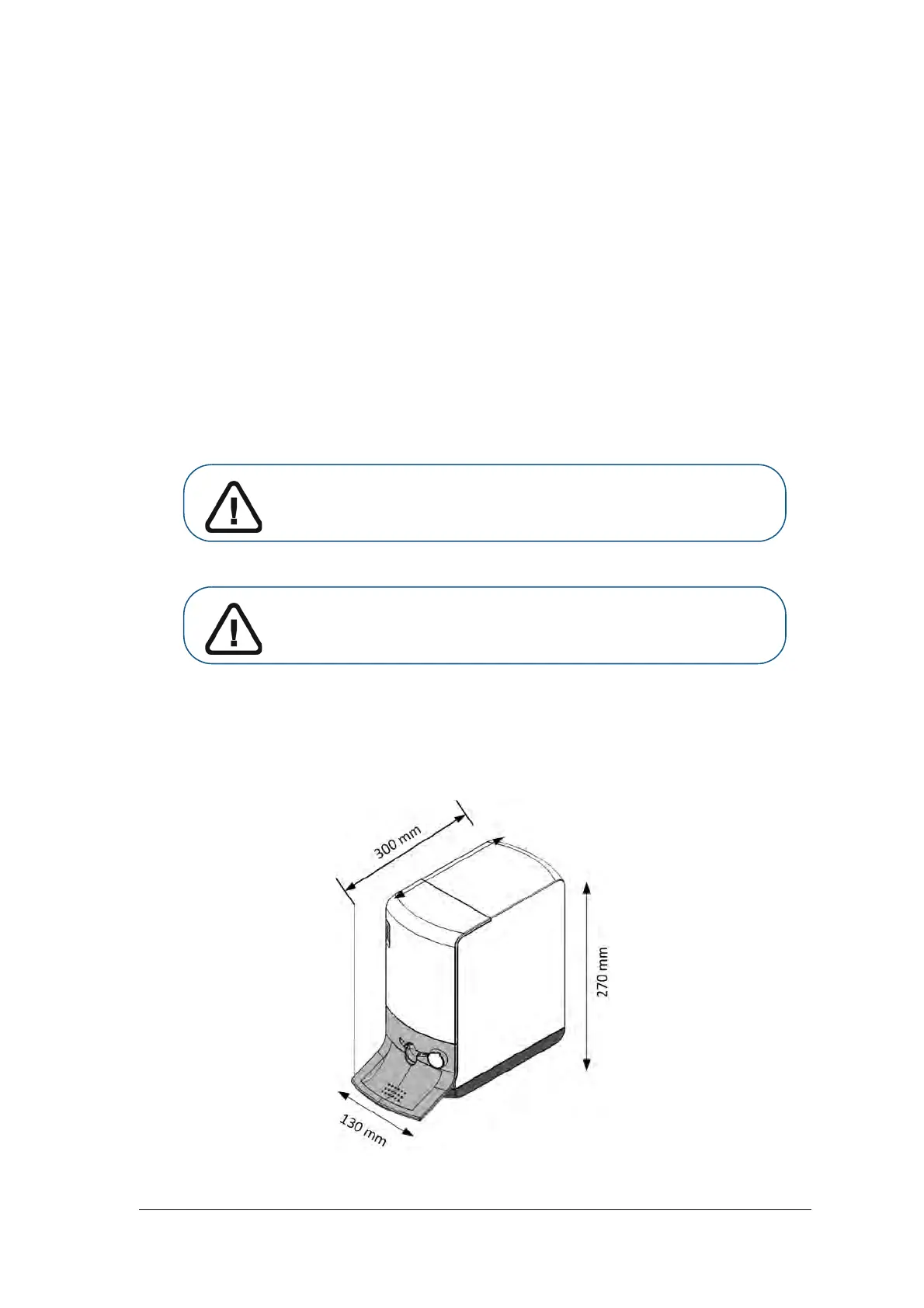
Unit dimensions and Space Requirements
The scanner should be placed on a flat stable surface.
Important: The scanner should be positioned so that there is always easy access
to the mains power supply socket.
Important: It is recommended not to install the scanner close to the opened
window to prevent the exposure to the direct sunlight.



 To Next Page