CS 7200 User and Installation Guide (6M0940)_Ed04 57
Changing Scanner User Preferences
To change the Scanner User Preferences, perform the following steps:
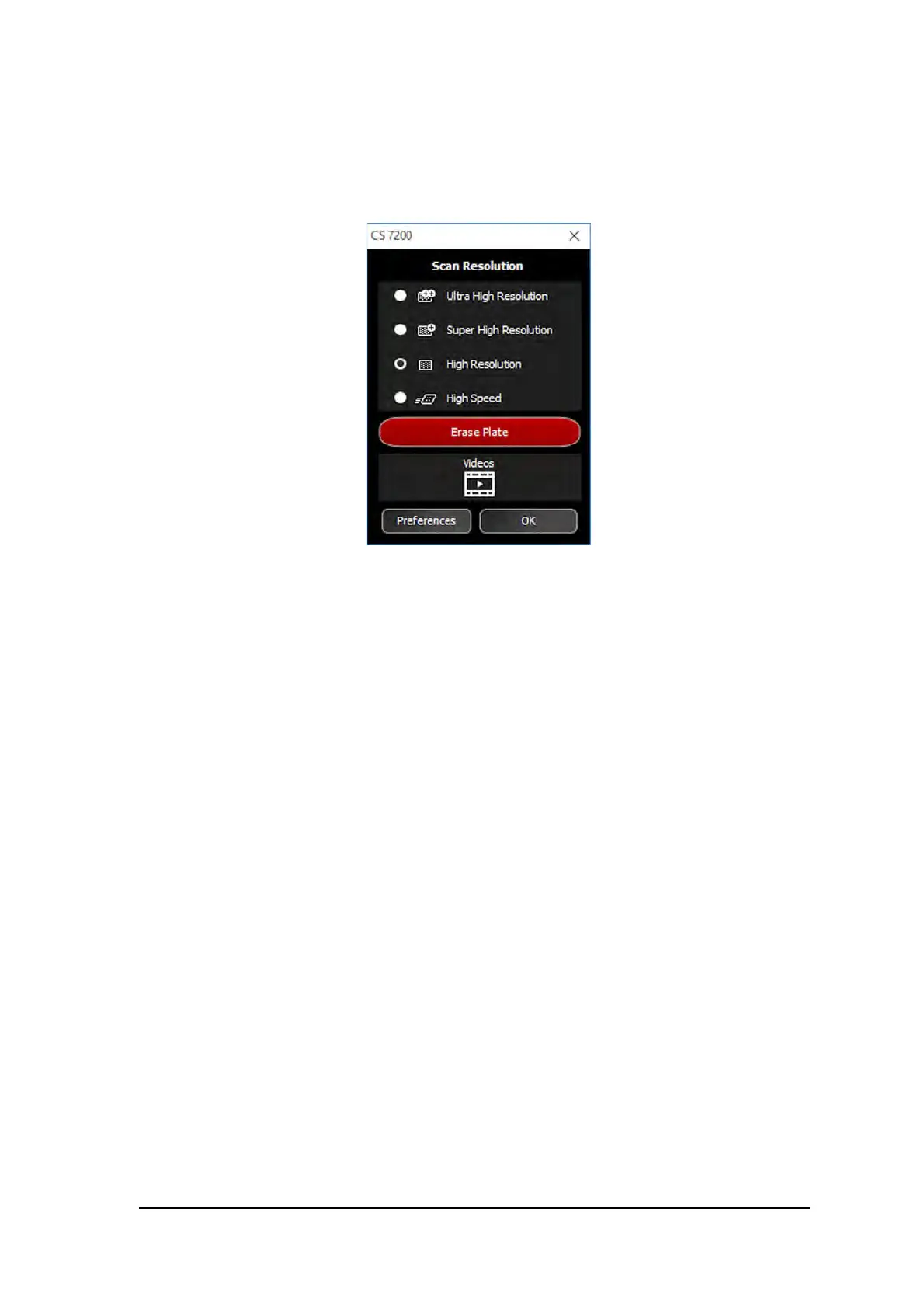
1 On the Dental Imaging Software main tool bar, click the CS 7200 Configuration icon.
The CS 7200 window appears:
2 Click Preferences to open the CS 7200 Preferences window.
The CS 7200 Prefernces window contains three tabs:
Settings
Tools
About
Settings Tab
The Settings tab enables user to change the scanner preferences:
1 DICOM Character Sets: select from th list of the available options.
2 Default scan resolution: select one of the available scan resolutions from the list
Ultra High Resolution
Super high resolution
High resolution
High speed
3 Scanner sound: select the check box to mute the scanner sound.
4 SMPTE: click to adjust monitor brightness and contrast.
5 Default exposure values: change the default exposure values if required.



 To Next Page