CS 7200 User & Installation Guide (6M0940)_Ed04 11
Setting Up CS 7200
Connecting Cables
This chapter describes how to connect the Power Supply and USB cables to CS 7200:
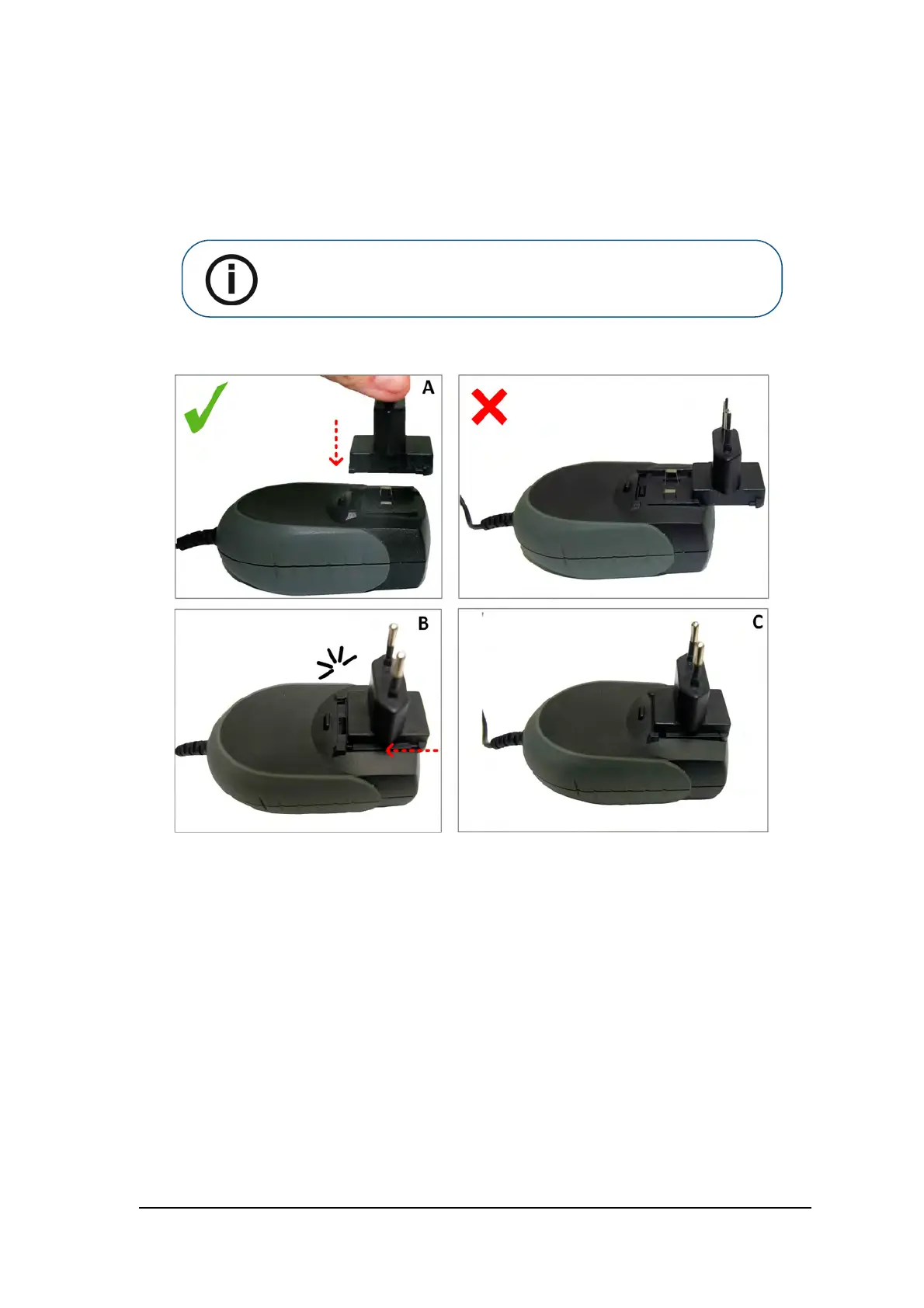
1. Install the power supply adaptor on power supply as shown below:
2. Remove the cable compartment cover.
Note: CS 7200 must be powered by the dedicates AC/DC adapter model
TR30RAM240, manufactured by Cincon Electronics Co., Ltd.



 To Next Page