12 Chapter 3 Setting Up CS 7200
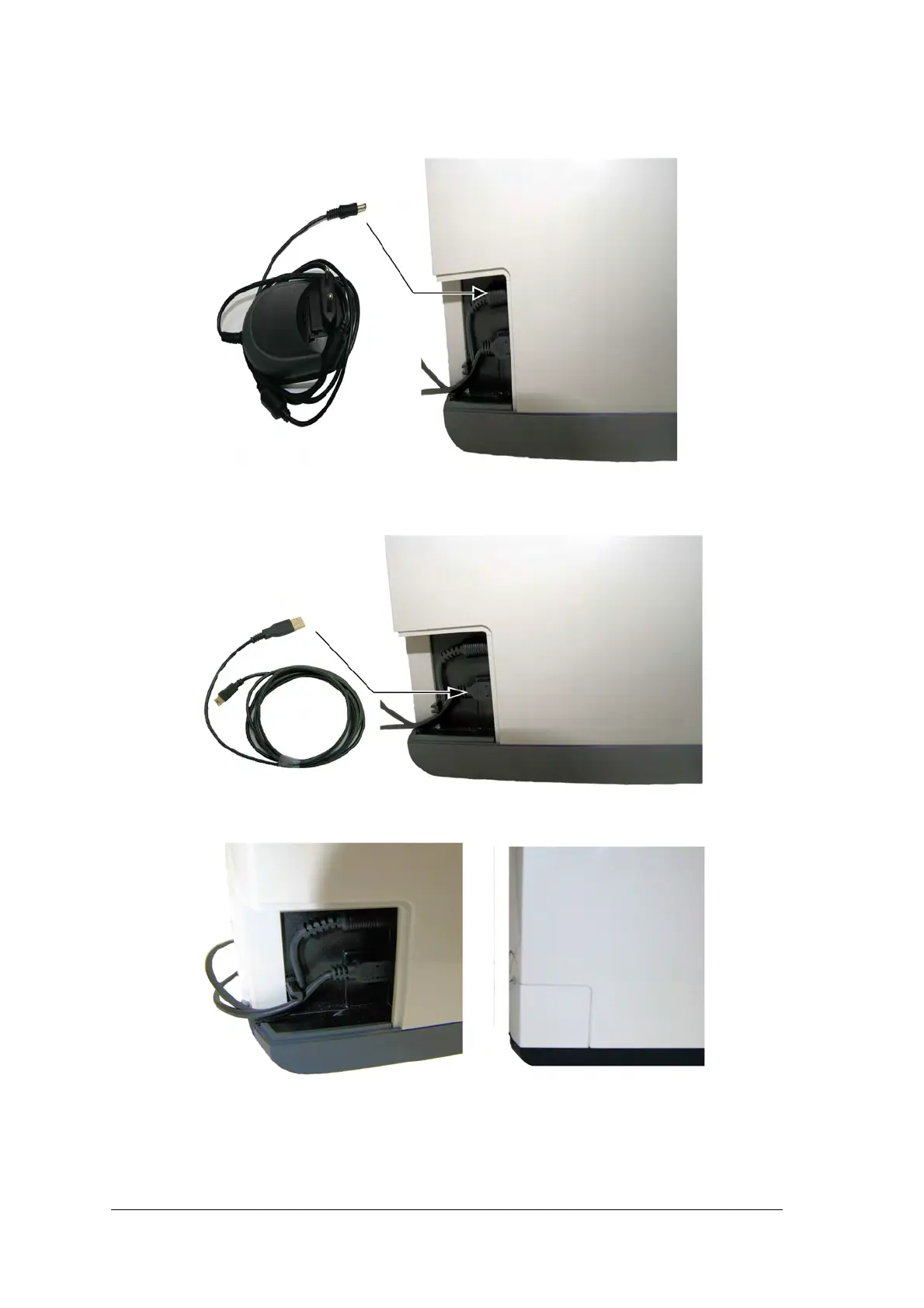
3. Connect the Power supply cable to the power supply inlet in the cable compartment and route the cable
as shown on the below image to secure the cable in its place:
4. Connect the USB cable to the dedicated connector in the cable compartment, and route the cable as
shown on the below image to secure the cable in its place:
5. Close the cable compartment cover.
6. Connect the free end of the USB cable to the main USB port in the back of the computer.
7. Connect the Power Supply cable plug to the Mains wall socket.



 To Next Page