CS 7200 User & Installation Guide (6M0940)_Ed04 13
CS Imaging Software Installation
This chapter describes the installation procedure of the Carestream Imaging Software (CSI).
To install the CSI software, follow these steps:
1 Insert the Carestream Imaging software DVD-ROM in the DVD-ROM drive of the PC.
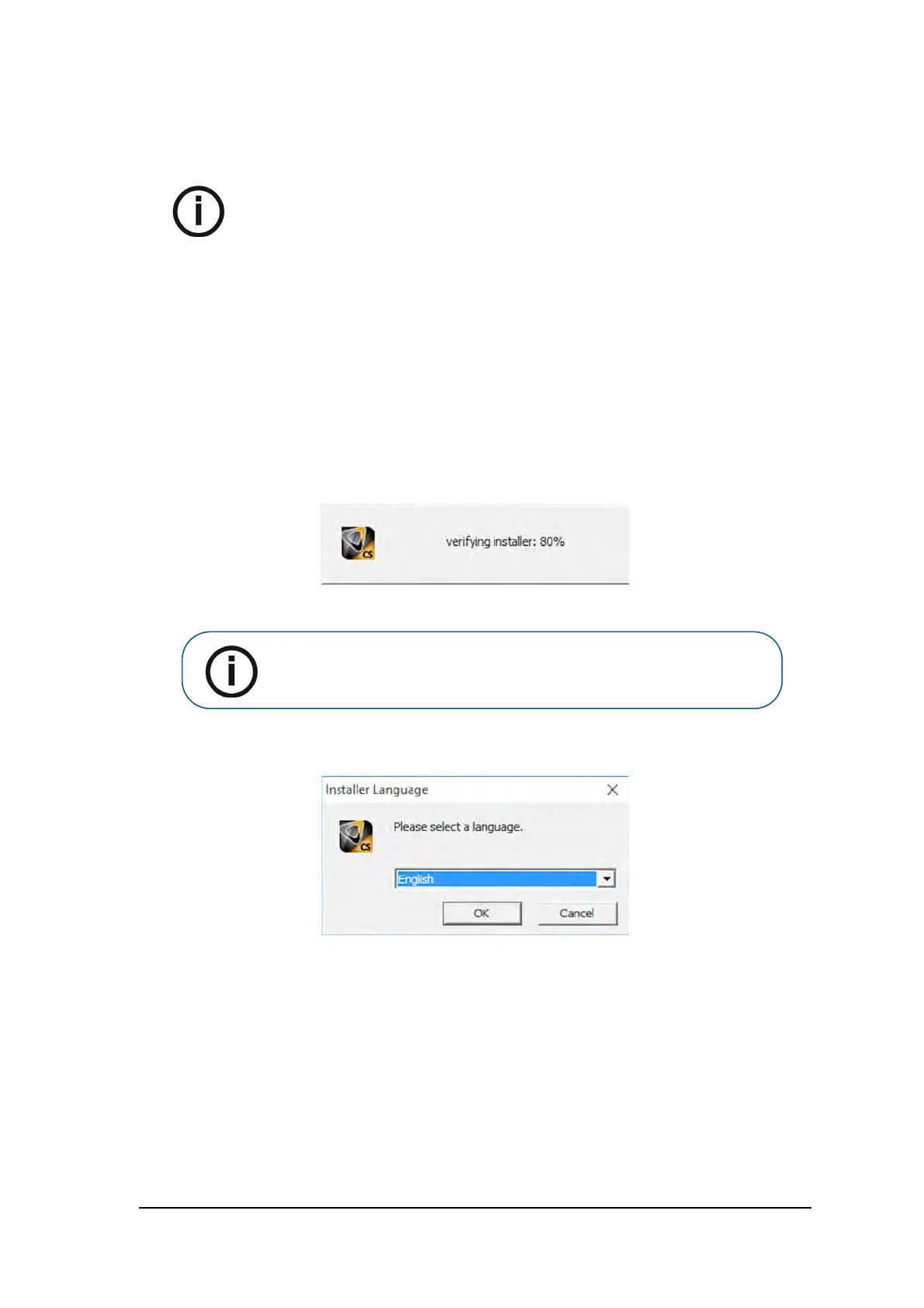
The installation wizard is automatically loaded.
2 The Installer Language dialog box is displayed. Select the required language and click OK to
continue.
NOTE:
Before installing CS Imaging Software check that:
The computer meets the minimum computer system
requirements. See CS 7200 Safety, Regulatory &
Technical Specifications Guide.
You have the two software DVD-ROMs: one for CS
Imaging Software and the other one for Scanner Driver
Software.
The sleep mode in the computer is disabled.
Note: If the installation wizard is not loaded, run the CSISuiteSetup 1.17 file
located on the installation DVD-ROM.



 To Next Page