CS 7200 User & Installation Guide (6M0940)_Ed04 15
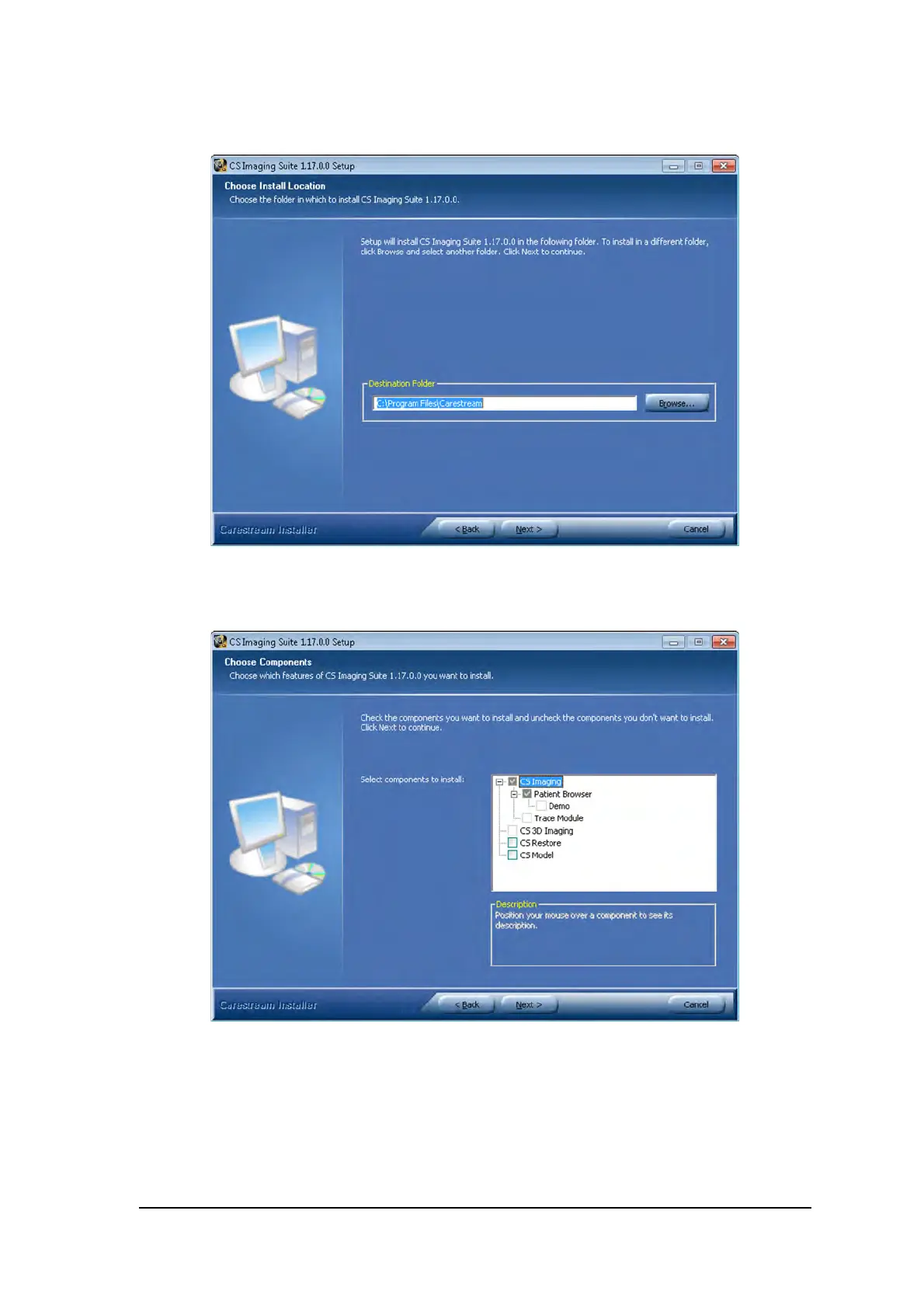
5 Click Browse to choose the location for the installation folder or leave the default location and click
Next.
6. Select the components to install and then click Install.
Patient file: is selected by default. You can deselect it, if you do not want the patient database.
7 The Practice Management Software Configuration screen is displayed. Click No.



 To Next Page