26 Chapter 3 Setting Up CS 7200
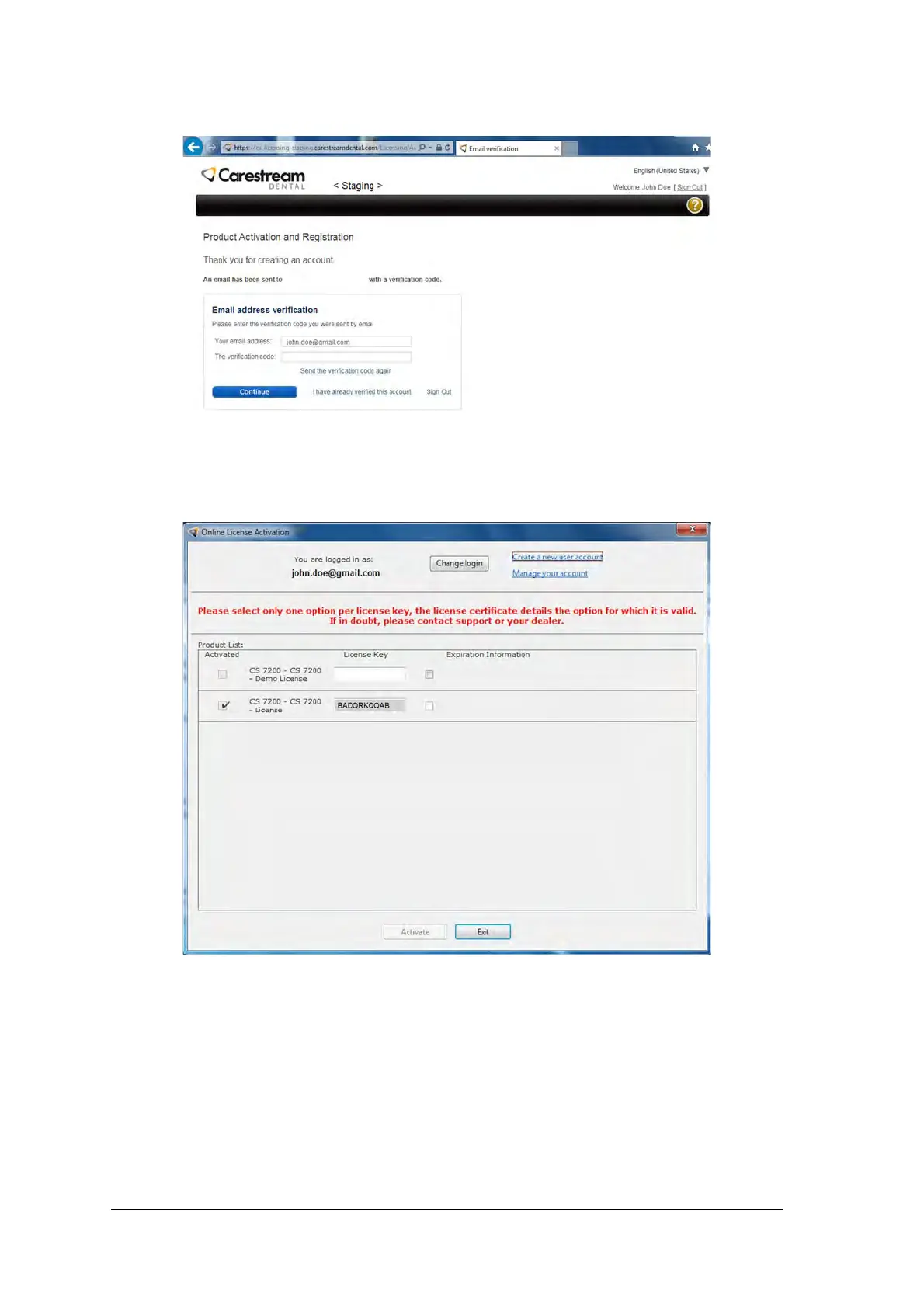
8. In the Email address verification section, enter the received verification code and click Continue.
9. In the Online License Activation window, enter the license key received with the scanner, select the
license check box and click Activate.
10. After the license activation process is complete, click Exit.
You are returned to the CS 7200 Installation Wizard.



 To Next Page