CS 7200 User and Installation Guide (6M0940)_Ed04 51
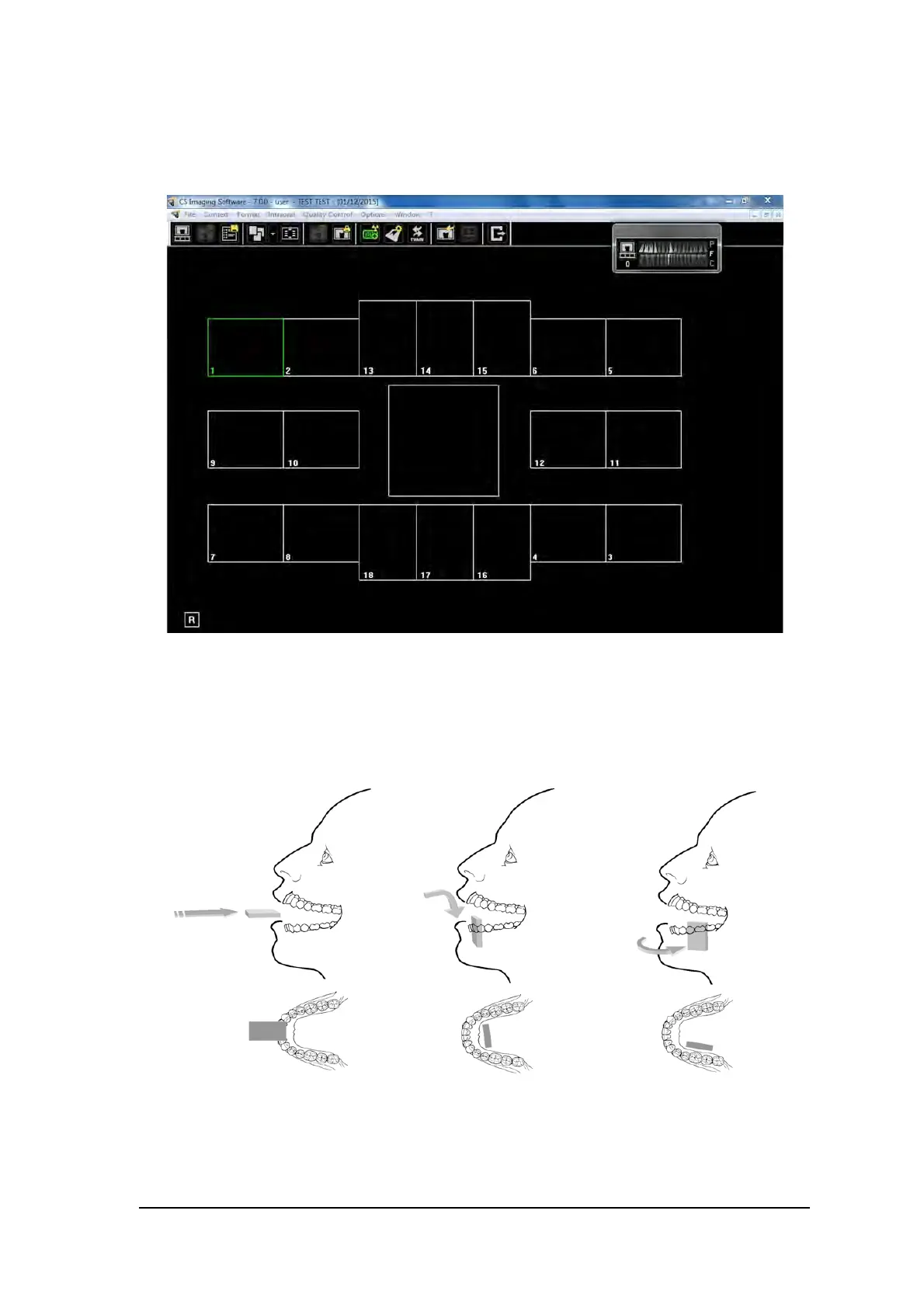
The selected format is loaded and displayed in the Dental Imaging window. The first frame for scan is
highlighted in green.
4. Select an appropriate positioner for the region of interest and the size of the plate.
5 Prepare all imaging plates required for completing FMS template. See “Preparing the Imaging Plates”
on page 43.
6. Position the imaging plate in the mouth of the patient depending on the region of interest.



 To Next Page