5–1 62-12259
SECTION 5
Control System Interface
5.1 Interface Methods
There are four methods for interfacing with the APX Control System:
1. Driver/Advanced User Interface: Activities such as start, stop, Pretrip, reading alarms, reading data and
changing Functional Parameters may all be performed using the display mounted keys (refer to Section 3).
2. Technician Mode - Code based access: Technician mode includes: technician hour meters, inactive
alarms, configuration settings, Component Test mode and Service mode.
3. USB memory device: Activities using the USB memory device include, creation of the device, PC mode,
downloading data files, installing software, and transferring configuration files.
4. TRU-Tech/TRU-View: Access using a computer and service cable.
5.2 Technician Mode
Technician mode allows the technician to view inactive alarms and additional hour meters, work with
Configurations, test the unit components and/or service the refrigeration system. Instructions for entering the
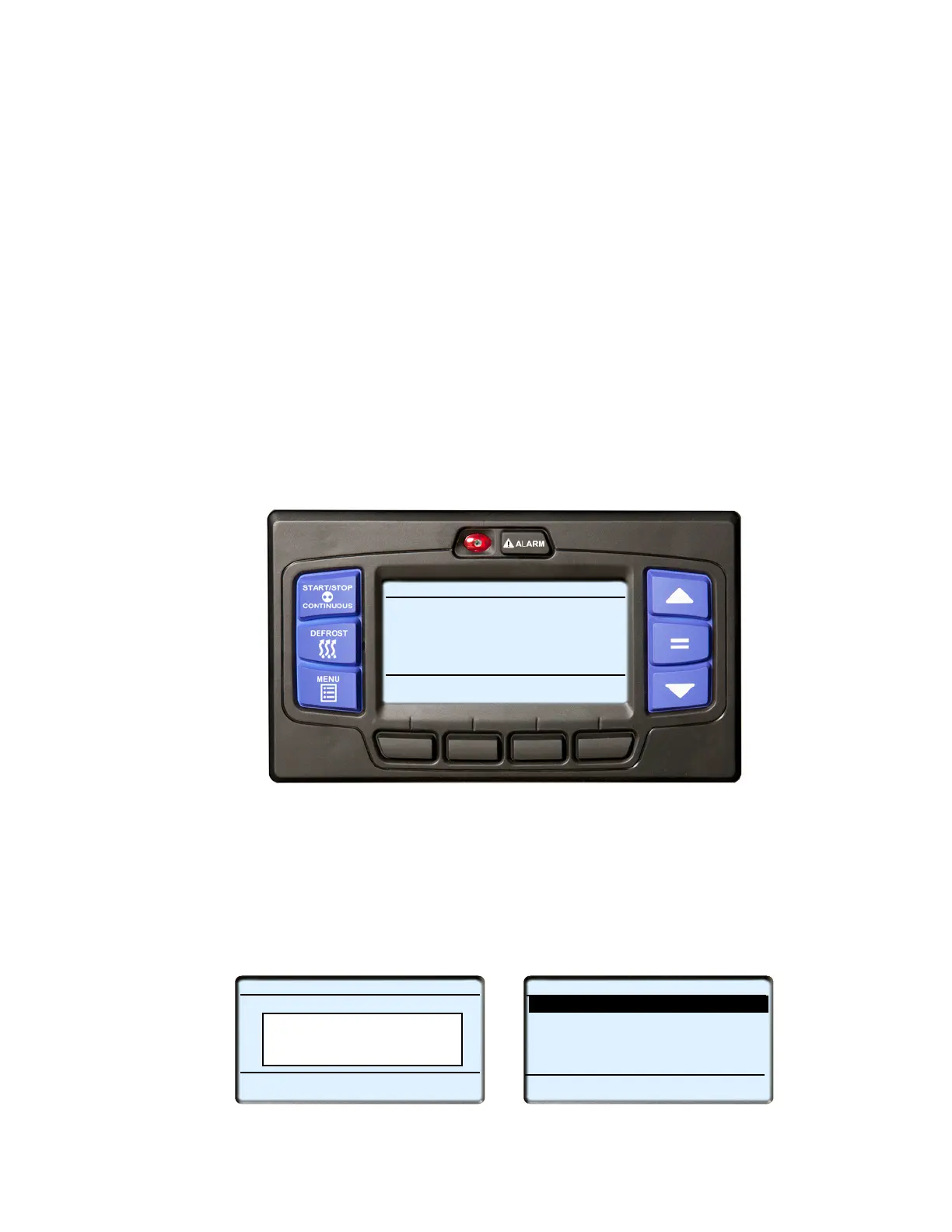
Technician mode are provided in Figure 5.1 while information on these operations is provided in the following sub-
paragraphs.
Figure 5.1 Technician Mode
1. With the system powered up (START/RUN-OFF switch in the START/RUN position) or in PC mode press
the MENU key until TECH MODE is displayed. If TECH MODE does not display, place the system in
Advanced User mode, refer to Section 3.14.
2. Press the TECH MODE key. Enter the master technician PIN code. The factory installed master technician
PIN code is 7435. Enter the code by pressing the 3and4 keys simultaneously, then press the 4 key, the 3
key, then the 1 and 4 keys simultaneously. Once the code is entered, press the “=” key to enter Technicians
Menu.
3. Press the ▲ or ▼ key to scroll through the list of menu items. Press the “=” key to enter the settings or test
modes.
START/STOP DIESEL COOL
Viewing Menu Soft Key
TECH
Selections
Press Menu Key to Scroll
MODE
START/STOP DIESEL COOL
BOX TEMPERATURE
o
F SETPOINT
o
F
STATUS OK
34.3
34
Enter Code
__________________
TECHNICIANS MENU (1 OF 4)
CONFIGURATION SETTINGS
BACK
EXIT
COMPONENT TEST MODE
SERVICE MODE
CANCEL TECHNICIAN MODE/PIN ACCESS
END OF LIST










 To Next Page