62-12259 5–10
5.3.2 PC Mode
PC mode allows the technician to access the APX Control System without the unit running. When in PC mode the
system is fully functional, all Operator Interfaces may be performed and the operation of the system may be
demonstrated, again, without the unit actually operating. Instructions for entering and using PC mode are provided
below.
WARNING
!
Do not toggle the START/RUN - OFF switch out of the OFF position when in PC mode or the
unit will start.
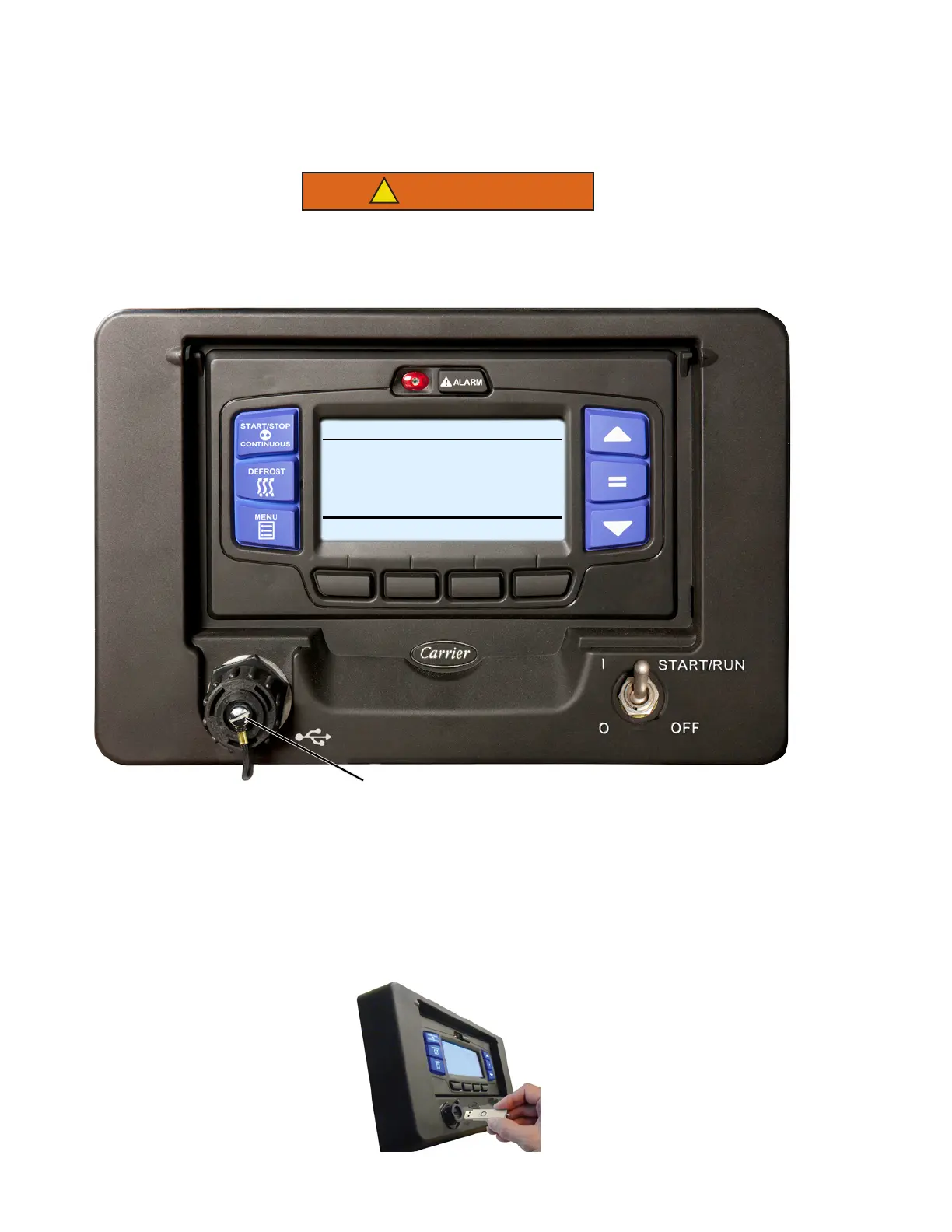
Figure 5.6 PC Mode
1. With the START/RUN - OFF switch in the OFF position, remove protective cover from the USB interface
port and insert a Data Transfer USB. The Carrier Transicold logo will display and then the MessageCenter
will display one or more USB soft key descriptions.
NOTES:
a. A PC-USB service cable may be used. This cable is available through Carrier Transicold Service Parts.
b. If Configured to do so, the system will prompt for entry of the data protect PIN code (refer to “PROTECT
DATA WITH PIN”, Table 5–1).
USB Port
START/STOP DIESEL COOL
BOX TEMPERATURE
o
F SETPOINT
o
F
READING USB
34.3
34










 To Next Page