62-12259 3–14
3.10 Continuous Operation
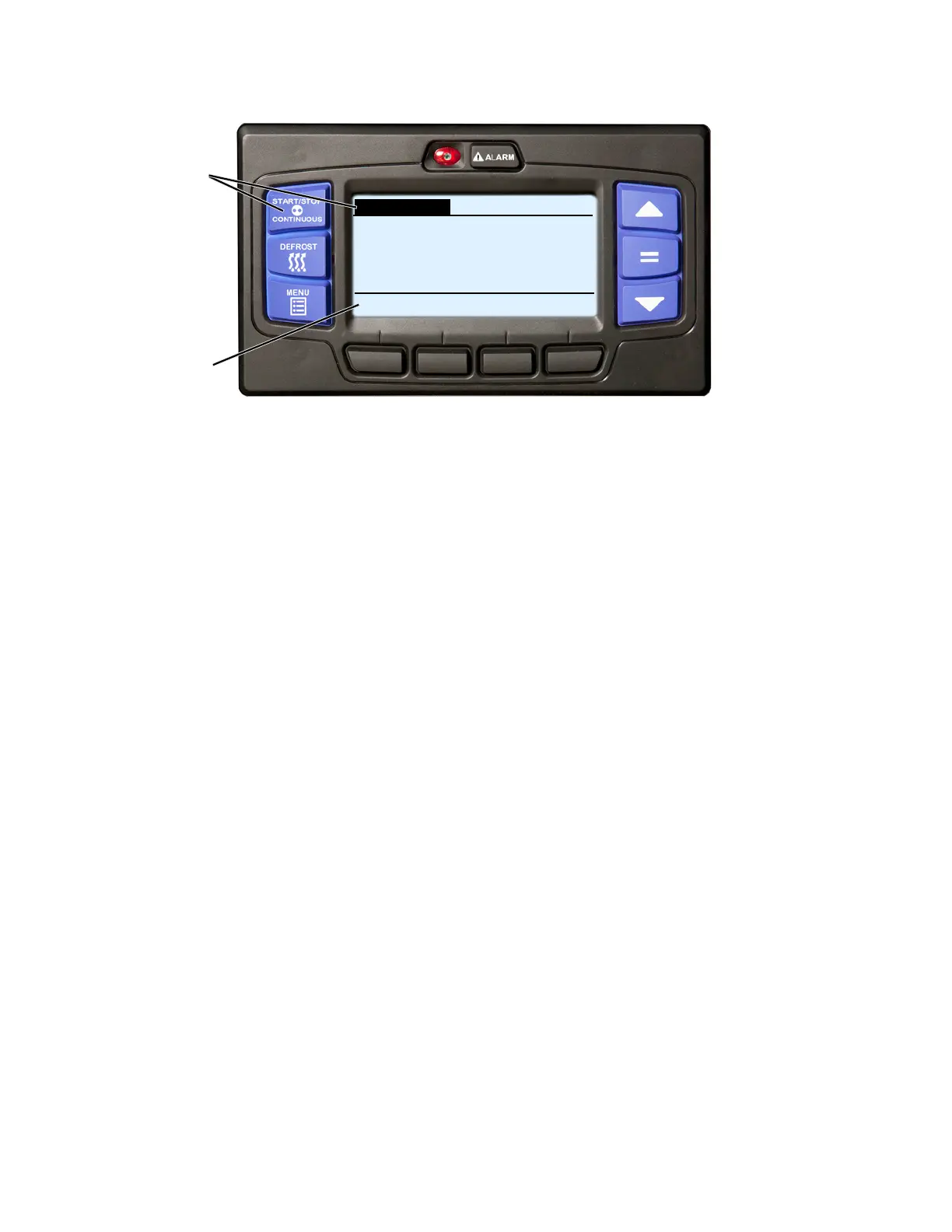
1. With the system powered up (START/RUN-OFF switch in the START/RUN position) or in PC mode press
the START-STOP/CONTINUOUS key until “CONTINUOUS” is displayed and highlighted.
2. The message “CONTINUOUS RUN MODE SELECTED” will be displayed in the MessageCenter for 10 sec-
onds.
3. The operation indication in the status bar will no longer be highlighted. The unit is now in Continuous Operation.
In Continuous Operation, the unit will not shutdown except in response to a shutdown alarm. Refer to Section 3.10
for more detailed information on Continuous Operation.
The control system may be configured with continuous operation tied to setpoint ranges for either frozen or perish-
able loads. The START-STOP/CONTINUOUS key is locked out if “CONTINUOUS LOCKED” displays in the Mes-
sageCenter when the key is pressed and the unit is in Continuous Operation or “START-STOP LOCKED” displays
in the MessageCenter when the key is pressed and the unit is in Start-Stop Operation. Refer to Section 5.2.3 for
more information on Configurations.
If the unit fails to start after three start attempts alarm 00031 Failed to Start - Auto Mode will be activated. While
running, if the unit shuts down, an internal counter keeps track of the shutdowns. Should the unit shutdown three
consecutive times without running a minimum of 15 minutes between shutdowns alarm 00030 Failed to Run Min-
imum Time will be activated. The shutdown counter is cleared when the unit has run for 15 minutes.
2
CONTINUOUS DIESEL COOL
BOX TEMPERATURE
o
F SETPOINT
o
F
CONTINUOUS RUN MODE SELECTED
34.3
34
1










 To Next Page