62-12259 3–12
3.8 Changing Setpoint
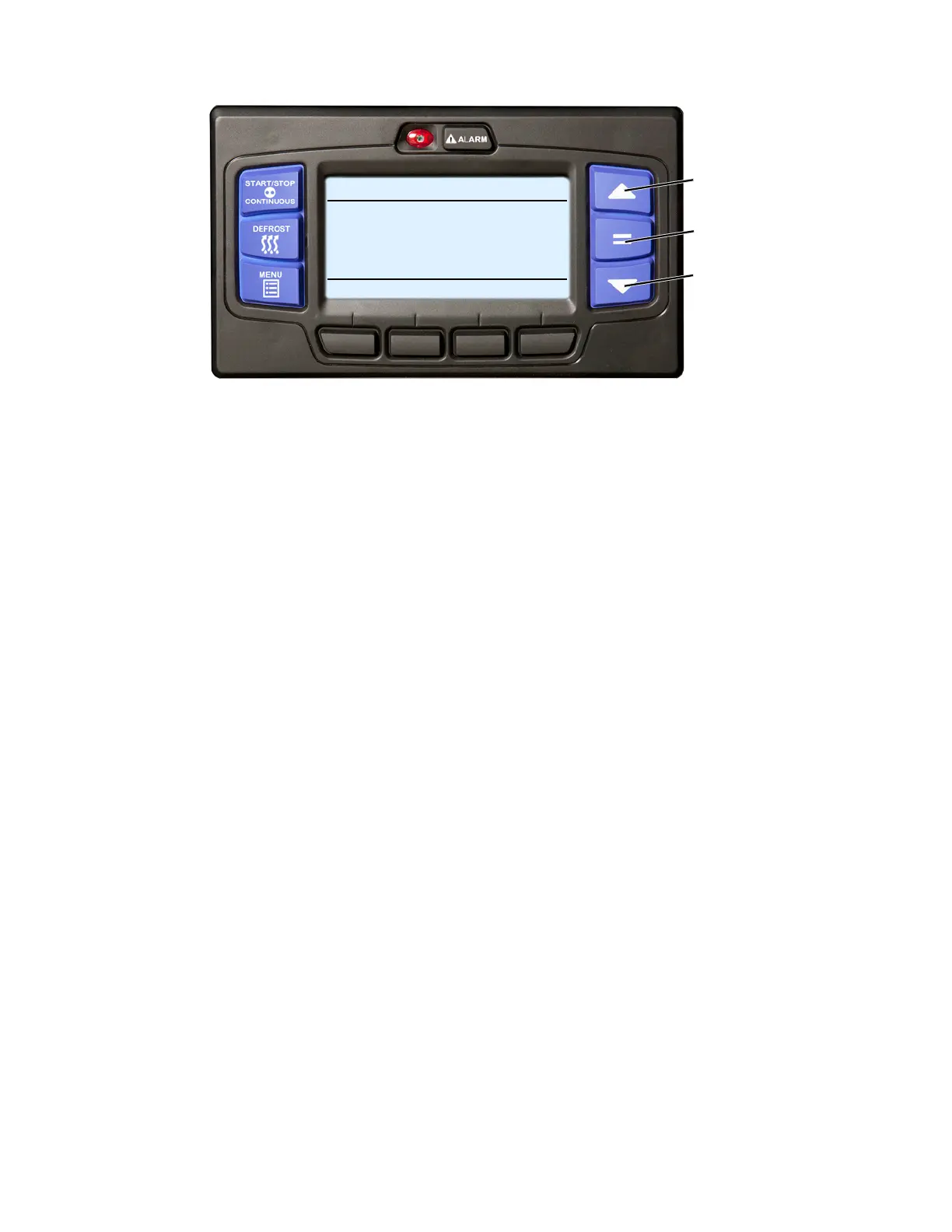
1. Verify that the system is powered up (START/RUN-OFF switch in the START/RUN position) or in PC mode
and the default screen displayed (press the Back soft key if required).
2. Press the ▲ or ▼ key to bring the displayed setpoint to the desired value.
TIP
The setpoint will change one degree with each press and release of an arrow key or the setpoint will
scroll if the key is pressed and held.
3. Press the “=” key to save the new setpoint. The MessageCenter will display “SETPOINT CHANGED” for 10
seconds.
4. If the “=” key is not pressed the setpoint screen will flash, the MessageCenter will display “SETPOINT NOT
CHANGED” and then return to original setpoint.
By default, setpoints of -22°F to +95°F (-30°C to +35°C) may be entered using the display mounted keys. The con-
trol system always retains the last entered setpoint in memory. The setpoint will change 1° (one full degree) OR
0.1° (one tenth of a degree - if configured to do so) for each press and release of release of the ▲ or ▼ key.
NOTE
The control system may be configured with a minimum and/or maximum setpoint other than the
default values listed above. “MAX SETPOINT HAS BEEN REACHED” or “MIN SETPOINT HAS BEEN
REACHED” will display in the MessageCenter when either of these conditions is reached.
Setpoint may be changed any time the START/RUN - OFF switch is in the START/RUN position, or when the unit
is in PC mode EXCEPT when:
• Viewing the Alarm List, Data List or Functional Parameters OR
• When the unit is in Pretrip OR
• When the unit is in Sleep mode.
2
1
2
START/STOP DIESEL COOL
BOX TEMPERATURE
o
F SETPOINT
o
F
STATUS OK
34.3
34










 To Next Page