62-12259 3–2
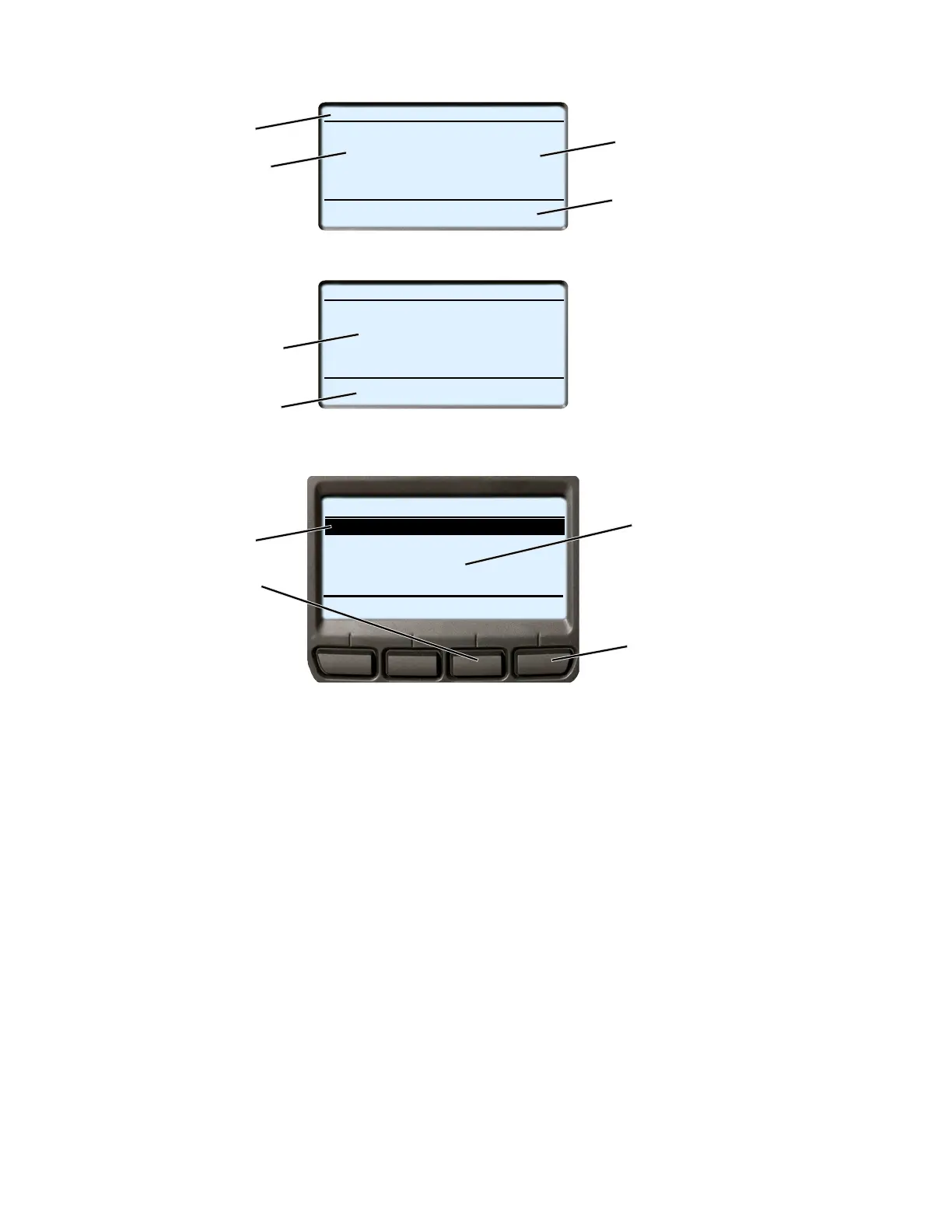
3.2 Display Screens
1. Status Bar
2. Box Temperature
3. Setpoint
4. Message Center
5. Operator Message Panel
6. Soft Key Descriptions
7. Highlight - White letters on black background
8. BACK key - Used to return to previous screen
9. EXIT key - Used to return to the default screen
10. The position of the highlighted item and total number of items in the list is displayed in the status bar. Up to
five items may be displayed at one time. Press the ▼ key to view additional items, or the ▲ key to scroll
back up the list. “END OF LIST” will be displayed after the last item in the list.
START/STOP DIESEL COOL
BOX TEMPERATURE
o
F SETPOINT
o
F
STATUS OK
34.3
34
START/STOP DIESEL COOL
Viewing Menu Soft Key
INTELLISET
PRETRIP
HOUR
METER
UNIT
DATA
Selections
Press Menu Key to Scroll
SAMPLE SCREEN (1 OF 3)
DISPLAYED ITEM #1
DISPLAYED ITEM #2
DISPLAYED ITEM #3
END OF LIST
BACK
EXIT
Default Screen
Typical Menu Screen
1
2
3
4
5
6
7
8
9
10










 To Next Page