62-12259 3–24
3.17 View Hour Meters
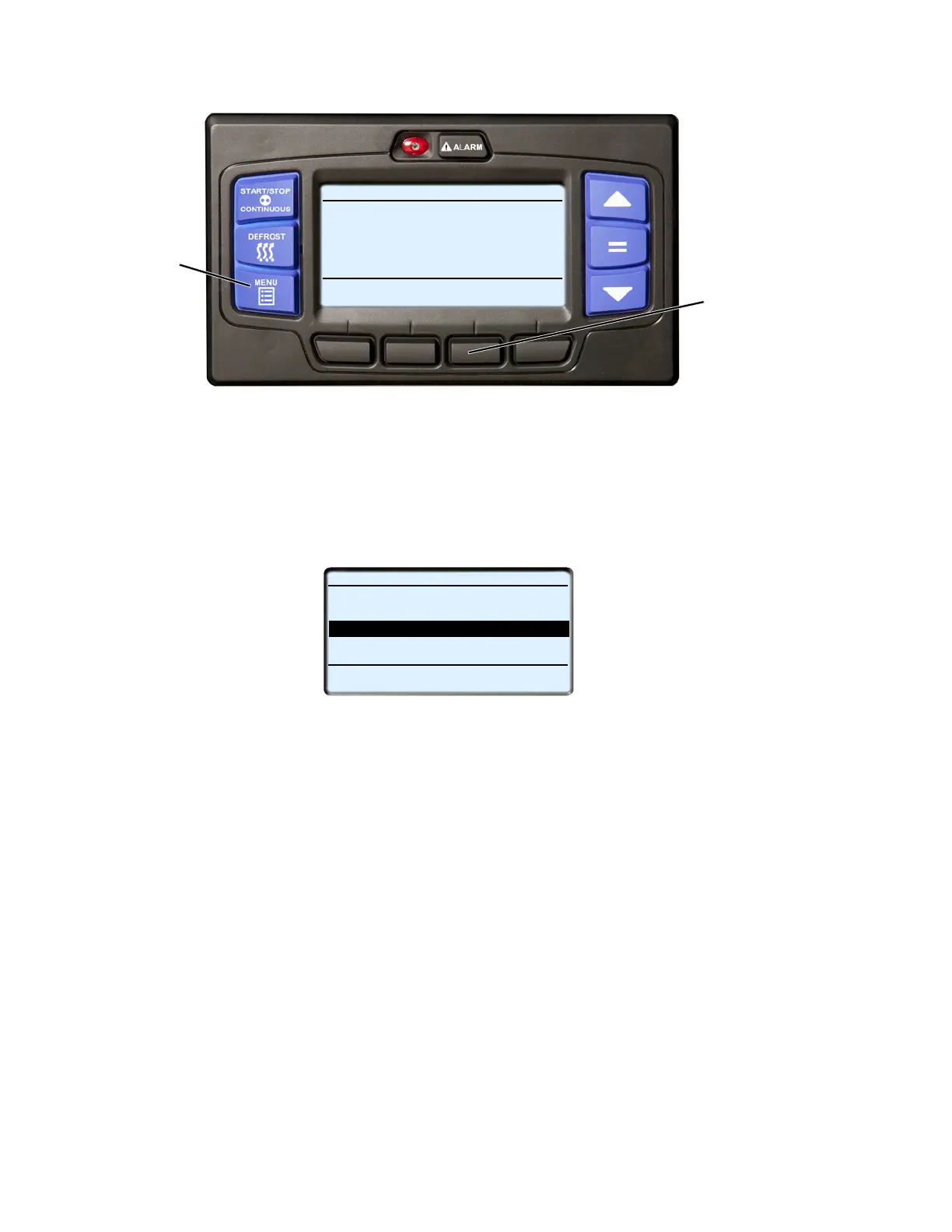
1. With the system powered up (START/RUN-OFF switch in the START/RUN position) or in PC mode, press
the MENU key until HOUR METERS is displayed.
2. Press the HOUR METER soft key to display the hour meters screen.
3. The hour meter screen will display with a 15-second timeout.
START/STOP DIESEL COOL
Viewing Menu Soft Key
INTELLISET
PRETRIP
HOUR
METER
UNIT
DATA
Selections
Press Menu Key to Scroll
2
1
STANDARD HOUR METERS (3 OF 4)
STANDBY HOURS
BACK
EXIT
ENGINE HOURS
438 HOURS
1050 HOURS
SWITCH ON HOURS
1400 HOURS
TOTAL RUN HOURS
1488 HOURS
LOCK
SCREEN
END OF LIST










 To Next Page