4–15 62-12259
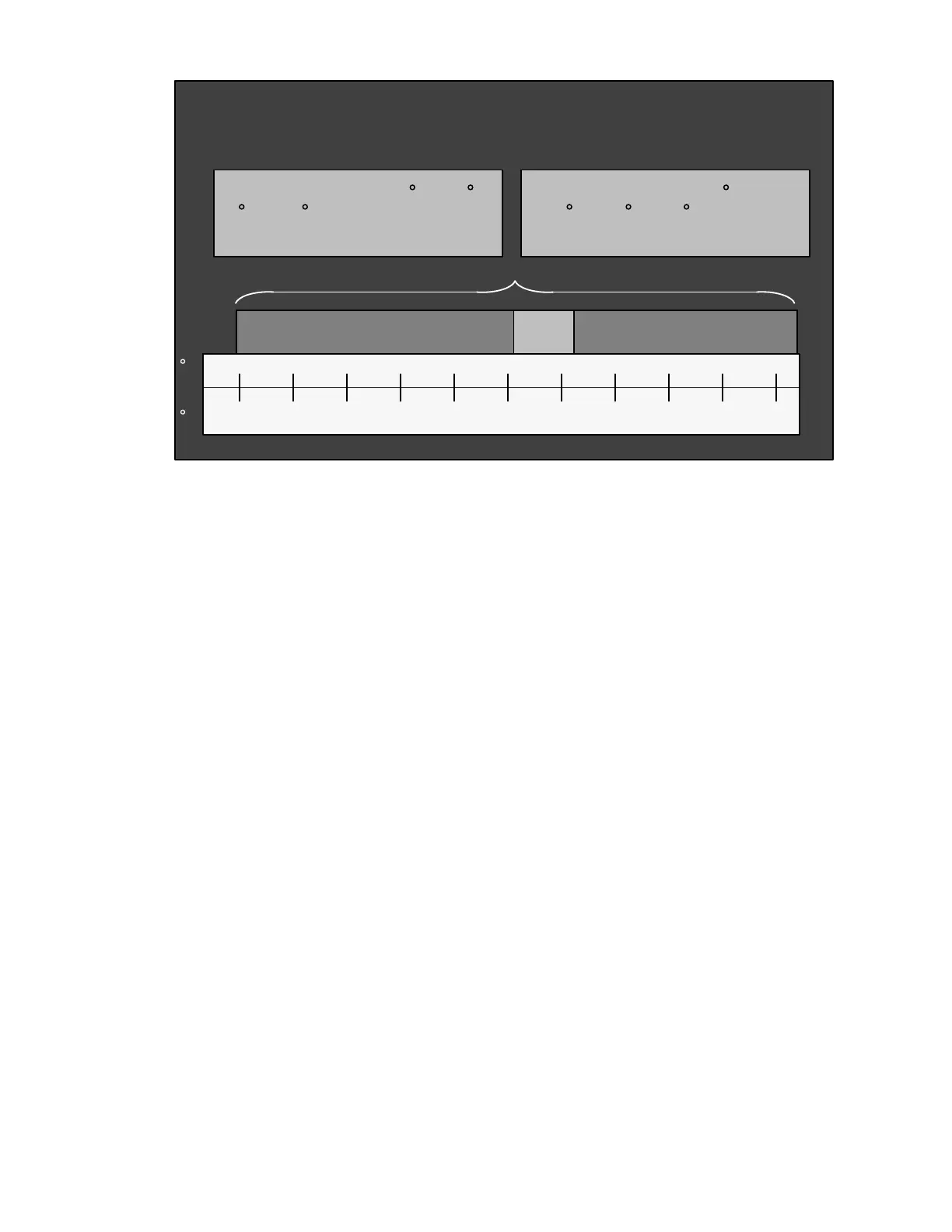
Figure 4.3 Range Lock Settings - Overlapping
4.9.3 ProductShield
ProductShield is a group of Configurations that work together to allow improved operating efficiency while providing
customized product protection.
Each ProductShield setting allows the user to select an ambient temperature range in which to operate. The Mini-
mum and Maximum range values can be set to OFF, or the allowed value range.
4.9.3.1 ProductShield Econo
ProductShield Econo allows the microprocessor to automatically switch from Start/Stop Operation to Con-
tinuous Operation or vice versa. This allows maximum product protection while providing for power sav-
ings when ambient temperature is in the preset range.
ProductShield Econo - Go to Start-Stop Operation
When the unit is set to Continuous Operation, ProductShield Econo allows the unit to run in Start/Stop
Operation when:
• The ProductShield Econo Configuration is set to GO TO S/S AND
• The unit has run in Continuous Operation for a minimum of either 15 minutes or the Minimum Run Time
Functional Parameter setting (whichever time is longer) AND
• The ambient temperature falls within the pre-programmed temperature range AND
• The unit is not already running in ProductShield Winter. (See Section c.)
The operator can also pre-program a maximum evaporator coil temperature differential (delta-t) between
the return air and supply air temperatures as an additional criteria for switching to Start/Stop Operation.
The unit must bring the delta-t below this setting before going to Start/Stop Operation if this option is cho-
sen.
NOTE
In ProductShield Econo: Go to Start/Stop, the delta-t must be lower than the value selected in order to
enter Start/Stop.
Once the microprocessor detects that the above criteria have been met, the unit will switch from Continu-
ous Operation to a Start/Stop Off Cycle for the MINIMUM OFF TIME Functional Parameter setting. During
the Minimum Off Time, the RESTART OVERRIDE TEMPERATURE Functional Parameter setting can
cause the unit to restart to protect the load. After the Minimum Off Time has expired the unit will return to
Continuous Operation when the return air temperature is more than the configured perishable restart tem-
perature away from setpoint in the perishable range, or the configured frozen restart temperature above
setpoint in the frozen range.
-30 -23.3 -17.8 -12.2 -6.7 4.4 10.0 15.6-1.1 21.1 26.7
C
-22 -10
0
10 20 40 50 60 0703
80
F
Range 1 always has priority
when Range 1 & 2 overlap
Range 1 is set for 32 to 42 F
(0
to 5.6 C)
Set for Continuous
Range 2 is set for -22 to
89.6
F (-30 to 32 C)
Set for Start-Stop
Range
1
Range 2










 To Next Page