62-12259 3–6
Engine to Electric
1. If the standby electric cable is not already in place, ensure the external power circuit breaker is OFF, and
connect the cable to the unit receptacle.
2. Turn the external circuit breaker ON.
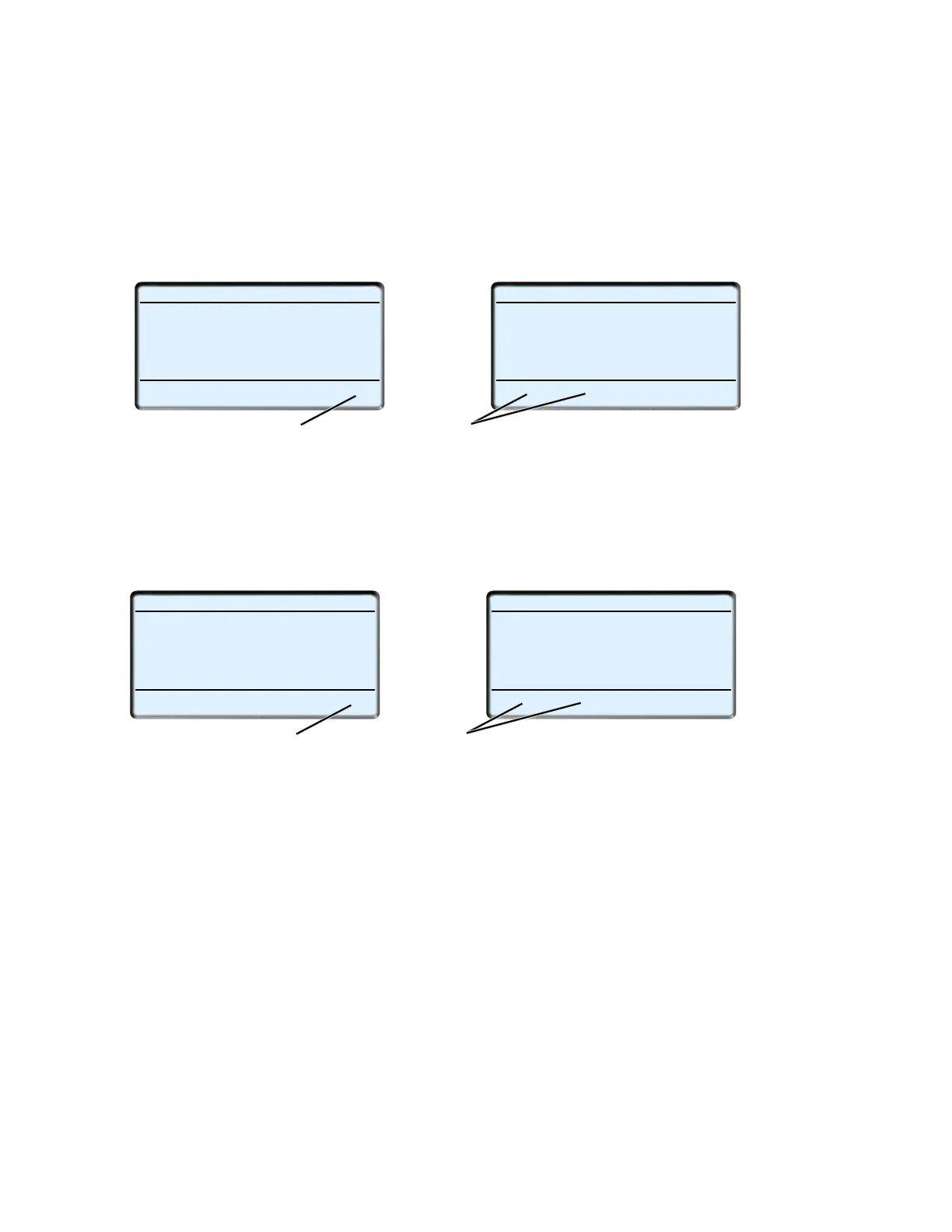
3. Press and release the “MENU” key until the “STANDBY” soft key is displayed.
4. Press the “STANDBY” soft key, the “STANDBY and DIESEL” soft keys will display.
5. Press the “STANDBY” soft key to place the unit in Electric Operation. The unit will stop, the status bar will
change to ELECTRIC and the unit will restart in Electric Operation.
Electric to Engine
1. Press and release the “MENU” key until the “STANDBY” soft key is displayed.
2. Press the “STANDBY” soft key, the “STANDBY and DIESEL” soft keys will display.
3. Press the “DIESEL” soft key to place the unit in Engine Operation. The unit will stop, the status bar will
change to DIESEL and the unit will restart in Engine Operation.
4. If the standby electric cable is in place, and will not be needed, ensure the external power circuit breaker is
OFF, disconnect the cable from the unit receptacle and hang up off the ground.
NOTE
If configured to do so, the switch from electric to diesel and diesel to electric is automatic when con-
nection or disconnecting from the standby power cable.
START/STOP DIESEL
BOX TEMPERATURE
o
F SETPOINT
o
F
LANGUAGE
DATA
RECORDER
34.3
34
STANDBY
START/STOP ELECTRIC
BOX TEMPERATURE
o
F SETPOINT
o
F
STANDBY
DIESEL
34.3
34
EXIT
3
4
START/STOP ELECTRIC
BOX TEMPERATURE
o
F SETPOINT
o
F
LANGUAGE
DATA
RECORDER
34.3
34
STANDBY
START/STOP DIESEL
BOX TEMPERATURE
o
F SETPOINT
o
F
STANDBY
DIESEL
34.3
34
EXIT
1
2










 To Next Page