CHAPTER 5 - LUBRICATION, FILTERS, AND FLUIDS
5-38
Issued 8-04 Bur 6-34551NA
CX75SR, CX80
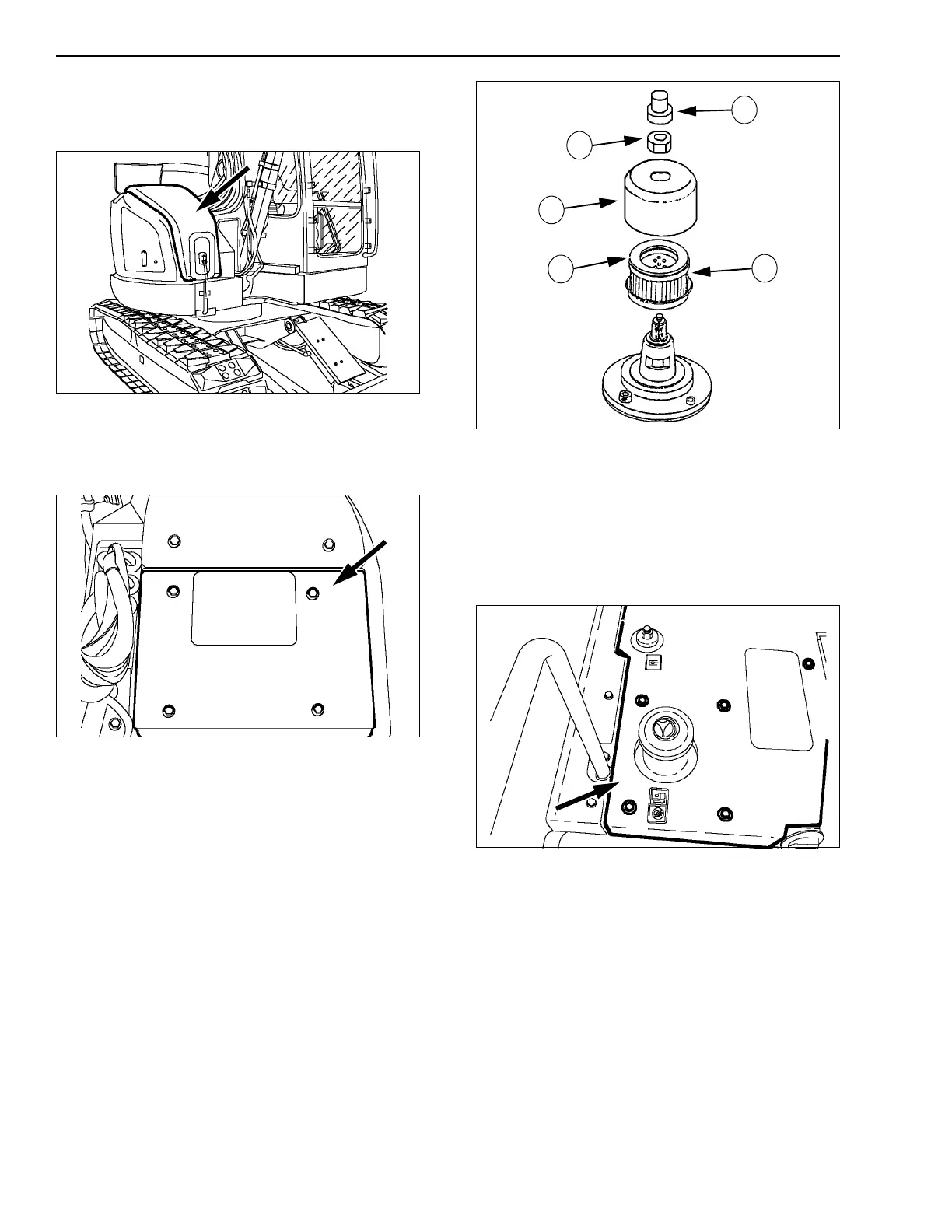
To access the filter, remove the screws and the front
hood.
CT02D097
Figure 103
CX135SR
To access the filter, remove the 4 screws and remove
the panel.
CT02D099
Figure 104
REPLACING THE RESERVOIR BREATHER
1. Press the button (1) to release all pressure in the
hydraulic reservoir.
2. Remove the nut (2) and the cover (3) from the
breather.
3. Remove and discard the used filter (4).
4. Install a new element, making sure the seal (5) is
facing upwards.
5. Install the cover (3) as well as the nut (2).
CS00E528
Figure 105
CX75SR, CX80
To access the breather, see Accessing the hydraulic
reservoir.
CX135SR
To access the breather, remove the screws and the
upper plate.
CT02D073
Figure 106
1
4
3
5
2



 To Next Page