CHAPTER 5 - LUBRICATION, FILTERS, AND FLUIDS
5-45
6-34551NA Issued 8-04 Bur
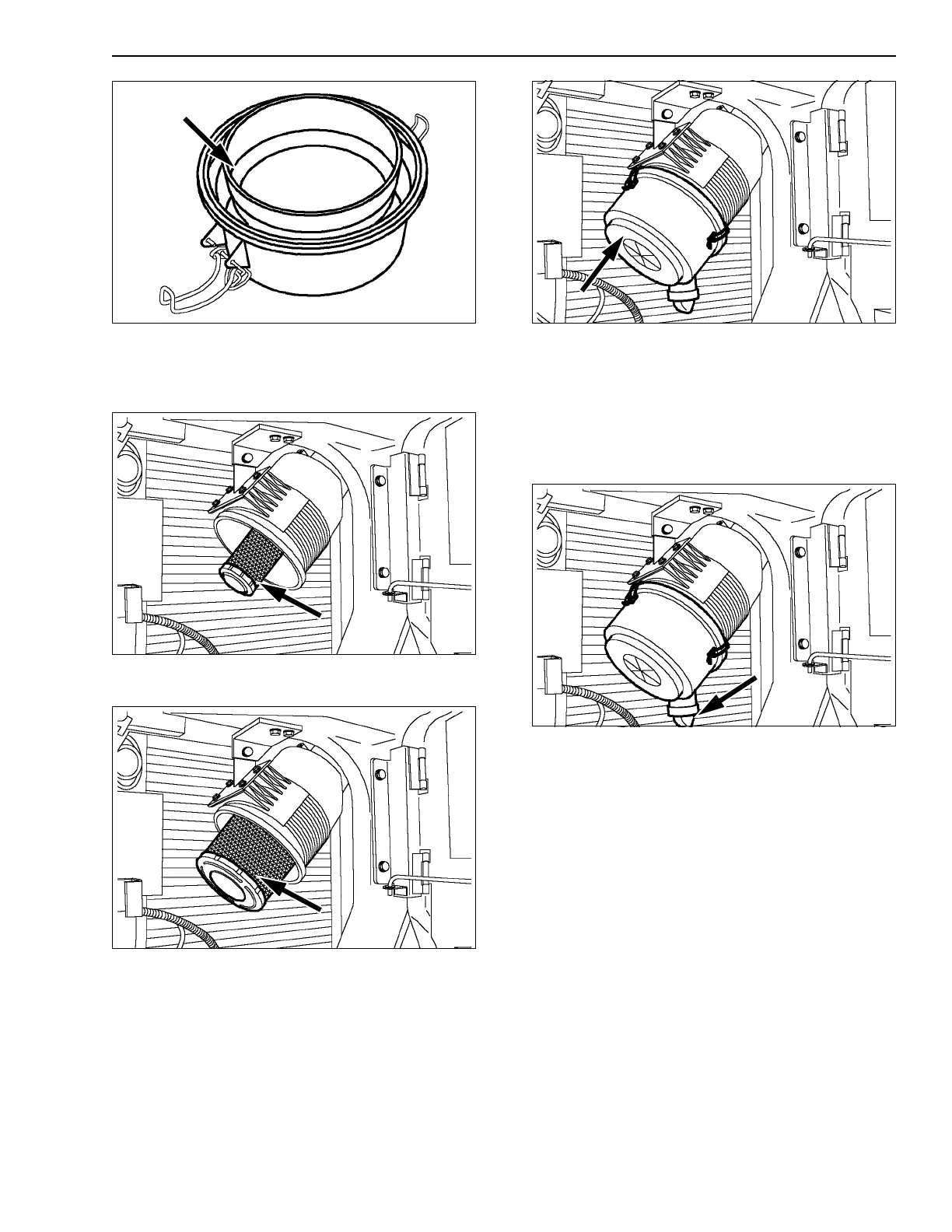
CT02D393
Figure 128
INSTALLING THE ELEMENTS
1. Install the secondary element.
CT02D119
Figure 129
2. Install the primary element.
CT02D118
Figure 130
3. Install the cover (with the word TOP at the top)
and close the fasteners.
CT02D117
Figure 131
4. Check that the dust ejector under the filter is
working correctly.
5. Press the red button on the indicator.
IMPORTANT: If exhaust smoke is abnormal after
cleaning, the air filter primary element must be
replaced.
CT02D117
Figure 132



 To Next Page