106
User’s Manual
CellaVision
®
DM1200
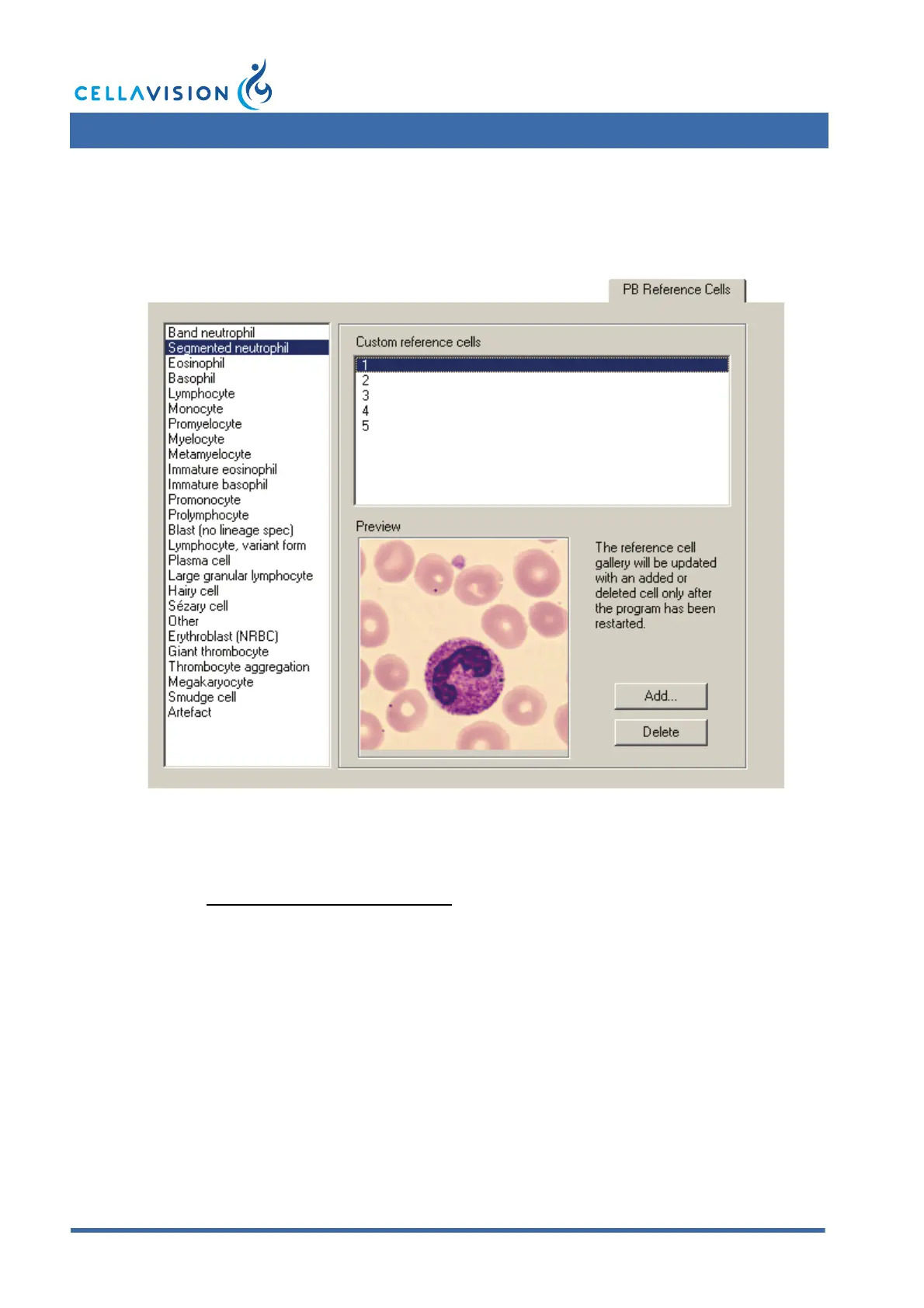
9.9 Adjusting Reference Cells Settings
Click on a cell class to see a list of all Custom reference cells belonging to it. Click
on a specific cell to display it in the Preview window.
Click Add to add custom reference cells from disk. Valid file formats are JPEG
(".jpg") and bitmap (".bmp"). All cell images will be stored in the JPEG format.
You can also store cells from processed slides (see "Right-click Menu" in
Reclassifying White Blood Cells) as custom reference cells.
Click Delete to remove the selected custom reference cell.



 To Next Page