23
User’s Manual
CellaVision
®
DM1200
2.5.4 Slide Status
The following information is available for each slide:
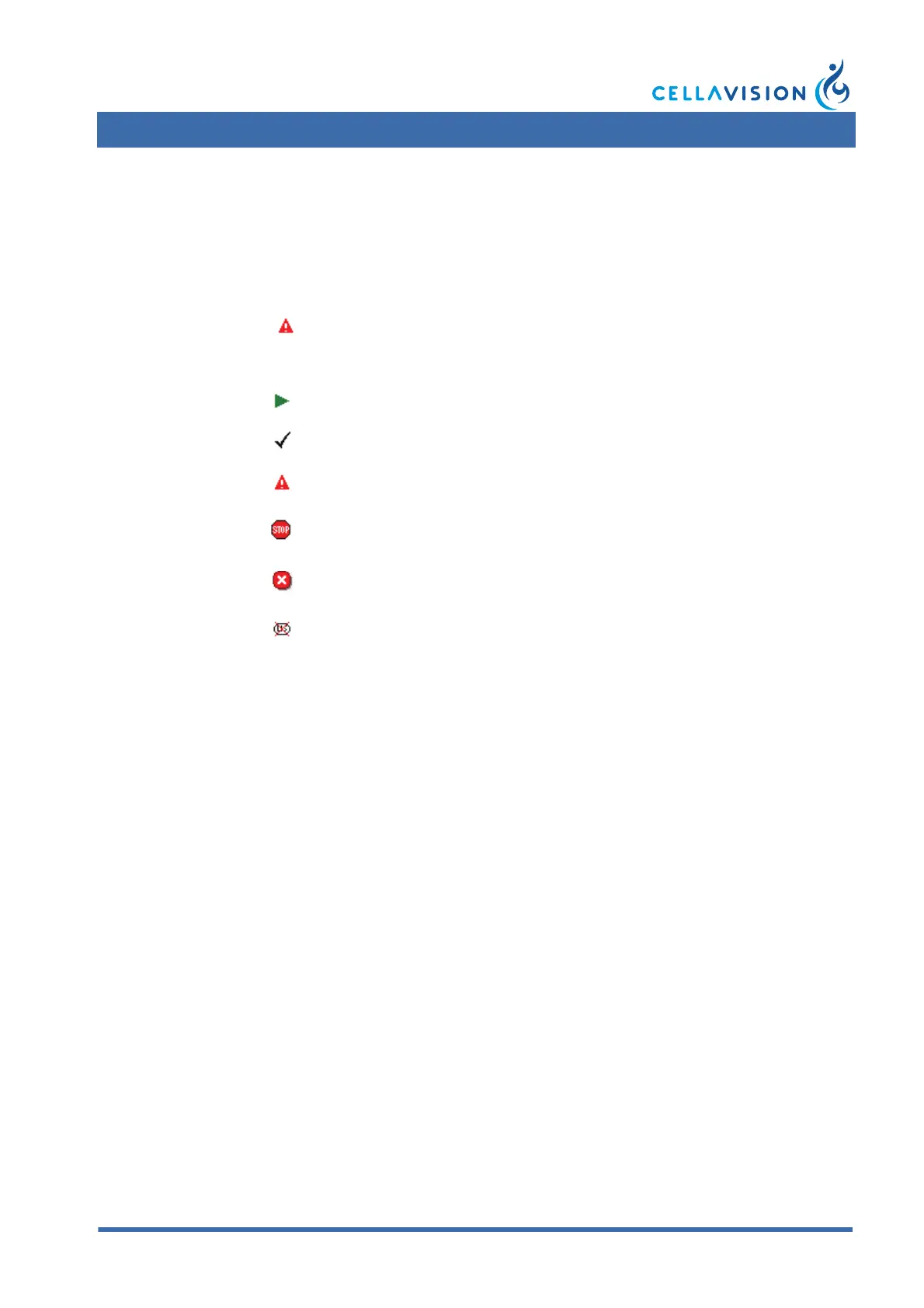
Slide Status:
Warning Texts:
Error Texts:
Slide Information Dialog
Double-click on a slide to open the Slide Information dialog. Additional
information on the processed slide, e.g. the cause of an error, is displayed here.
Slide status Slide position
Order/Slide ID
(barcode)
Error/warning
text
7 PB2345678912 Default values
Processing
OK Slide processed with no warning or error.
Warning
Slide processed with a warning, see
warning texts below. Results exist.
Stopped
Slide processing stopped by user. No
results exist.
Error
All ordered analyses failed, see error texts
below. No results exist.
Cancelled
The slide was cancelled in the LIS. Slide
not processed.
Empty Empty Empty slide position in the magazine.
Default values The order was not found in the LIS.
Incomplete analysis
The required number of WBCs were not found or
one of the ordered analyses failed.
Invalid slide PID Invalid barcode on the slide.
Analysis failure Slide processing failed.
Critical failure A critical error occurred.
Invalid batch PID Invalid barcode on the magazine.
Analysis type not available A BF plug-in is missing.
Light error when using 10x
(50x, 100x) magnification
Insufficient light. (Remove any dust and dirt from
the objective. Check the bulb.)



 To Next Page