66
User’s Manual
CellaVision
®
DM1200
5.2 Report Preview
Click on the tab Report Preview to preview the report. The report’s format is
template based and can be selected in Settings. Refer to 9.7 Adjusting Report/Sign
Settings for more details.
5.3 Signing an Order (result)
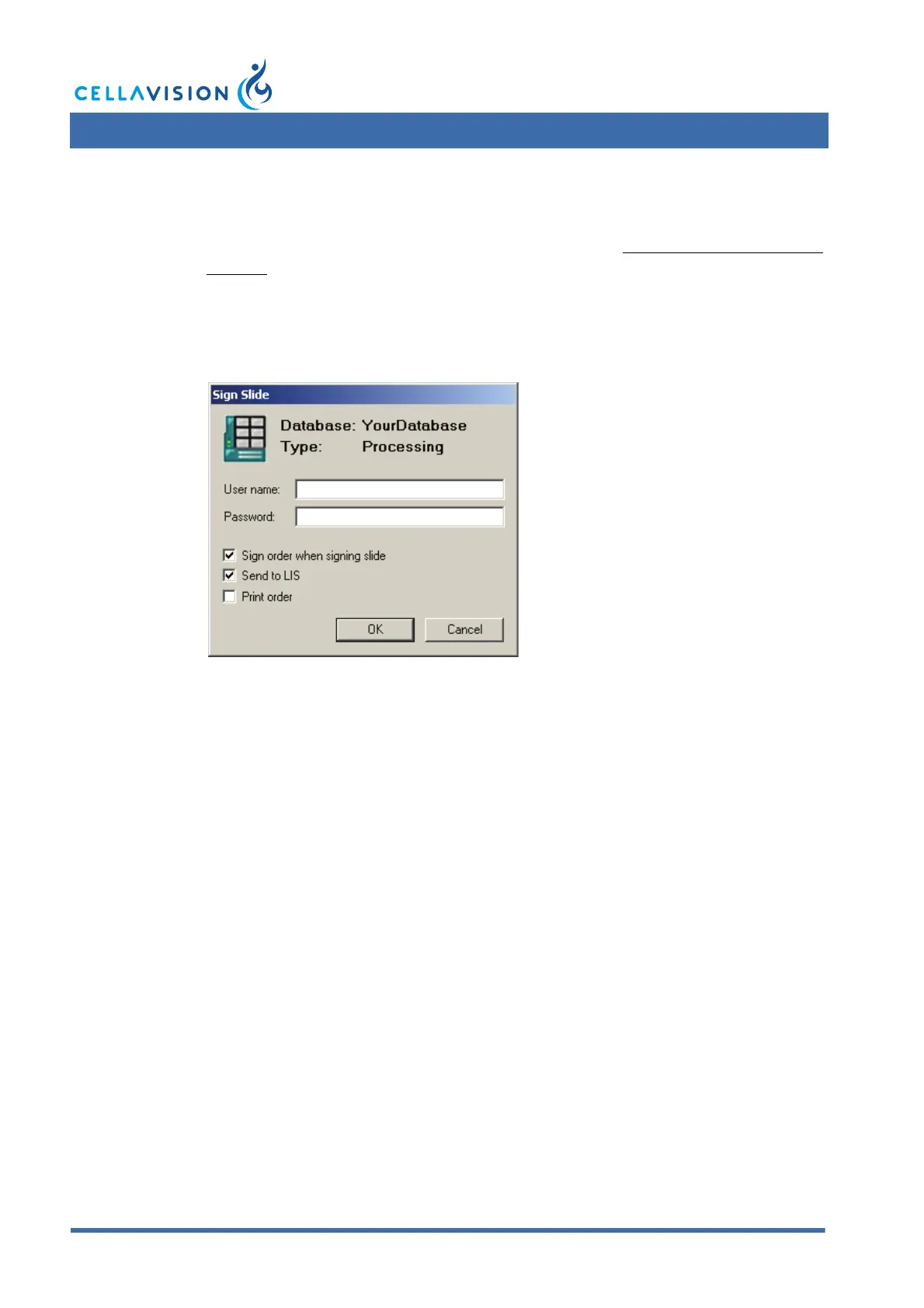
1. Click Sign Order.
2. If not prefilled, type Username and Password
3. Select whether the order should be sent to the LIS and/or printed.
4. Click OK.
5.4 Sending an Order to the LIS
If the LIS is activated in the Analysis tab in Settings, it is possible to send signed
order results to the LIS.
1. Open a signed order.
2. Select the Slide Merge tab in the Report View.
3. Click Send to LIS.



 To Next Page