89
User’s Manual
CellaVision
®
DM1200
7.4 Customizing the System
To customize the system, go to the Tools menu and select Settings.
7.4.1 Adjusting Database, Users and Language
To adjust the settings for database, users and language, see 9.1 Adjusting Database
Settings, 9.2 Adjusting Users Settings and 9.12 Adjusting Language Settings.
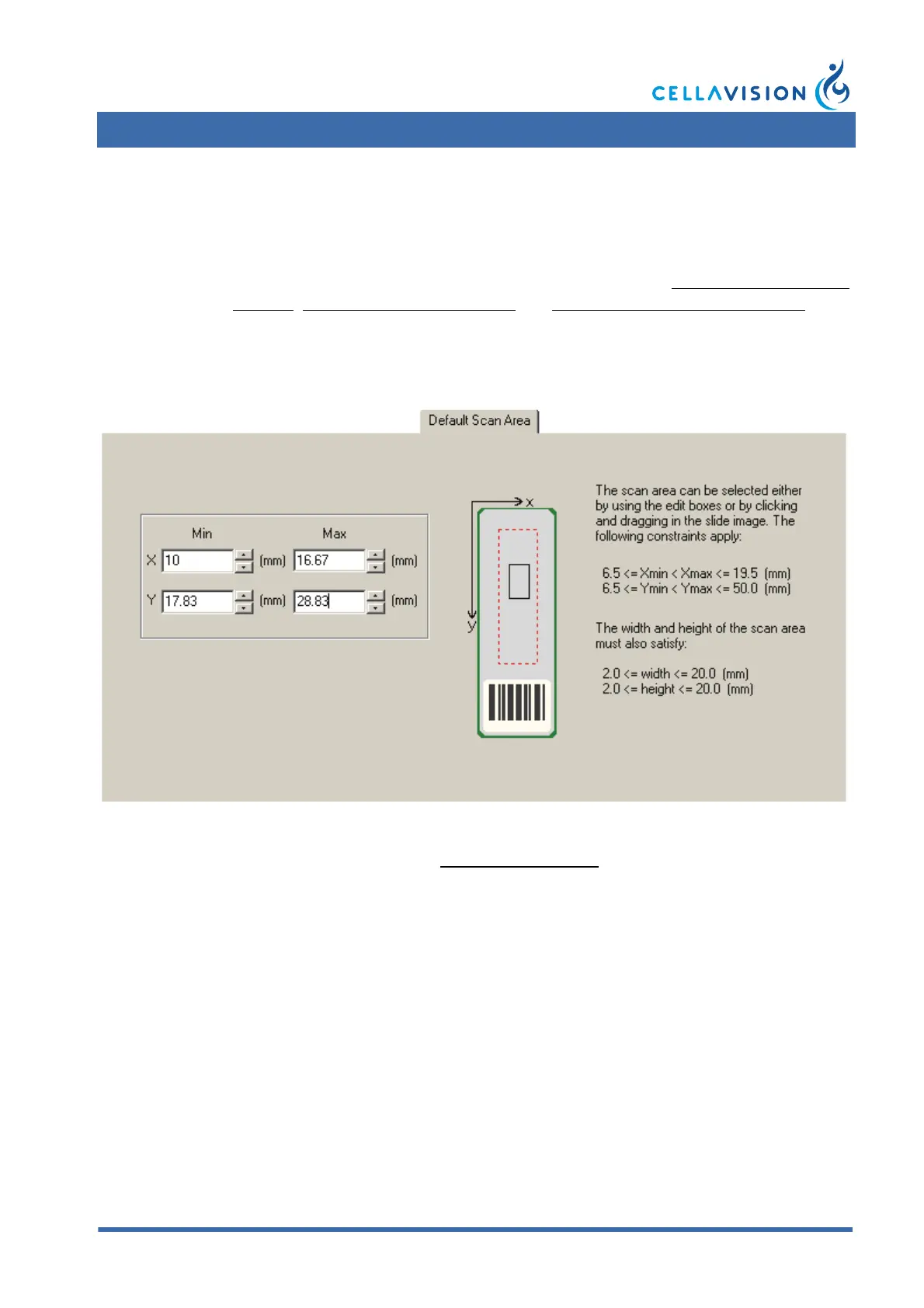
7.4.2 Adjusting Default Scan Area
To adjust the default scan area, go to Tools/Settings/Default Scan Area.
To adjust the scan area settings for individual slides, click Database View and
select Pending Orders. See 7.3.2 Pending Orders.



 To Next Page