73
User’s Manual
CellaVision
®
DM1200
6.1.3 Opening an Order/Slide
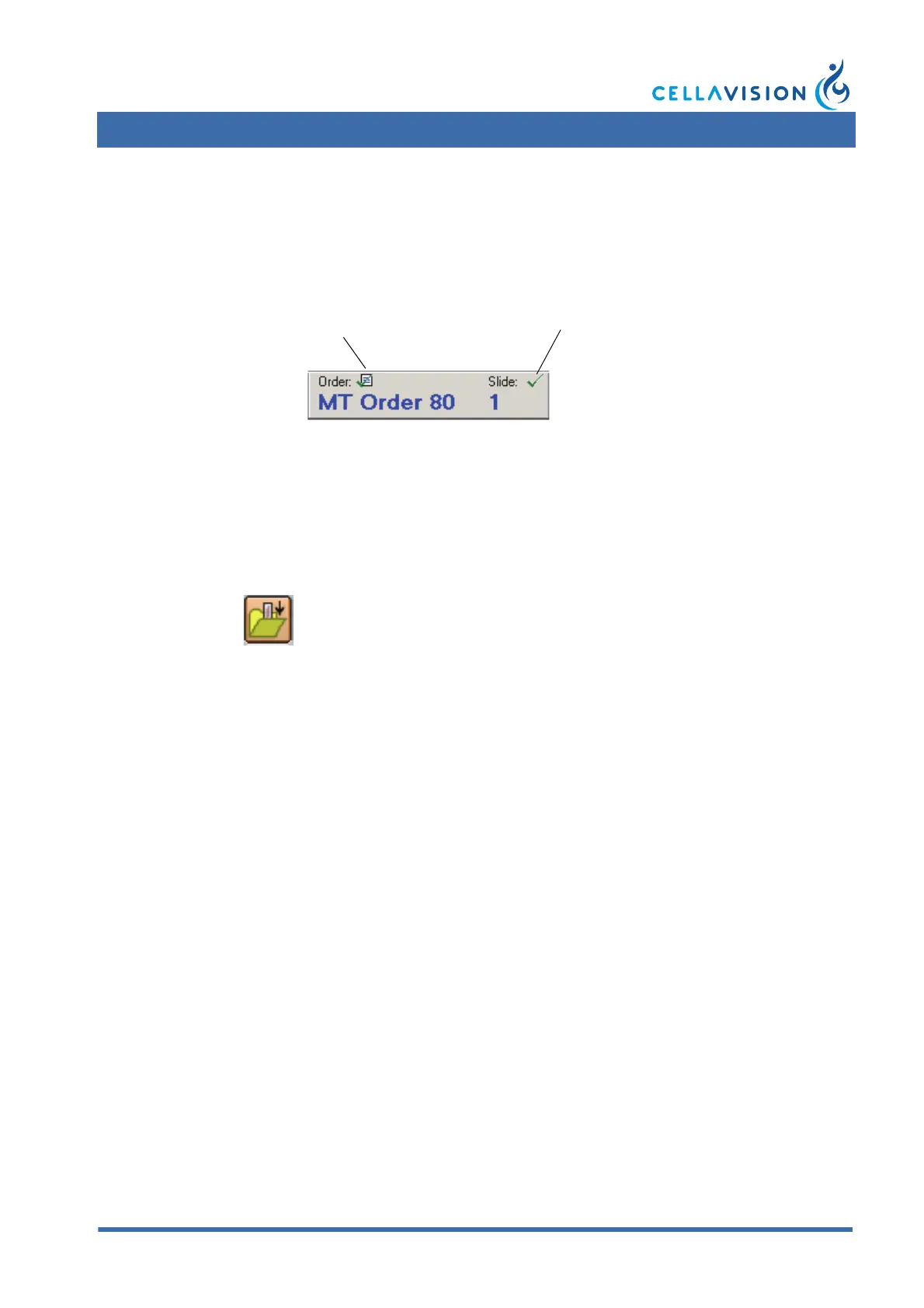
Opening an order automatically opens a slide belonging to it. In the same manner,
opening a slide automatically opens the order it belongs to. The currently opened
order and slide are always shown in the toolbar.
Double-click on an order in the Order list, and the first slide of that order opens.
You can also click Open in the Order panel. In the Slide list you can open specific
slides in the same way.
You may close the order and slide using the Close Order/Slide button in the
toolbar:
6.1.4 Protecting an Order
You may protect orders to prevent slides from being deleted or archived.
1. Select the order/orders.
2. Click Protect/Unprotect, or right-click and select Protect/Unprotect from the
menu.
To select multiple orders:
• Select an order, then hold down Ctrl and select each additional order by clicking
on it.
• Mark a sequence of orders by clicking on the start order, then hold down Shift
before selecting the last order of the sequence.
Close Order and Slide



 To Next Page