18
User’s Manual
CellaVision
®
DM1200
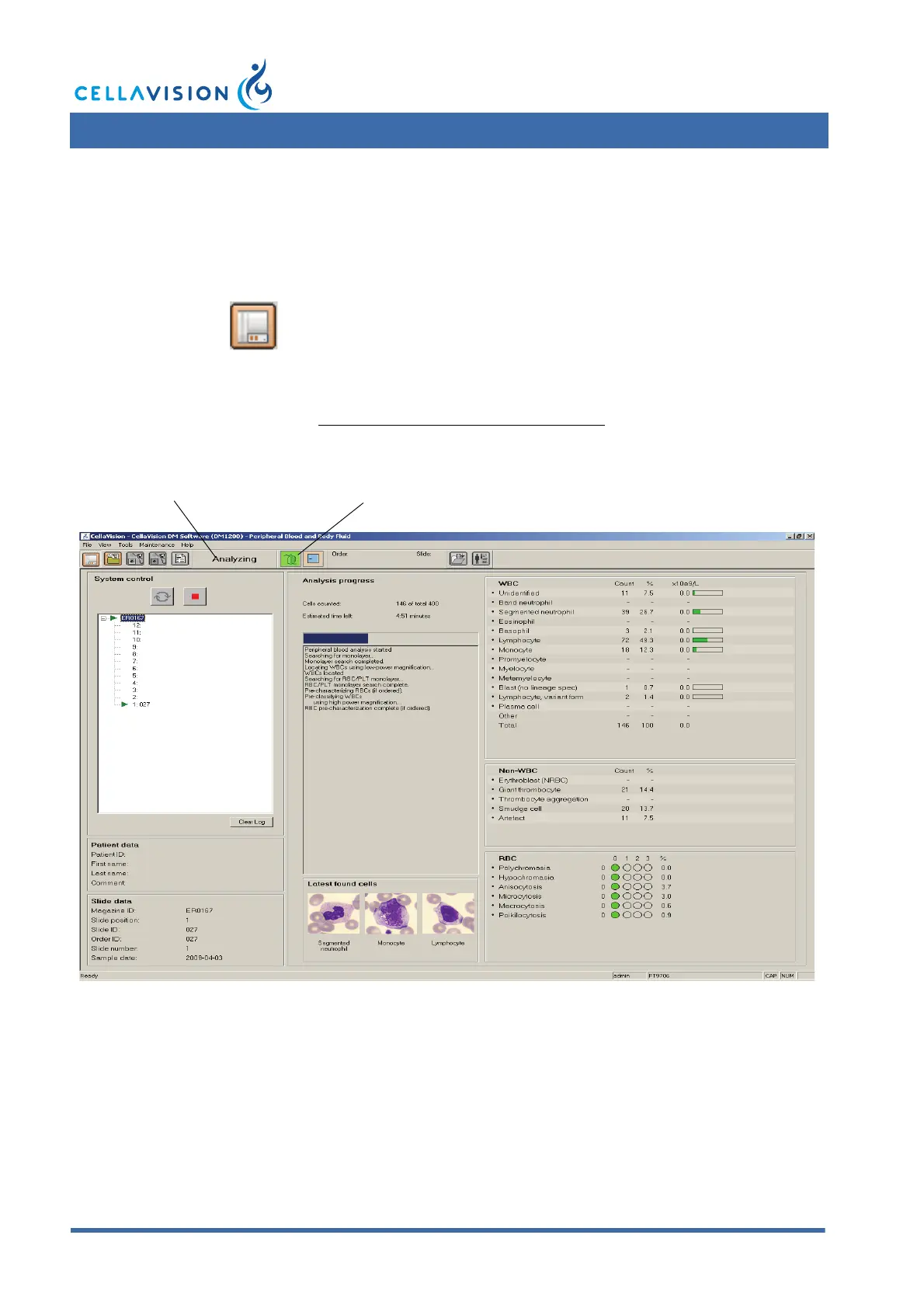
2.2 System Control View
The System Control View shows the ongoing slide processing, gives an overview of
the preclassification and presents a log of processed slide holders. The layout of
the System Control View depends on the type of application.
Information in Toolbar
System indicators show oil level, hood position. For a description of these
indicators, see Appendix C — Buttons and Indicators.
System status is shown as a text: Idle, Analyzing, Stopped, Paused or Error.
Click System Control View in the toolbar.
System status
System indicators



 To Next Page