87
User’s Manual
CellaVision
®
DM1200
7.3 Database View
To view processed and pending orders, click Database View.
7.3.1 Processed Orders
Scanned slides are automatically signed. For more details about Processed orders,
see 6.1 Database: Processed Orders
.
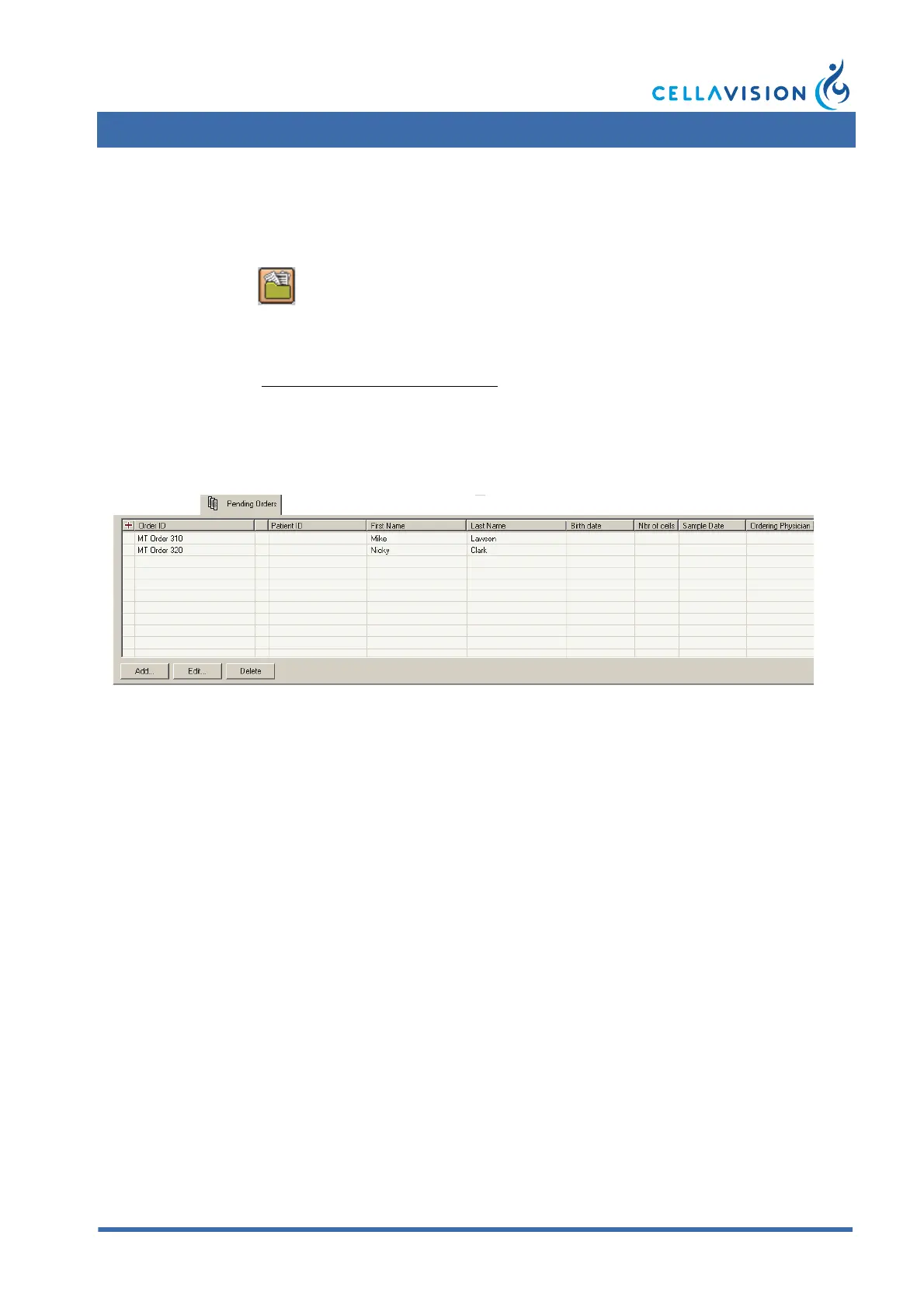
7.3.2 Pending Orders
A pending order has manually been added to the database and has not yet been
processed. Pending Orders are useful when defining scan area for individual slides.
To add an order, click Add.
To view or edit order data, double-click on an order or click Edit.
(Cont'd)
Click Database View in the toolbar.



 To Next Page