21
User’s Manual
CellaVision
®
DM1200
2.5 Processing Slides
View the processing in the animated tutorial.
Open the animated tutorial, goto Help&Tutorial.
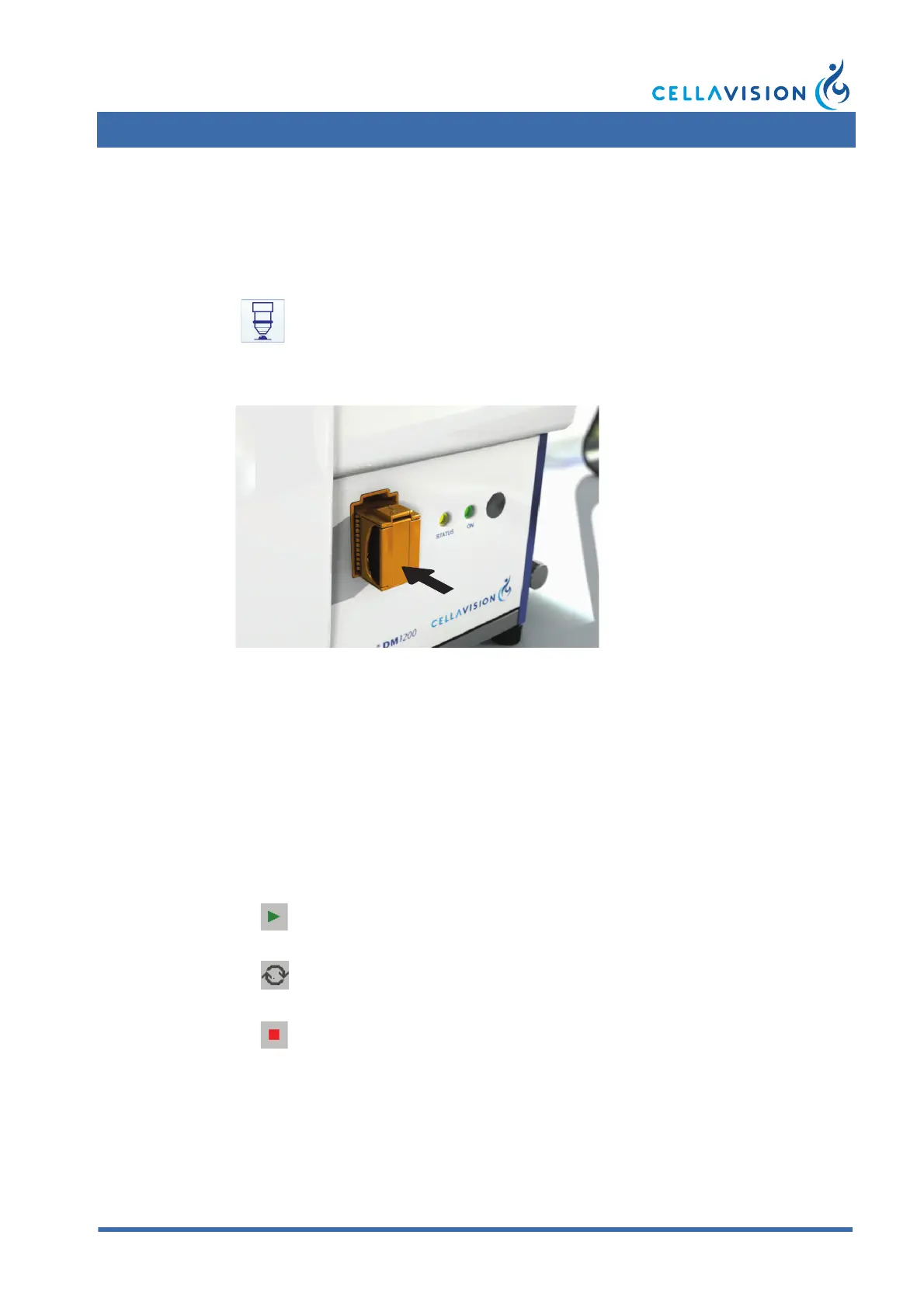
2.5.1 Adding Magazine
Slide the magazine into the magazine holder. The magazine must have the barcode
turned upwards and the open end of the magazine inwards.
When all slides in a magazine have been processed, the magazine is automatically
ejected.
2.5.2 Starting the Slide Processing
The processing starts automatically when a magazine is inserted into the system.
You have to manually start the processing if the system has been stopped, restarted
or if an error has occurred.
(Cont'd)
Click Analyze.
Start button
Autostart - Replaces the Start button.
Stop button



 To Next Page