42
User’s Manual
CellaVision
®
DM1200
Copying Images to Disk
You may copy selected images to disk.
1. Select cells for copying.
2. In the right-click menu select Copy images to disk… and the Copy images to
disk dialog appears.
3. Specify the destination path where you want the images to be saved, use the
browse button to navigate to a suitable folder.
4. Click OK.
Note! The directory you specify in the destination path must exist.
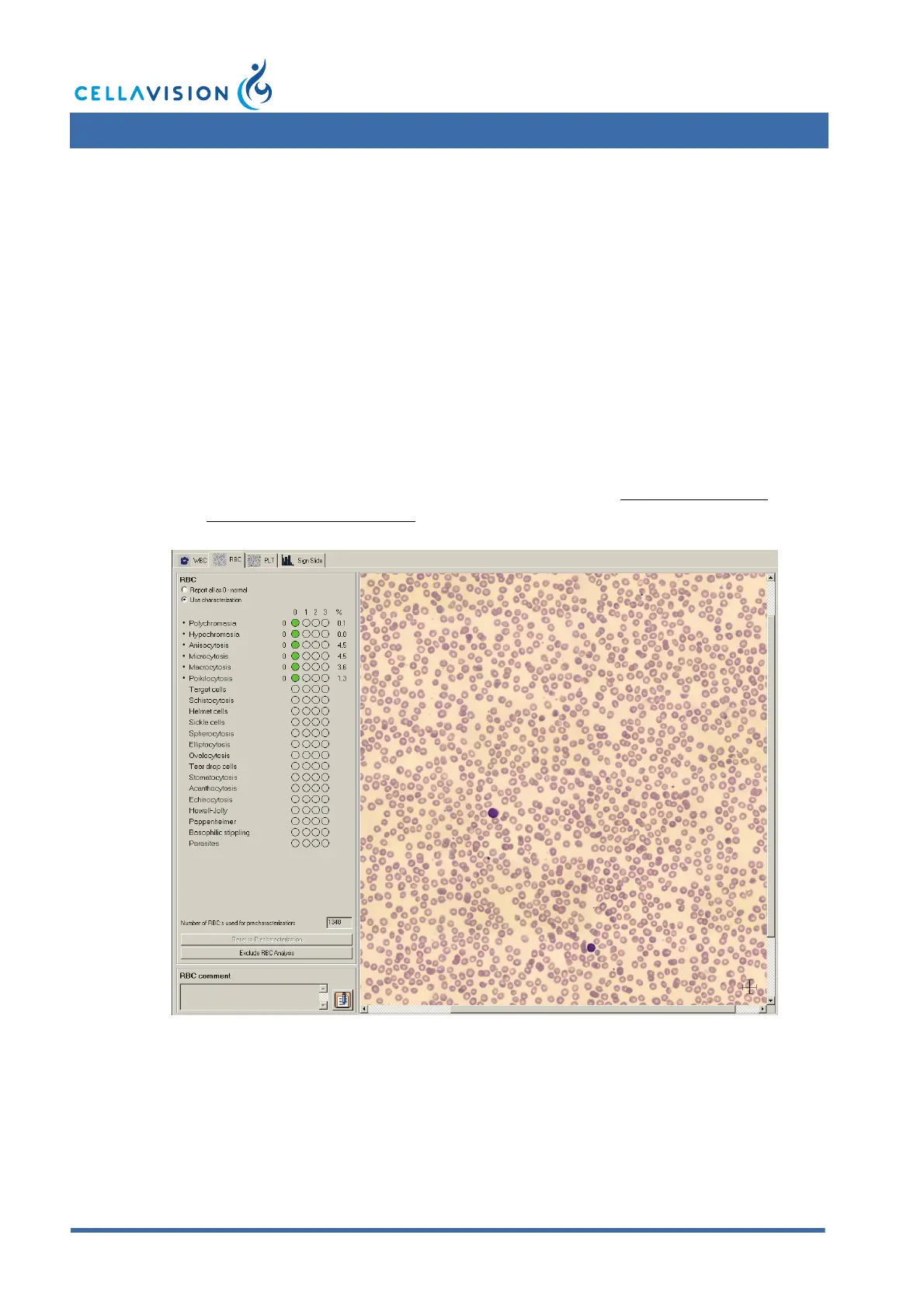
4.1.2 Red Blood Cell Characterization
The RBC overview image corresponds to the area of 8 microscopic high power
fields (HPF) (100x objective and a 22 mm ocular). See 9.5 Adjusting RBC
Precharacterization Settings.
The RBC panel is used for characterization of the RBC morphology. All
morphologies handled by the system are listed. Morphologies precharacterized by
the system are marked with a small dot.
(Cont'd)



 To Next Page