81
User’s Manual
CellaVision
®
DM1200
6.5 Export Log Files
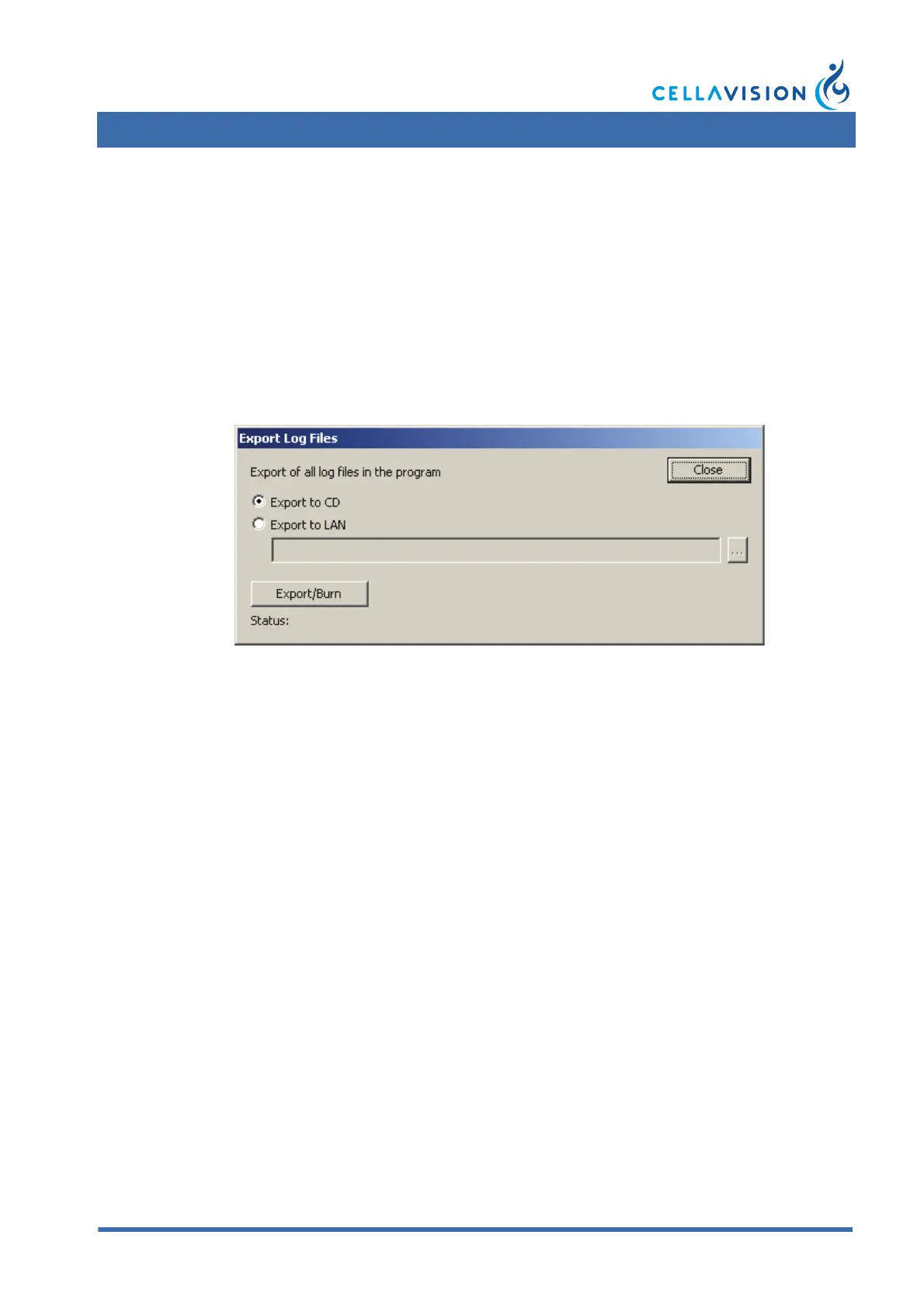
It is possible to export all logging information from the system. If a system error
occurs, the information is needed for trouble shooting. Select Tools/ Export Log
Files. The log files can be burnt directly to a CD, or exported to the LAN (and
then, for instance, attached to an e-mail). The export log files dialog is only
accessible to Administrators.
Note! CellaVision
®
DM must be idle during export. Otherwise, the export will not
be complete.
6.6 Backup and Recovery of the Database
It is important to backup the database quite often. If a hard disk crash occurs, the
whole database will be lost. It will only be possible to recover the data up to the
time when the last backup was made. For more information, see CellaVision IT
Configuration Guidelines or contact your distributors.



 To Next Page