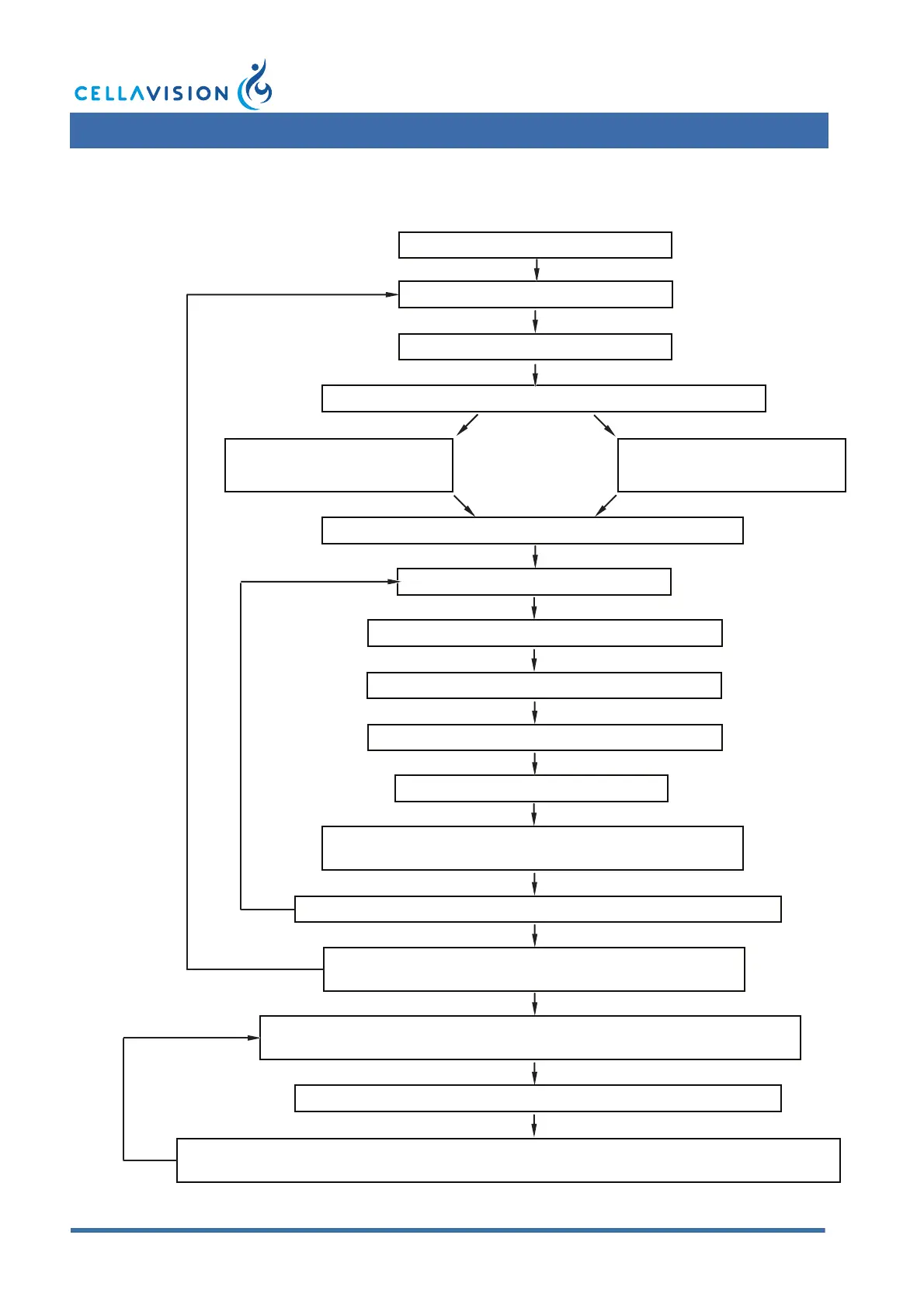
Go to Database View (Shift+F1).
Select orders.
Click Add to worklist.
Click on the Slide Nbr header in the Worklist.
Verify WBC.
Click PLT tab. Perform PLT review.
Click Sign Slide tab.
When the last slide in the order is signed, answer
No to question whether to sign order.
When the last slide in the worklist has been signed,
the Database View automatically opens.
Click RBC tab. Perform RBC review.
Select all slides with Slide
Nbr 2. Click Remove.
Select all slides with Slide
Nbr 1. Click Remove.
Sign the slide.
Double-click on the first slide in the Worklist.
The next slide in the worklist will automatically be opened.
Double-click on the Order you would like to report.
If all slides are signed, the Report View automatically opens.
If necessary, adjust the calculated RBC and PLT results.
Click Sign Order. If you want to make a printout, activate the checkbox Print Order.
The Database View automatically opens.



 To Next Page