91
User’s Manual
CellaVision
®
DM1200
7.4.4 Adjusting Autodelete
It is not possible to archive the orders. All orders will be autodeleted after a
specified number of days.
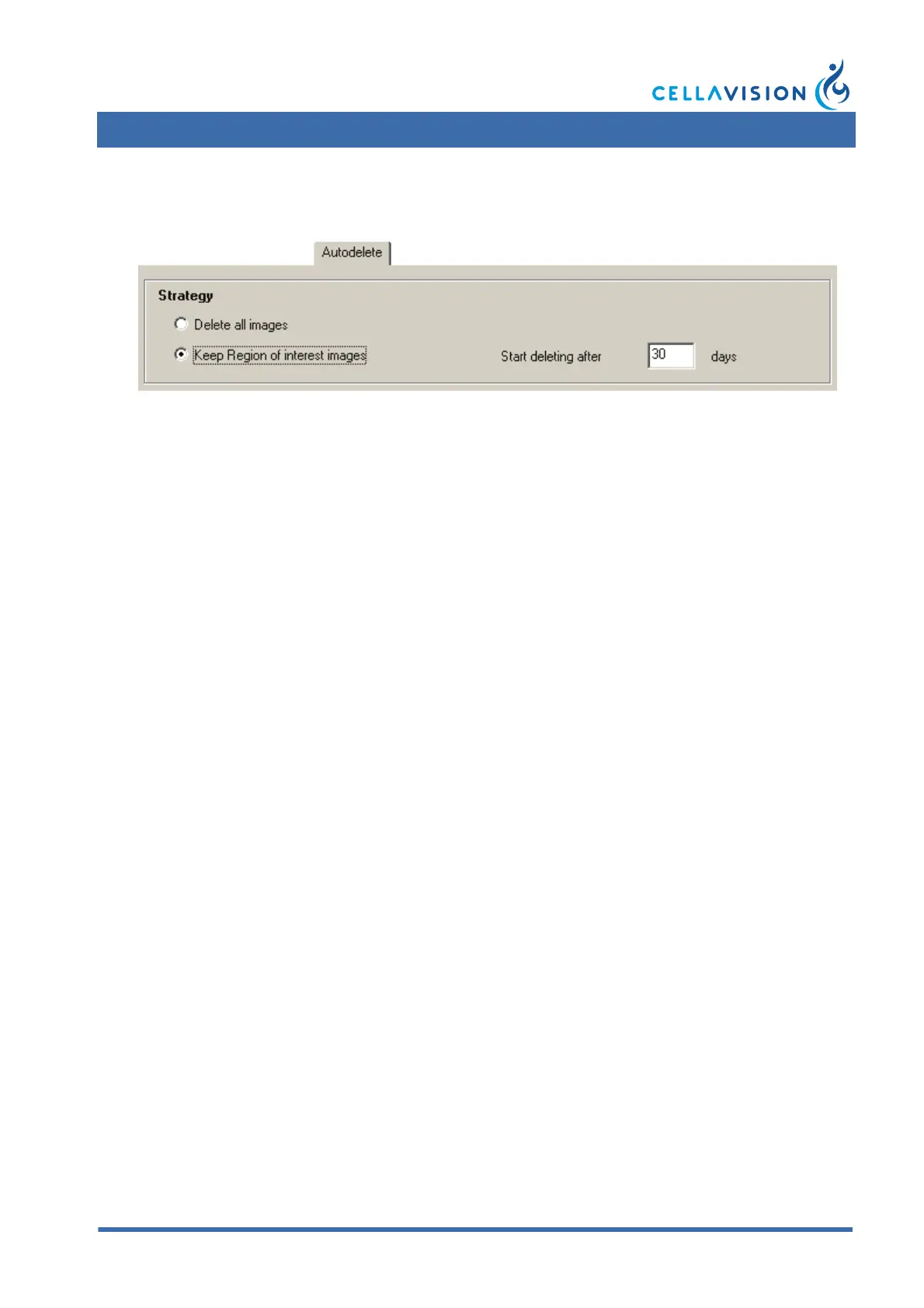
Autodelete Strategy
The autodelete strategy depends on your throughput and the need for saving
images for future use. The autodelete settings are database specific, enabling each
database to have its own autodelete strategy.
Delete all images:
All orders and images are permanently deleted when the time has expired.
Keep Region of interest images:
The orders are not deleted, but all images except the Region of interest and Mini
map images are deleted when the time has expired.



 To Next Page