134
User’s Manual
CellaVision
®
DM1200
12.1.1 Working with Orders/Slides
When opening an order/slide with CellaVision DM1200 or a CellaVision Remote
Review the order and the slide will be locked for other operators. In all other
CellaVision Remote Review and CellaVision DM systems connected to the
database this is indicated with red text in the Order list and Slide list in the
Database View (see 6.1 Database: Processed Orders).
A locked order/slide can be opened but not modified, i.e. no changes can be done
in Verification View and Report View. In the Order data and Slide data panels
“Locked by” indicates who has opened the order/slide (the person logged on to
Windows) and on which computer.
12.2 CellaVision
®
Competency Software
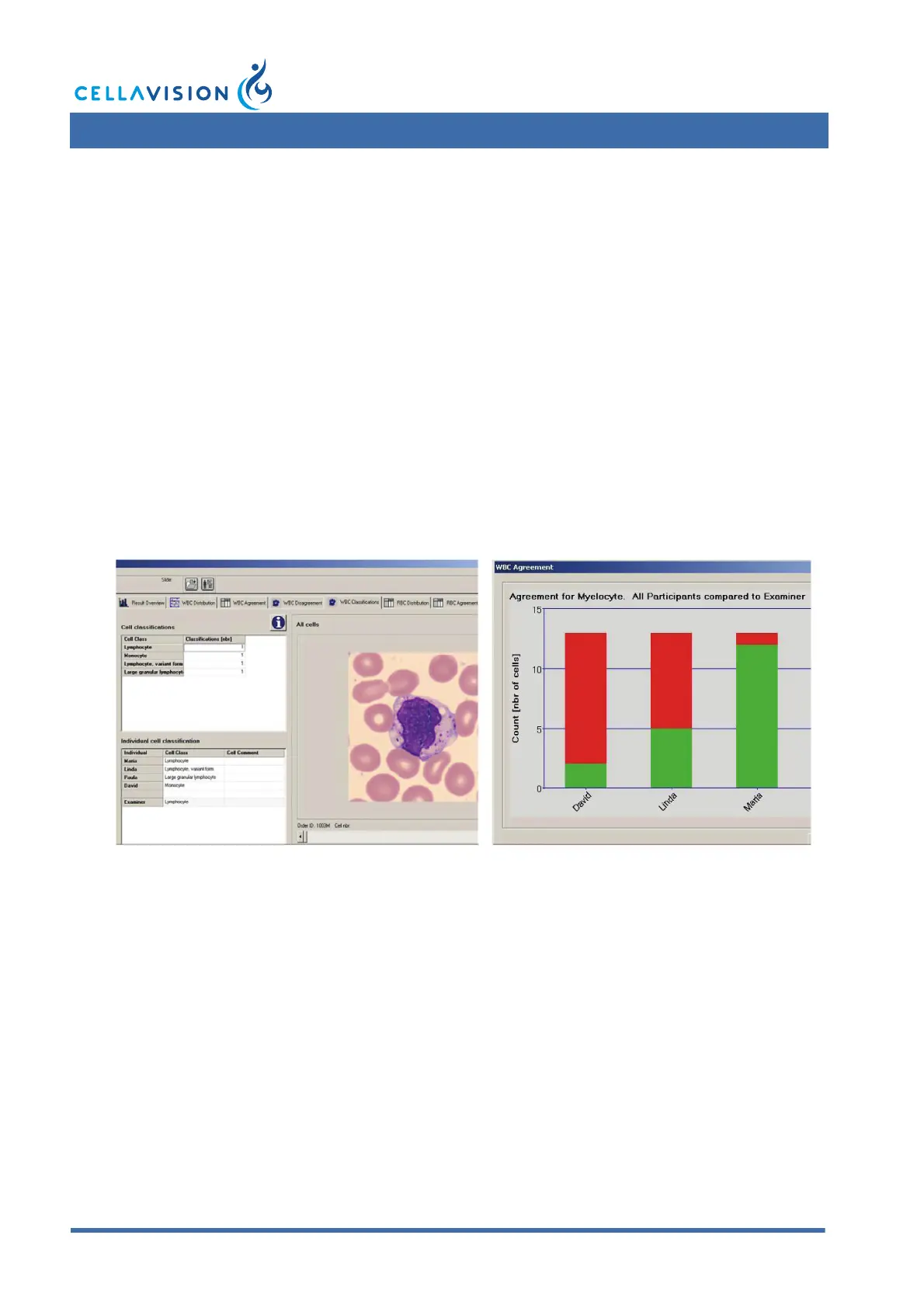
CellaVision Competency Software is a program for education and competency
testing of manual blood cell differentials in laboratories. The product allows labs to
ensure that staffs are trained to report results consistent with lab policies.
CellaVision Competency Software prints graphs and charts allowing identification
and documentation of areas for improvement.



 To Next Page