29
User’s Manual
CellaVision
®
DM1200
3.1.2 Cell location for Body Fluids
The cell location performance shall be verified at regular intervals and after
changes in staining procedure or staining solutions by examining the Cell location
test. It is also recommended to run cell location test for each new body fluid
specimen analysed in the laboratory. For the definition of body fluid specimens see
CLSI H56-A Body Fluid Analysis for Cellular Composition; Approved Guideline.
Running the test once or twice a day is a recommended interval at the high-load
laboratory. The test establishes how many percent of the nucleated cells that are
found on a slide.
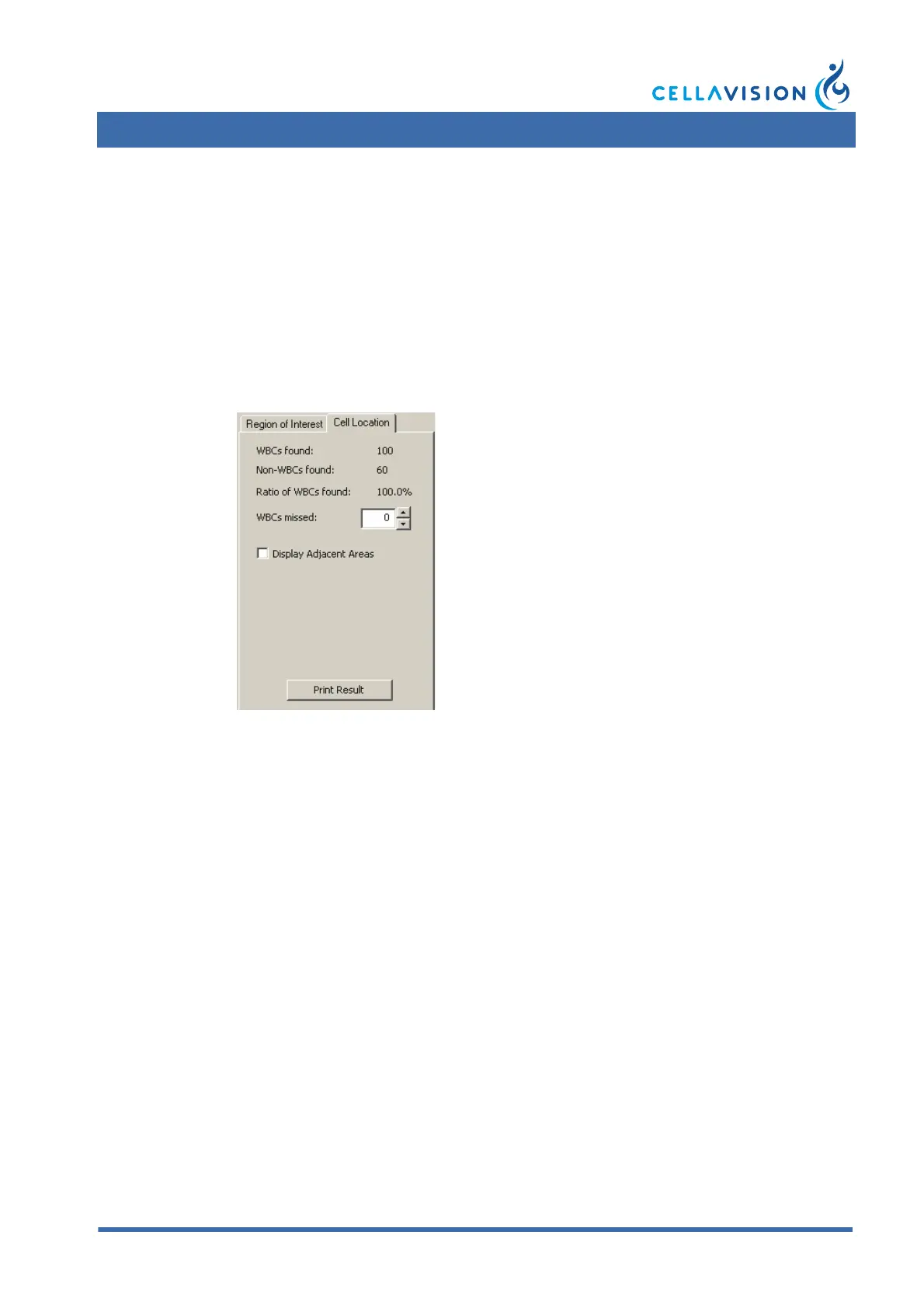
The Cell Location tool may be accessed by clicking on the cell location tab in the
body fluid overview view. Cell location information is available for all BF slides.
Slide Requirements
Use a freshly stained body fluid sample with a total number of nucleated cells less
than 12000.
Running a Cell Location Test
1. Select a slide that meets the requirements and process it like a regular BF slide.
2. Open the slide and go to the Overview and select the Cell Location tab.
3. Navigate through the entire analysis area and look for missed nucleated cells.
Enter the number of missed cells, if any, in the input field.
4. When the entire area has been viewed, check that the result is within acceptable
limits.
Note! It is recommended that you order 10x+50x overview images for cell location
slides.
Note! QC labels are not required for running a cell location test on body fluid
slides.
(Cont'd)



 To Next Page