30
User’s Manual
CellaVision
®
DM1200
(Cont'd)
Examining a Cell Location Slide
Open the slide in question from the database view.
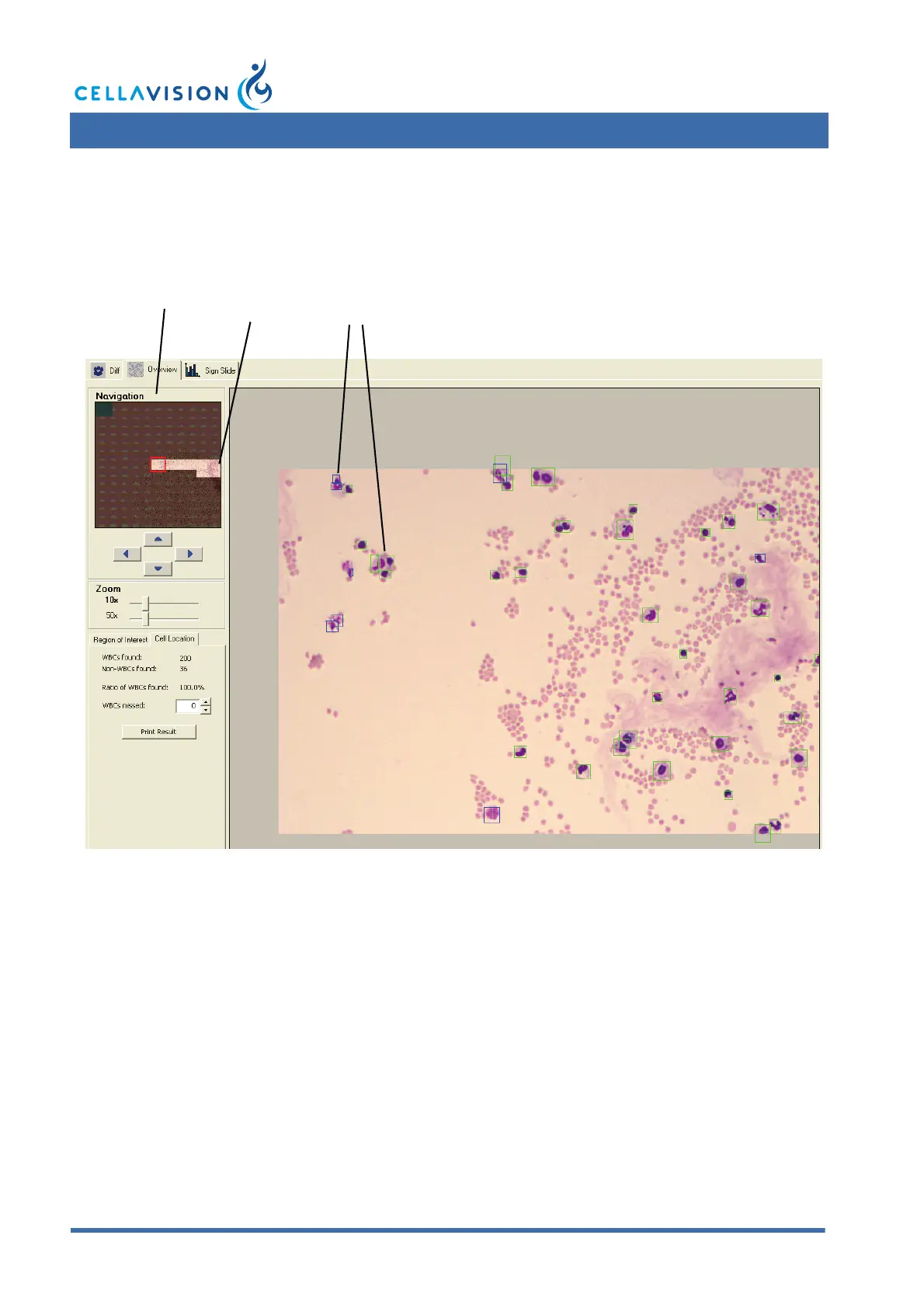
The analysis area used for collecting cells is represented by the bright part of the
mini map.
Navigate through the analysis area and check if it contains any missed nucleated
cells. Green boxes mark the nucleated cells and blue boxes mark other found
objects that are not nucleated cells (e.g. artefacts). Missed nucleated cells are those
cells not marked with a box in the image.
(Cont'd)
Mini Map Analysis
area
Located
cells



 To Next Page