107
User’s Manual
CellaVision
®
DM1200
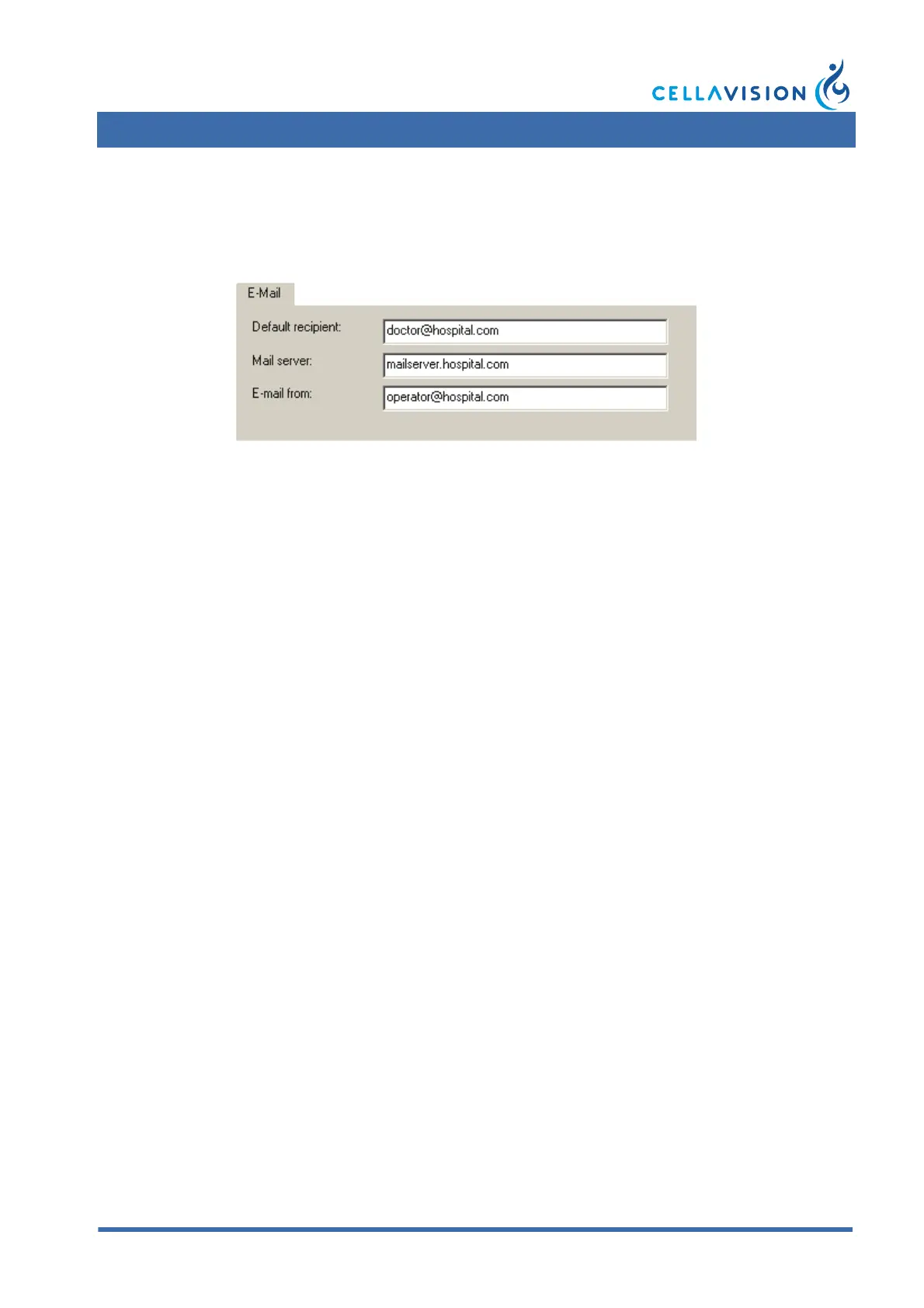
9.10 Adjusting E-mail Settings
Enter Default recipient of e-mail, specify Mail server and E-mail from, i.e. sender
of e-mail.
9.11 Adjusting Archiving Settings
For storage safety reasons and limited hard disk capacity, it is recommended that
you regularly archive the cell images or delete the orders. When you archive, the
cell images and comments are transferred from the database to a CD or a hard disk.
However, if you delete an order with archived images, you will not be able to
access these images again.
(Cont'd)



 To Next Page