77
User’s Manual
CellaVision
®
DM1200
(Cont'd)
B) Automatically
1. Slides are added when the system finishes processing them. This option is set in
Analysis in Settings.
2. When you open an order, all slides belonging to it are added.
Note! The Worklist is emptied when the program is closed
Note! Body fluid slides are not automatically added to the Worklist.
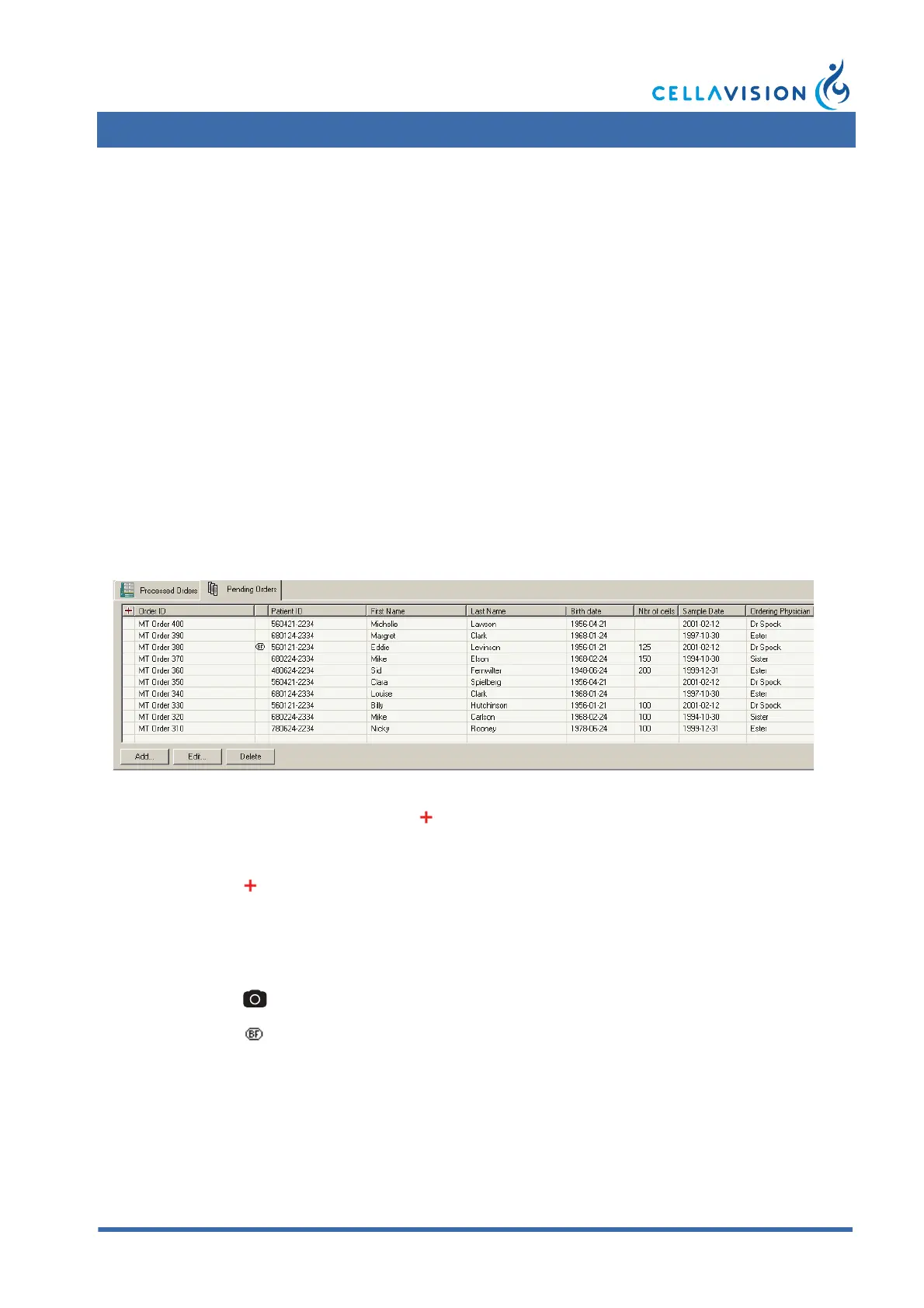
6.2 Database: Pending Orders
The tab Pending Orders contains a list of all pending orders. A pending order is an
order that has been manually added to the database, but not yet processed. This is
useful when you do not have a connection to the LIS.
Note! When an order has been processed it will be removed from the Pending
Orders list and added to the Processed Orders list.
1. Click Add to add a new pending order.
2. Double-click on a pending order, or click Edit, to view/edit the Order Data.
STAT mark
Empty field Not a STAT order.
Order is marked as a STAT order.
Order type
Empty field Peripheral blood order.
CellaVision Image Capture System order.
Body fluid order.



 To Next Page