41
User’s Manual
CellaVision
®
DM1200
(Cont'd)
Right-click Menu:
Right-click on a cell to set/view attributes. A menu appears, allowing the following
options:
1. View DM's 1st, 2nd and 3rd suggestions of classification.
2. Reclassify cell.
3. Add/view cell comments (see 4.1.4 Comments).
4. Split cell or remove split cell.
5. Select cell for e-mail.
6. Save cell as custom reference cell.
7. Save images to disk.
Note! All alternatives are not available for images captured on a CellaVision
Image Capture System.
E-mail
You may send cell images by e-mail.
1. Select select for e-mail, using the right-click menu.
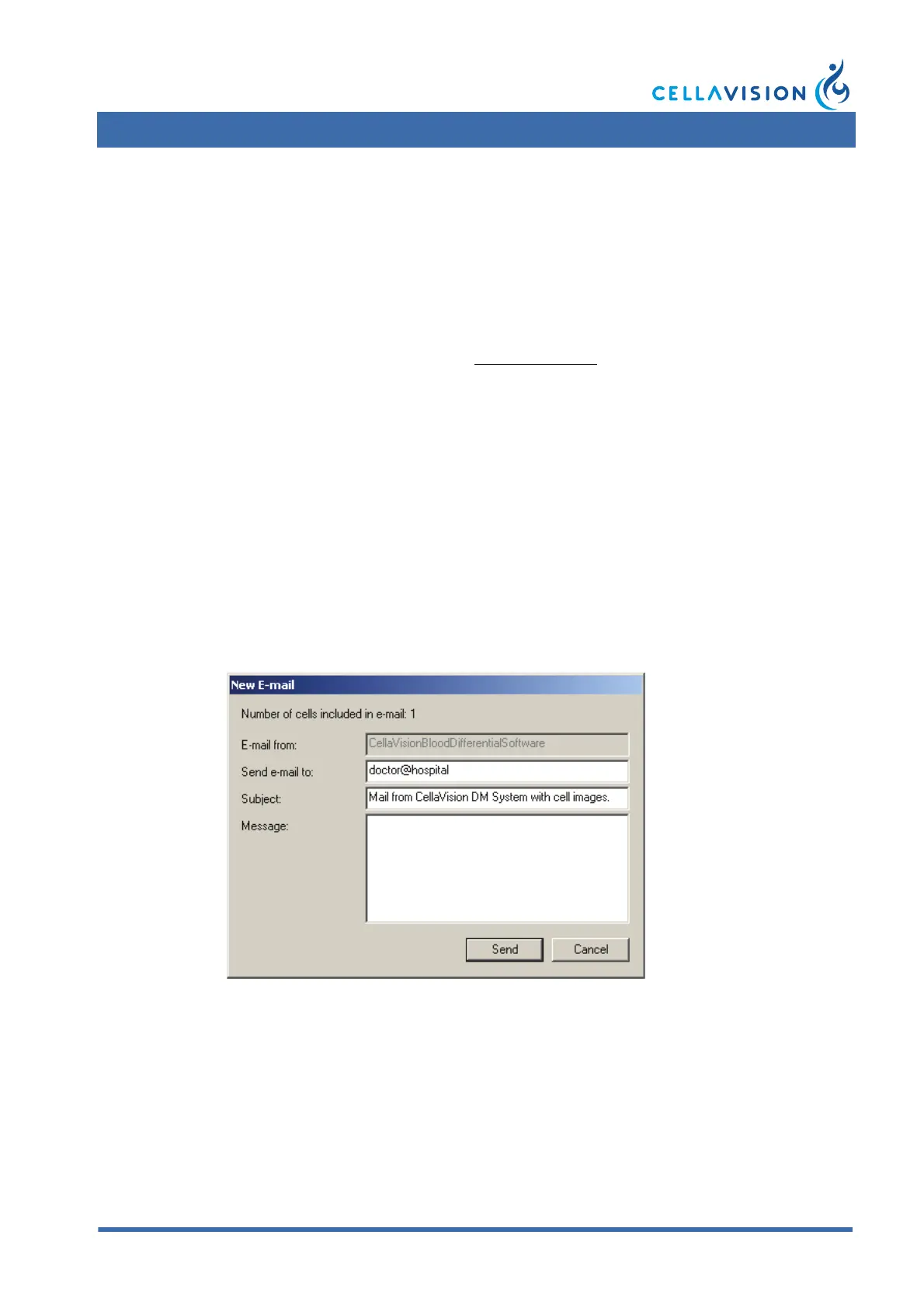
2. Select Tools/Send E-mail and the New E-mail dialog appears.
For default values, see E-mail tab in Settings.
3. If desired, change receiver address.
4. If desired, add Subject and Message.
5. Click Send.
Note! You may only send cells from one slide in each e-mail.
Note! No patient data is sent in the e-mail.



 To Next Page