109
User’s Manual
CellaVision
®
DM1200
(Cont'd)
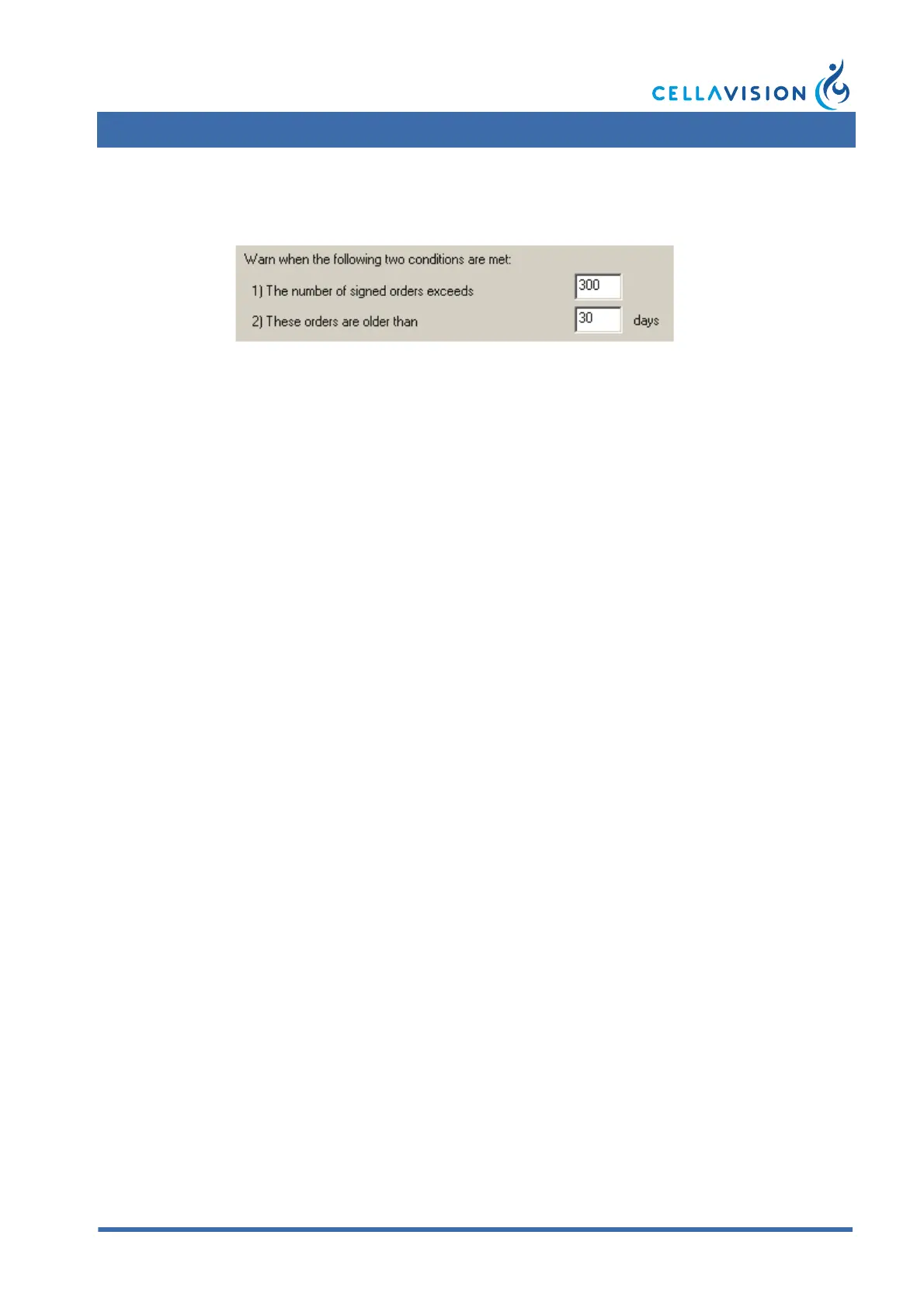
1. Autodelete (Autodelete instead of archive, activated)
All signed orders are permanently deleted when the time has expired. However,
autodelete will not begin until the specified number of candidates has been
reached.
Example: With the setting above, autodelete will not begin until there are 300
orders older than 30 days.
2. Archive images (Autodelete instead of archive, deactivated)
Keep locally at least: Specify the minimum number of days that images from
signed slides shall be stored.
Warn when candidates reach: Specify the minimum number of non-archived
signed orders at which the program shall prompt the user with a warning message
Archive Media
Select your archive media
•CD Archiving
• Network path or local drive
Archived Images
The images are divided into groups. Use the radio buttons to archive either a
certain number of images from each cell class in a group, or all available images,
or no images at all from a group.
(Cont'd)


 To Next Page
 Loading...