147
User’s Manual
CellaVision
®
DM1200
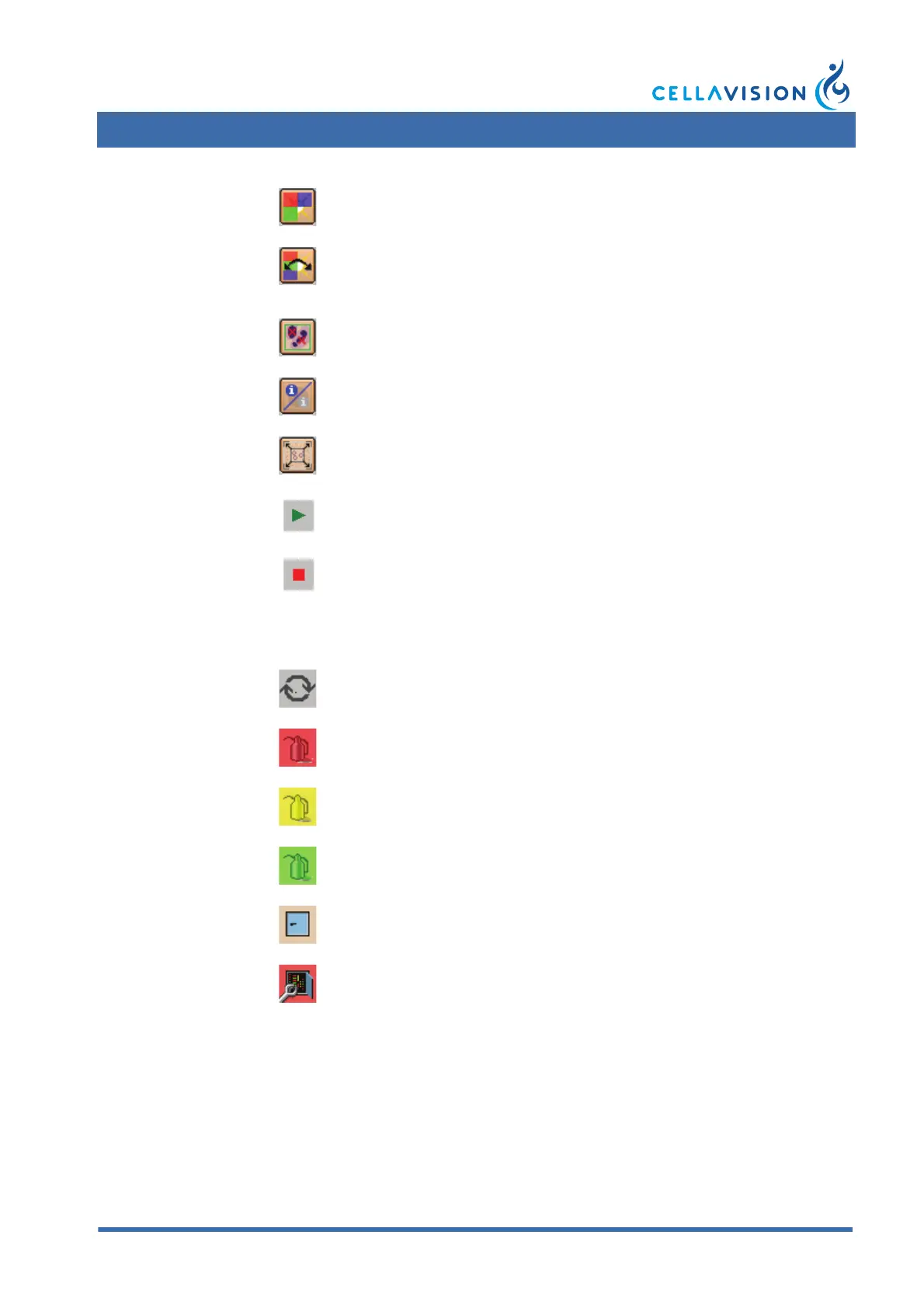
Color/Brightness
Adjusts image color and
brightness.
Toggle Color/Brightness
Toggles between default color
and lights settings and
personal settings.
Cell Marker
Shows/Hides square for cell
identification.
WBC Attributes Shows/Hides WBC attributes.
Entire RBC Image Shows the entire RBC image.
Start
Stop
Indicators
Autostart
Automatic start of slide
processing.
Oil Level Indicators Indicates an empty oil pack.
Indicates need for changing oil
pack.
Indicates a full oil pack.
Hood Indicator Indicates hood is closed.
Indicates hoood is open.
Keyboard shortcuts
Ctrl+w Show/hide Worklist.



 To Next Page