Operating instructions
CF Control 100
6.3.9 P-band [parameters 2, 5]
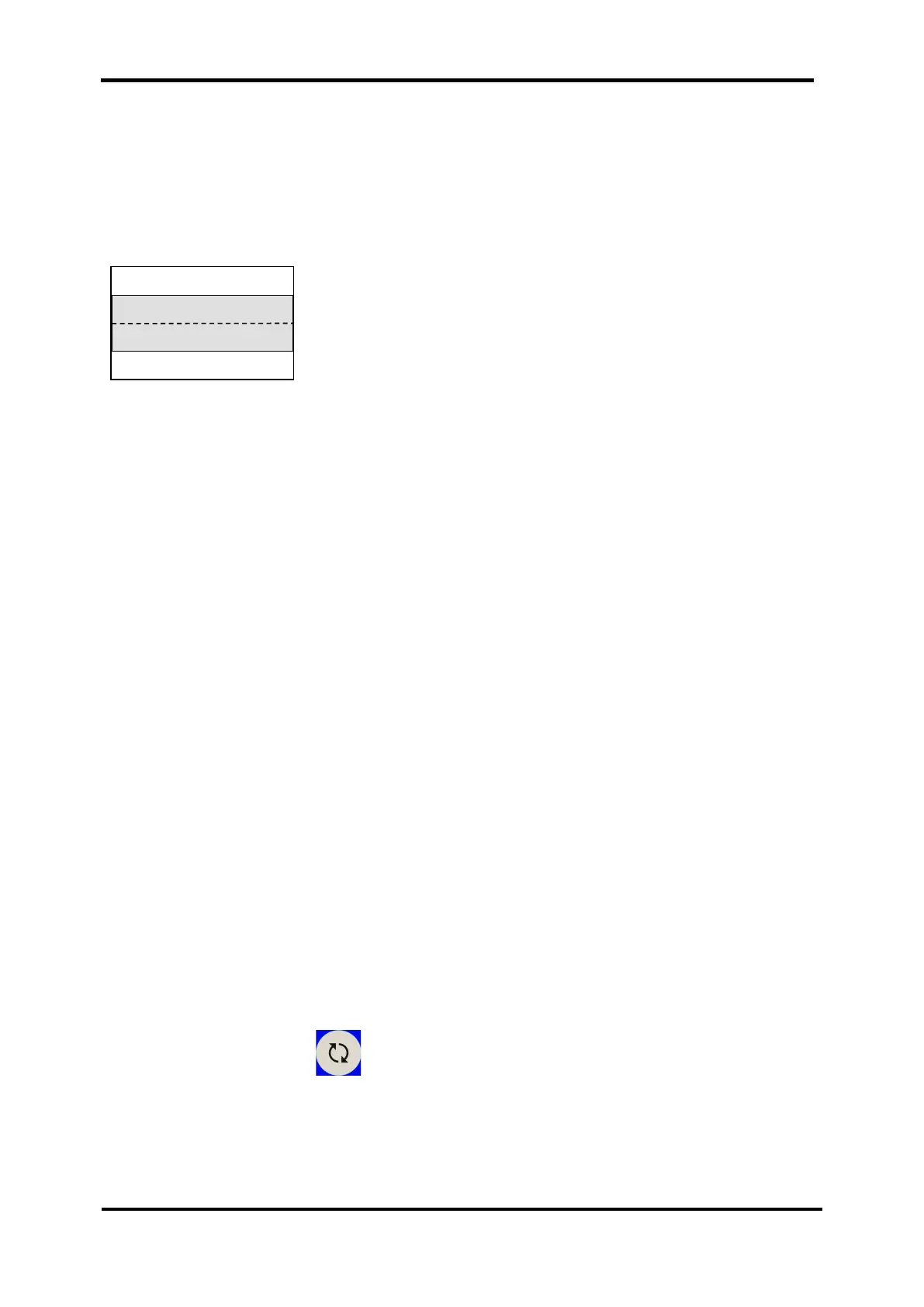
A virtual control range is defined around the setpoint, the so-called P-band
(proportional band). If the measured value is outside this P-band, dosing is carried
out with 100 % of the dosing capacity. If the measured value exceeds the P-band,
dosing is reduced in line with the P-band until the dosing stops altogether on
reaching the set point.
6.3.10 Switch-on delay [parameter 10]
After any interruption in the operation (e.g. initial commissioning, backwashing or
activation of the circulation), it normally takes some time until representative sample
water is available. In order to prevent a resulting overdosing, a switch-on delay time
should be set.
The measuring function is still active, but the dosing pumps remain switched off.
A switch-on delay of 5 minutes is set at the works.
Diode "Dosing on" flashing = switch-on delay active
The switch-on delay is deactivated or changed via parameter 10 (service code
required).
The switch-on delay effects all dosing outputs.
It is restarted every time an error is removed that was triggered by a measuring water
deficiency.
6.3.11 Maximum dosing time (dosing time monitor) [parameters 11, 12]
The dosing time monitor checks for each dosing output whether the dosing is
capable of reaching the last third of the P-band around the set point within the time
set here. If this is not the case, it is assumed that there may be an error (broken hose
etc). For safety reasons, the dosing function is switched off in this case. The following
is displayed:
: Dosing time chlorine exceeded
: Dosing time pH raise exceeded
When the dosing time monitor has responded, you enable (release) the dosing again
in this menu by pressing after the fault has been removed.
The dosing time monitor is restarted each time the dosing is restarted.
If the parameter for the maximum dosing time is set to 0, a monitoring of the
appropriate dosing output is switched off.
Set point


 To Next Page