Operating instructions
CF Control 100
9 Control of the filter pump
9.1 Setting the time [parameter 40]
When you connect a filter pump for time-controlled operation, a time must be entered
first. In this example, the clock is to be set to 20:16.
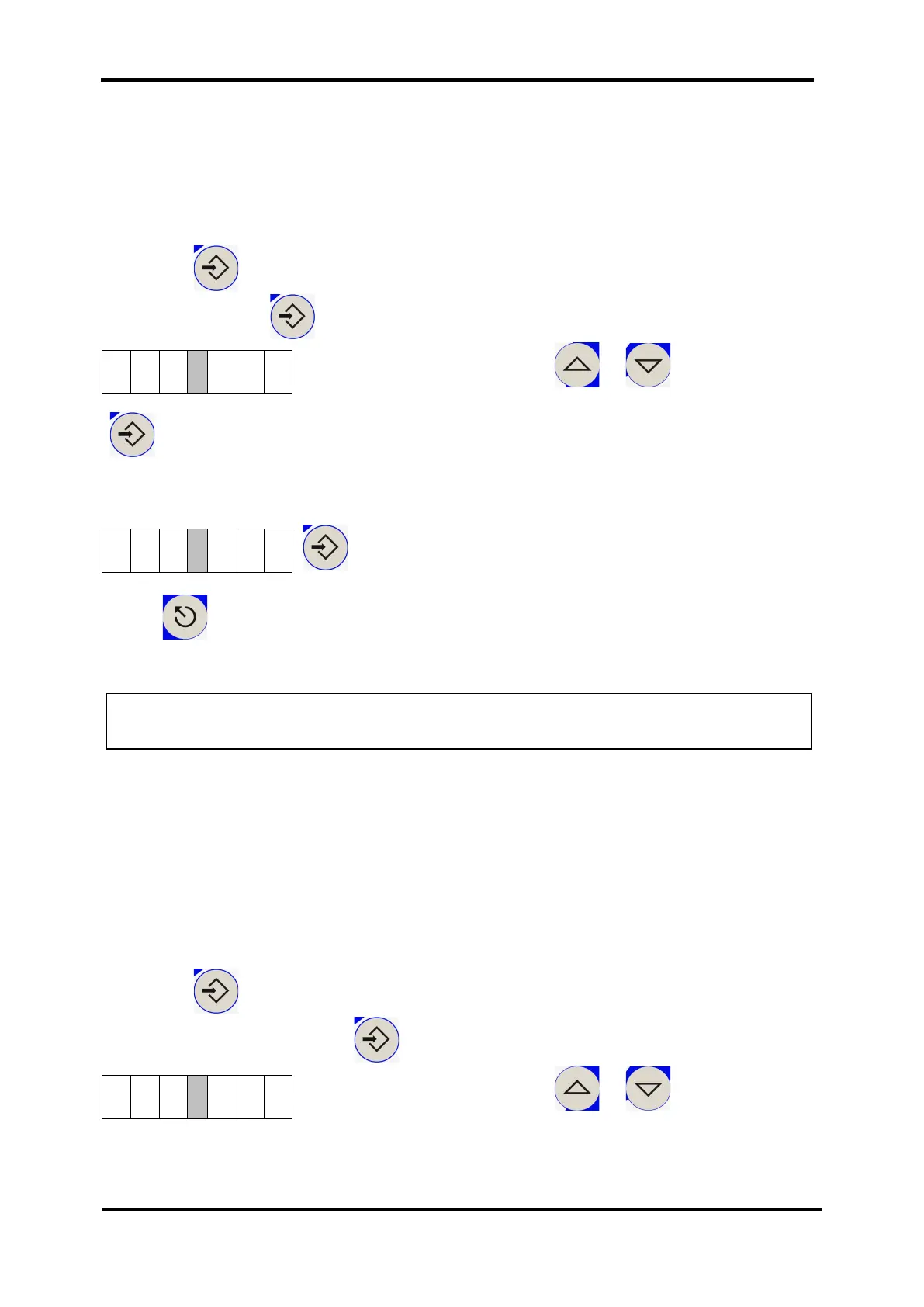
Press the Eingabe / ENTER button and choose parameter P 40 to set the hour
value (confirm with ).
Set the value (right side) using or to the desired
hour, e.g 20:00 h.
Eingabe / ENTER
Select parameter 41 for the minute value and set the desired time on the right side.
In this example, the time is 20:16:
Eingabe / ENTER.
Press to return to the display level.
9.2 Setting the filter times switching marks [parameters 20 - 37]
You can switch a connected filter pump on and off punctual to the minute up to four
times a day. This is implemented by setting switching marks and assigning times to
these marks. The switching marks can be set to the conditions "On" , "Off"
or "Inactive" . These switching marks are evaluated at the corresponding
times, and the pump is connected, if required.
The following is an example for setting and activating switching mark 1 to turn-on
time 20:15.
Press the Eingabe / ENTER button and choose parameter P 20 to set the
switching mark. (confirm with ).
Set the value (right side) using or to the desired
hour, e.g 20:00 h.
Note: If the CF Control 100 is disconnected (switched off) from the mains, the
clock is operated via battery.


 To Next Page