CF Control Commissioning
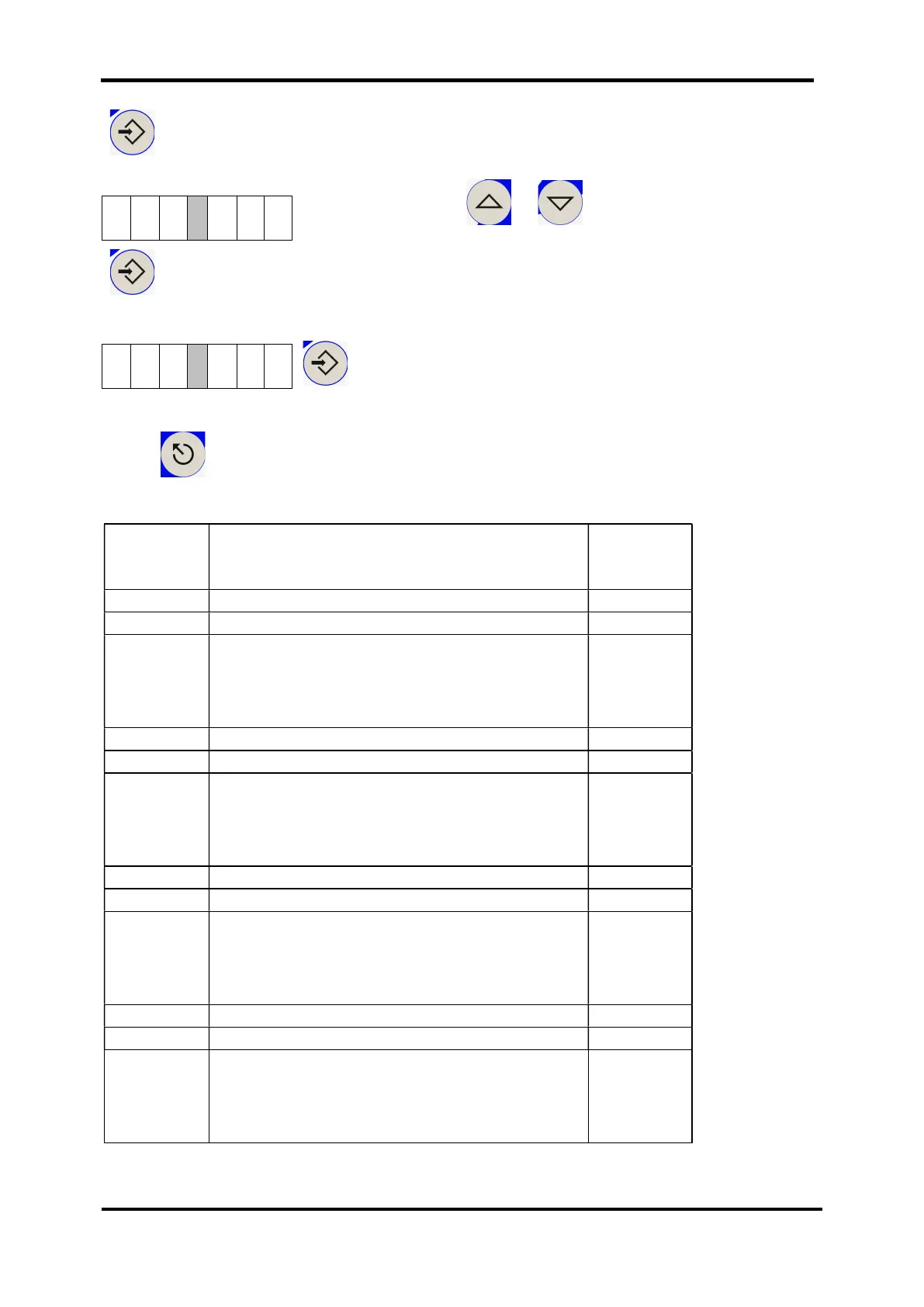
Eingabe / ENTER
Choose parameter 21 for a setting of the minutes.
Set the value using or to the desired minute, e.g.
15 min.
Eingabe / ENTER
You set the desired switching status with parameter 22.
Eingabe / ENTER
At this point, you can set further switching marks according to the following table, or
press to quit the parameter settings:
Parameters
Function / Value Factory
settings
Switching mark 1 minute (0
22
Switching mark 1 condition
: Switching mark inactive
: Filter pump ON
Switching mark 2 minute (0
27
Switching mark 2 condition
: Switching mark inactive
: Filter pump ON
Switching mark 3 minute (0
32
Switching mark 3 condition
: Switching mark inactive
: Filter pump ON
Switching mark 4 minute (0
37
Switching mark 4 condition
: Switching mark inactive
: Filter pump ON


 To Next Page